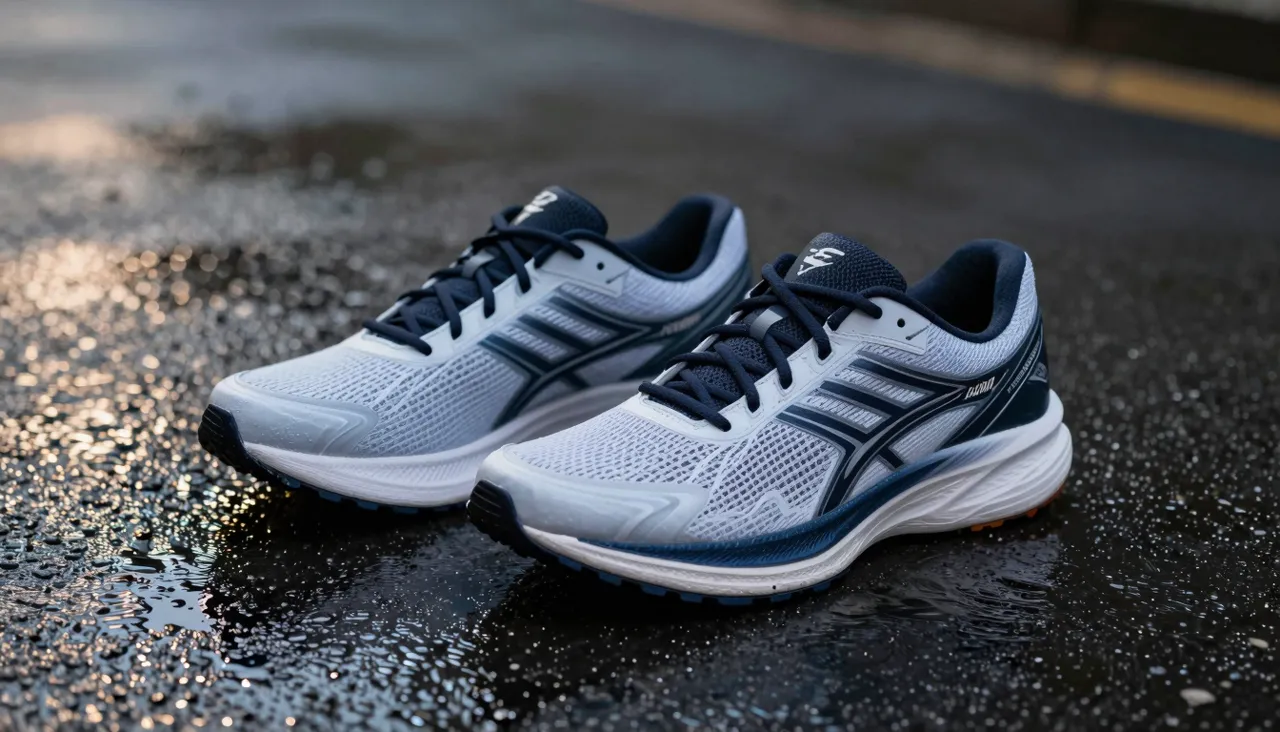
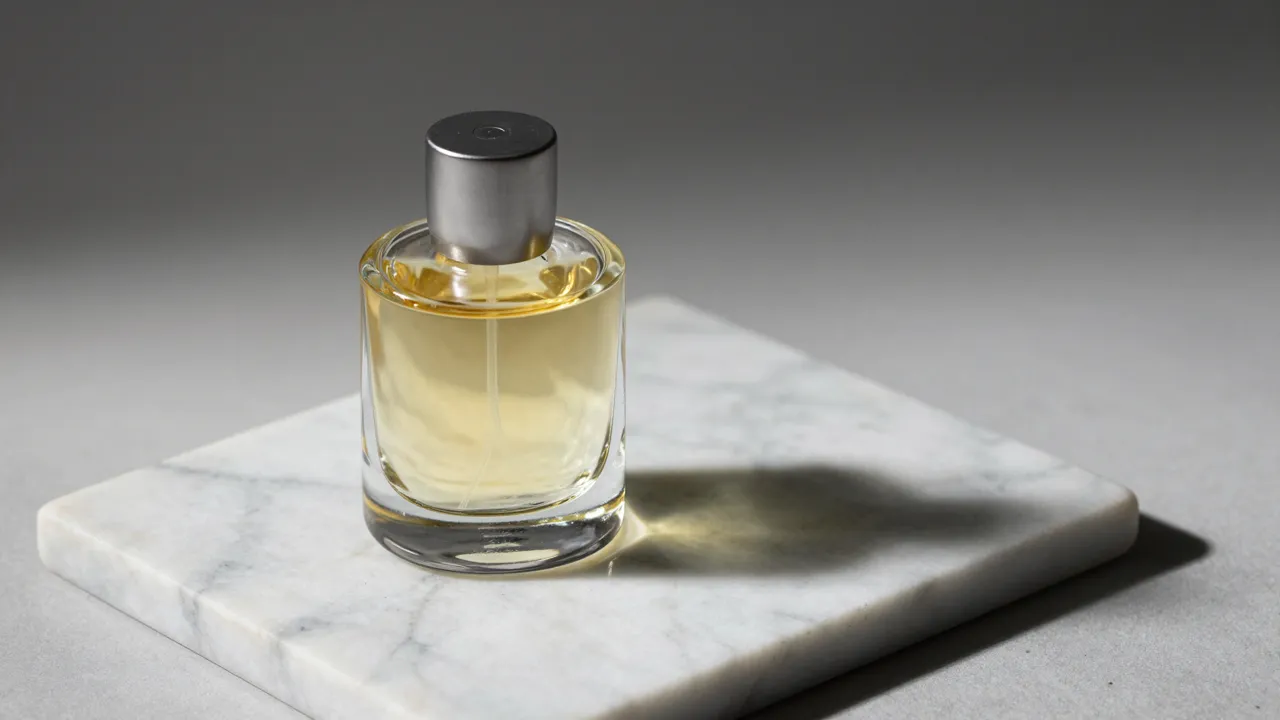
Nano Banana Pro is the family's high-end option for work where image quality is non-negotiable: print, large banners, product cards and dense multi-character scenes. This AI image generator renders at up to 4K resolution and follows long, condition-heavy prompts with several characters more reliably than the lighter versions of the family do.

Reach for Pro when the picture will live beyond a phone screen — in print, on a large ad layout, on a book cover, or in a marketplace listing where buyers zoom in and inspect the details. Output resolution is selected right in the form before you generate: 1K, 2K or 4K, and that top step is exactly what separates this version from its lighter siblings.
For rough drafts and quick sketches Pro is overkill; the same idea can be tested faster and cheaper on the lighter family members without losing anything that matters at that stage. A sensible workflow: nail the composition and the prompt wording on a light model first, then rebuild the final frame here at the highest available quality.
Pro's strength is crowded, layered scenes: several characters with distinct poses and expressions, a shop window packed with a dozen products, an interior where everything matters — from wood grain to reflections in the glass. Given a detailed brief with many conditions, it works through them point by point instead of blending objects into mush or dropping the minor participants.
Write such prompts like a spec sheet: who is in the frame, where they stand, what they do, how the light falls, what sits in the foreground and what in the background. A structured brief combined with high resolution produces frames that go straight into a working layout with no retouching — the main reason designers pick this particular version.

Pro accepts up to eight reference uploads at once, which suits brand work especially well. Feed it a product photo from the right angle, a couple of visual identity samples and one mood shot — the model assembles a new scene while keeping the recognizable brand elements intact and preserving the fidelity of your source images.
References also power series production. Once a product card comes out right, attach it to the next request and the whole line stays visually consistent: same lighting, same angle, same treatment, with only the product itself changing. For an online store with dozens of items, that saves hours of photographer and designer time.
Ten aspect ratios are available, from a 1:1 square and portrait 3:4 and 9:16 up to a 21:9 panorama. That range covers social feeds, print layouts and wide site headers alike — you never pick pixel dimensions by hand, you simply choose the proportion that fits where the finished image will live.
Output comes as JPEG or PNG. JPEG is usually enough for photographic subjects headed to the web; choose PNG when crisp edges, flat color areas and small design details must stay perfectly clean. Keep in mind that 4K files are considerably heavier — for a story post or an avatar, the first quality step is plenty.
Each family member has a job: the original Nano Banana handles quick photo edits, Nano Banana 2 is the versatile everyday new generation, and Lite covers cheap bulk drafts. Pro stands apart as the finishing tool — the one you switch on when the result goes to a client, to print or onto a storefront.
The good news: switching between versions costs nothing in effort. Your prompt and uploaded references stay in the form, so comparing how the different family models interpret one and the same scene takes about a minute — and then you decide, based on what you see, which level of quality this particular task deserves.
Longer than 1K — higher resolution means more computation, and exact timing depends on current load. For a quick draft to discuss with colleagues, start at 1K, then rerun the exact same prompt at 4K for the final version without changing a word.
Generations are paid from a single token balance shared by all tools on the site, and the price depends on the quality settings you pick — higher resolution costs more per run. The exact amount is shown before you start, so there are no surprises.
For phone-screen viewing, quick photo fixes and idea testing, the base Nano Banana or Lite will do — viewers rarely notice the difference there. Pro pays off on print work, large ad layouts and scenes packed with characters and fine detail.