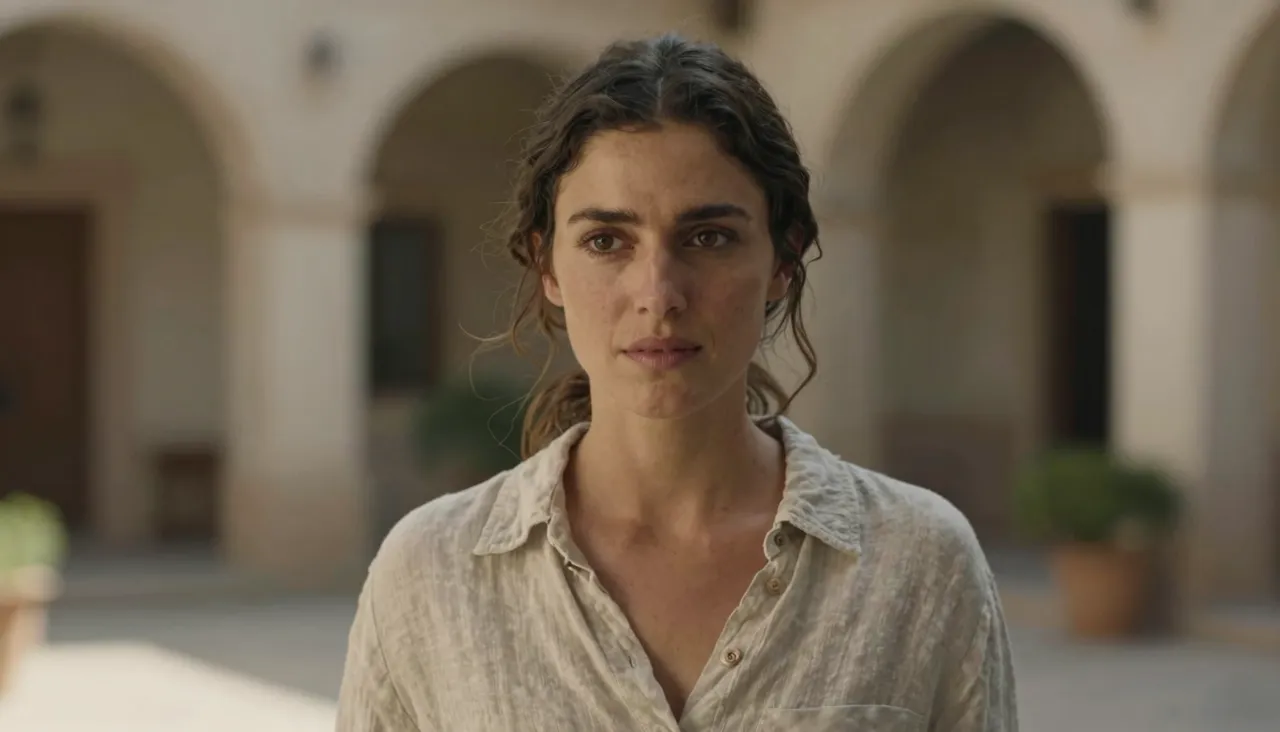
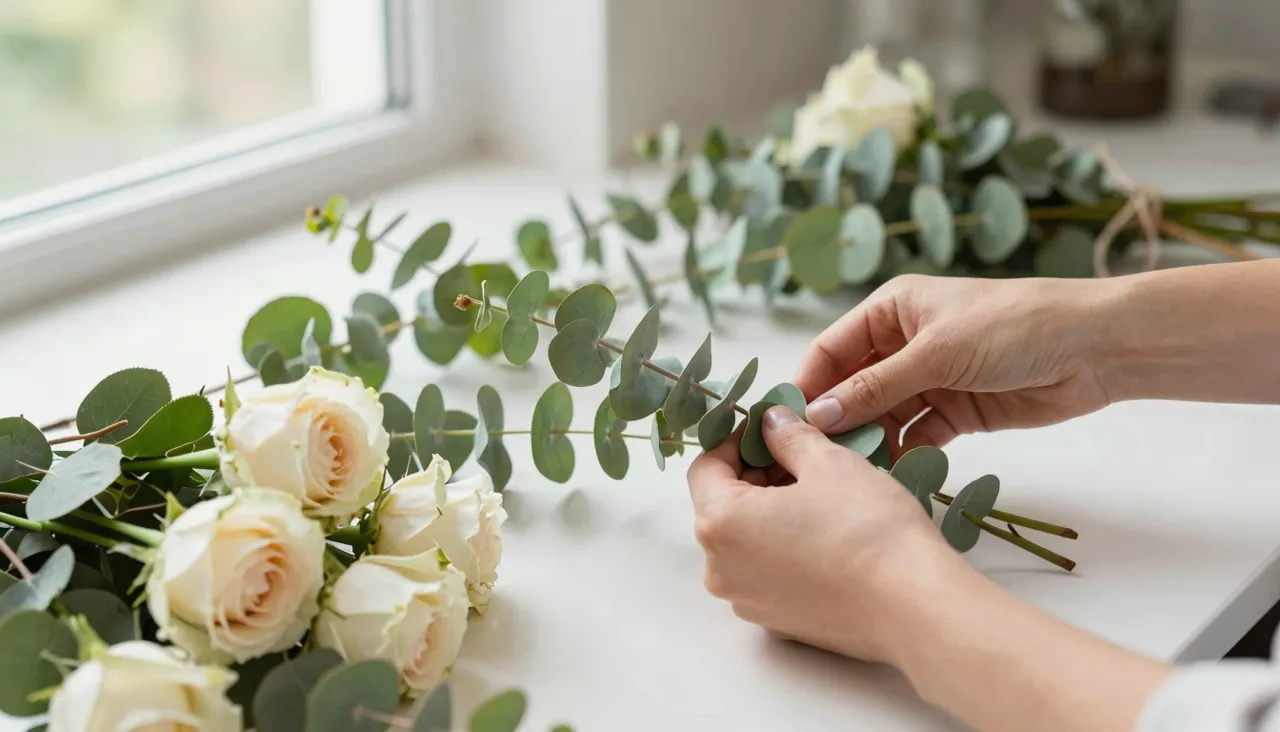
Jimeng 5.0 is an AI image generation model built around control: seven aspect ratios, a 1K or 2K resolution switch, a negative prompt field and a slider that sets how densely the model renders detail. It suits people who need a specific frame for a specific job, not just something pretty. Up to ten reference images can back a single request.

The earlier generation bets on simplicity: a prompt box, one reference, done. Version 5.0 hands you the dials instead. You lock the frame format before generating, pick the output resolution, ban unwanted elements through a negative prompt and decide how heavily the scene gets detailed.
In practice that means fewer redo cycles. Where you used to regenerate until the framing accidentally matched your layout, now the layout is set upfront. Results become repeatable, which matters when a picture has to fit a template, a storefront card or a print spec.
A regular prompt tells the model what to draw; a negative prompt tells it what to avoid. The field is optional, but it fixes recurring annoyances fast: list terms like text, watermarks, extra fingers and blur, and those artifacts largely stop showing up in your outputs.
It also shapes content. Generating an empty winter landscape? Put people in the negative field. Building a clean product scene? Add harsh shadows there. Excluding things this way is far more reliable than writing negations inside the main prompt, which image models often misread as instructions to include.

Seven frame formats are available: square 1:1, vertical 2:3, 3:4 and 9:16, horizontal 3:2, 4:3 and 16:9. That covers stories and video covers, feed posts, product cards and wide banners. The image is generated in the target proportion from the start — no cropping afterwards.
Resolution comes in two steps, 1K and 2K. For drafts, previews and social feeds 1K is plenty and renders faster. Choose 2K when the image will be viewed large — print, cover art, hero banners — where the extra detail budget genuinely pays off. Price scales with the quality you select.
A dedicated slider controls how aggressively the model packs the frame with detail. The default sits at the midpoint and suits most jobs. Pull it down and you get calmer, cleaner images that lean toward minimalism and flat illustration styles.
Push it up and the frame turns rich: textures, micro-elements, layered light. Great for fantasy scenes and dense interiors, easily too much for a simple subject. Move it one step at a time and compare runs in your history to find the range that matches your taste.
Jimeng 5.0 accepts as many as ten reference images per request, each up to 10 MB. Feed it a character from one shot, a style from another, a color palette from a third, and ask for a new scene assembled from those ingredients. The clearer you assign a role to each sample, the tighter the result.
References also keep a series consistent. When a project needs a batch of visuals in one visual language, attach the same sample set to every request and the look carries over from frame to frame. All finished work lands in your history for download or a corrected rerun.
Pick 5.0 whenever format matters: you need an exact aspect ratio, higher resolution, a negative prompt or several references at once. If you just want a quick decent image from a sentence, 4.5 covers that with less to configure.
Anything you don't want in the picture: common artifacts such as text, watermarks or distorted hands, or content like people and logos. Keep entries short and comma-separated. Leaving the field empty is fine — it is optional.
No. 1K is enough for feeds, drafts and previews, and it generates faster. Reserve 2K for images that will be printed or displayed large. The cost of a generation depends on the quality settings you choose.