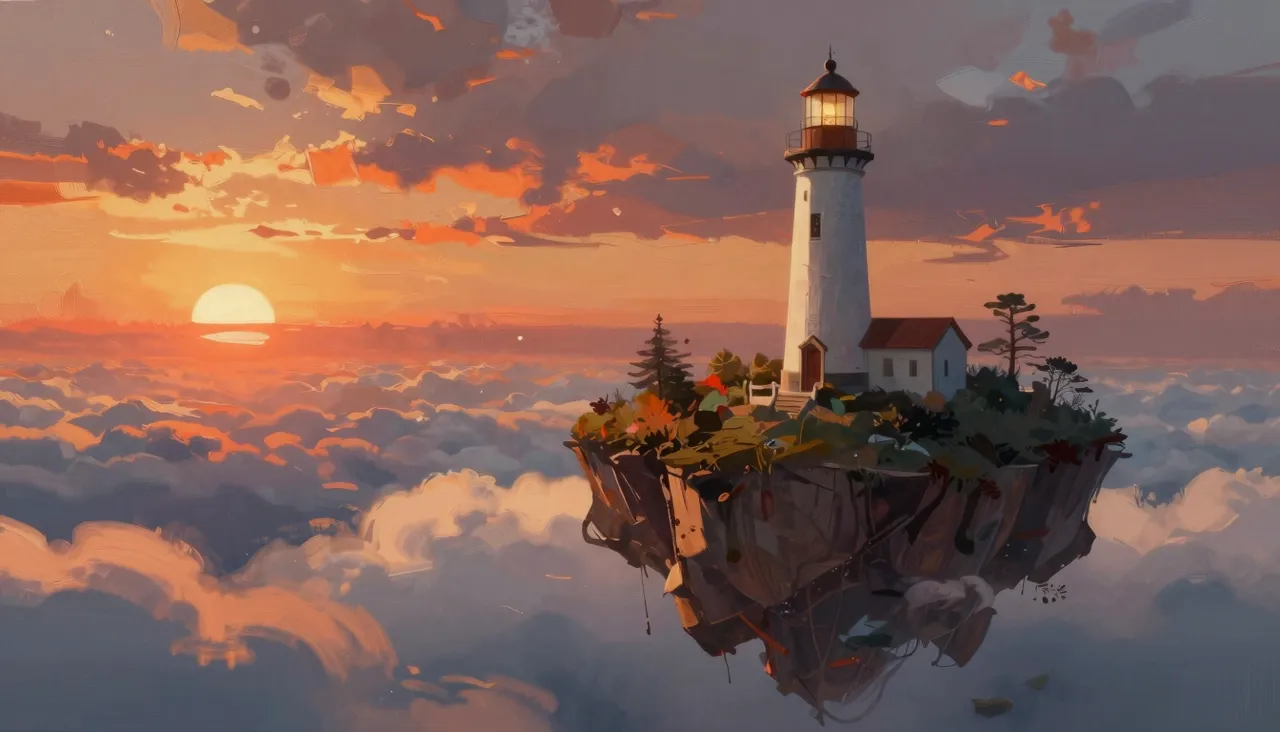
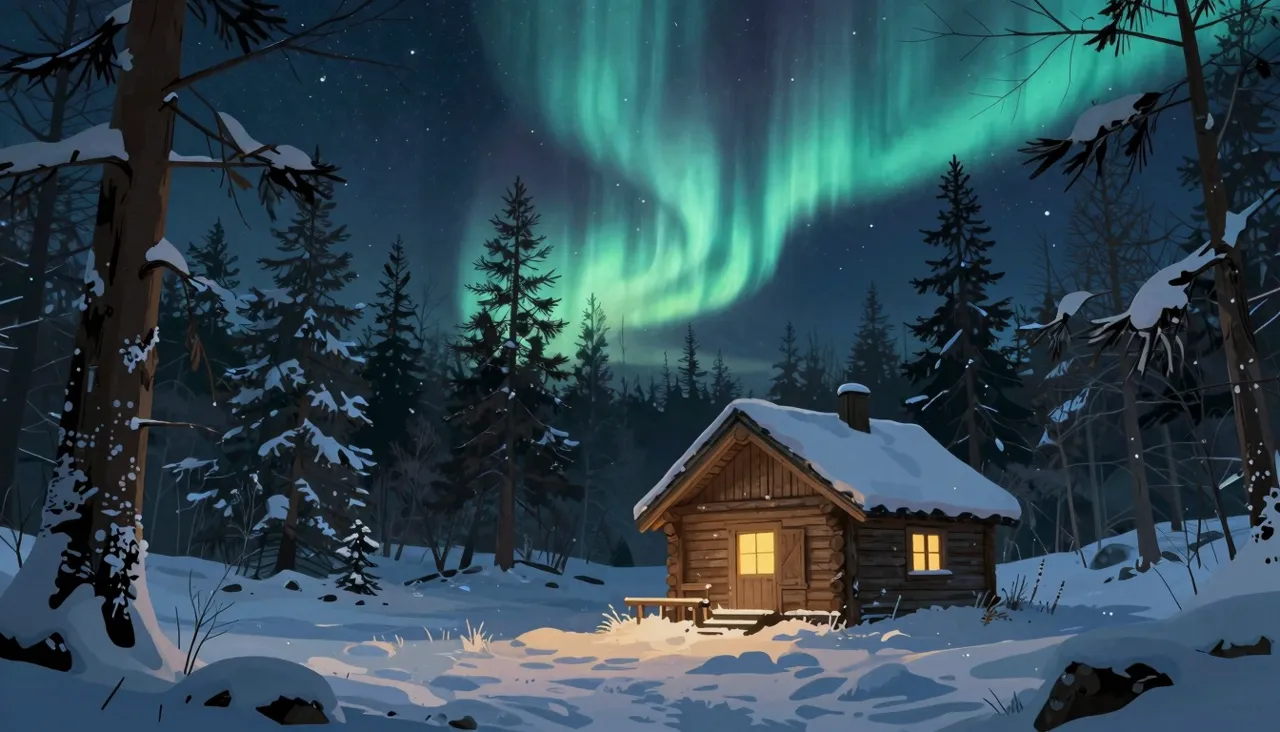
Midjourney is the most famous name in AI image generation, and on this page it runs straight from your browser — no Discord server, no slash commands. The model is loved for its painterly instincts: lighting, color and composition come out looking art-directed rather than computed. Every run hands you several takes on your idea, so you choose the strongest one.

Where most generators chase literal accuracy, this one adds flavor: dramatic light, a deliberate palette, texture that feels hand-worked. That is why it dominates posters, album covers, fantasy art, moody landscapes and portraits with atmosphere. Even a dry, factual prompt tends to come back looking like something you would frame.
Each run produces a set of variants instead of a single image. That reshapes the workflow — you compare interpretations side by side and keep the best, rather than gambling everything on one roll. You can also attach your own reference images to steer the style or the contents of the frame.
Generation speed is a three-way choice in the form. Relaxed is the unhurried, most economical lane — ideal for bulk experimenting when nothing is on fire. Fast is the everyday default. Turbo exists for moments when the picture is needed mid-meeting, while the client is still on the call.
The key fact: the mode changes waiting time and cost, not artistic quality. The same idea renders equally well in Relaxed and Turbo — only the clock differs. A sane habit is to do exploratory work in the slow lane and pay for speed only when a deadline genuinely demands it.

A dropdown offers the engine generations: the latest V7 plus V6.1, V6, V5.2 and V5.1. Newer versions parse long prompts better and stumble less on anatomy; some artists deliberately pick older ones for the signature look of that era. Switching is free, so testing one prompt across generations takes minutes.
Niji 6 stands apart as the anime and manga specialist. For a character in Japanese style, a light-novel cover or a frame that could pass for an anime still, choose it over the main line — a dedicated engine beats asking a general one to fake the genre.
Fine control lives in three sliders. Stylization (0–1000) sets how hard the model pushes its own aesthetic — low means obedient to your text, high means maximum authorial flair. Weirdness (0–3000) injects unpredictability and surrealism. Variety (0–100) decides how far apart the variants within a single run land from each other.
Start at the defaults and move one slider at a time so you can tell what caused what. Cranking weirdness and stylization together yields the strangest frames — great for idea mining, terrible for hitting a precise brief. Aspect ratios, by the way, number eleven, from square and 5:6 up to the elongated 1:2 and 2:1.
No. Everything happens on this page: type the prompt, pick your settings, hit generate. Results appear in your on-site history, ready to download. There are no third-party apps or slash commands involved.
Go with V7 — it understands natural descriptions best and makes the fewest detail mistakes. Choose Niji 6 for anime and manga work. Older versions are worth exploring only when you are after the distinct look of a past generation.
Only turnaround time and cost. Relaxed is slower and cheaper, Turbo is quicker and pricier, Fast sits between them. Image quality and style are identical across all three, so pay for speed only when you truly need it.