Kling 2.6 Motion Control: animate a character from a video sample
Bottom Line Up Front (BLUF): Kling 2.6 Motion Control generates AI video by borrowing movement. You upload two files — a picture of a character and a clip of someone moving — and get an animation where the look comes from your picture and every motion comes from the clip. It is motion capture without suits, sensors or animation software: the uploaded sample does all of that work.
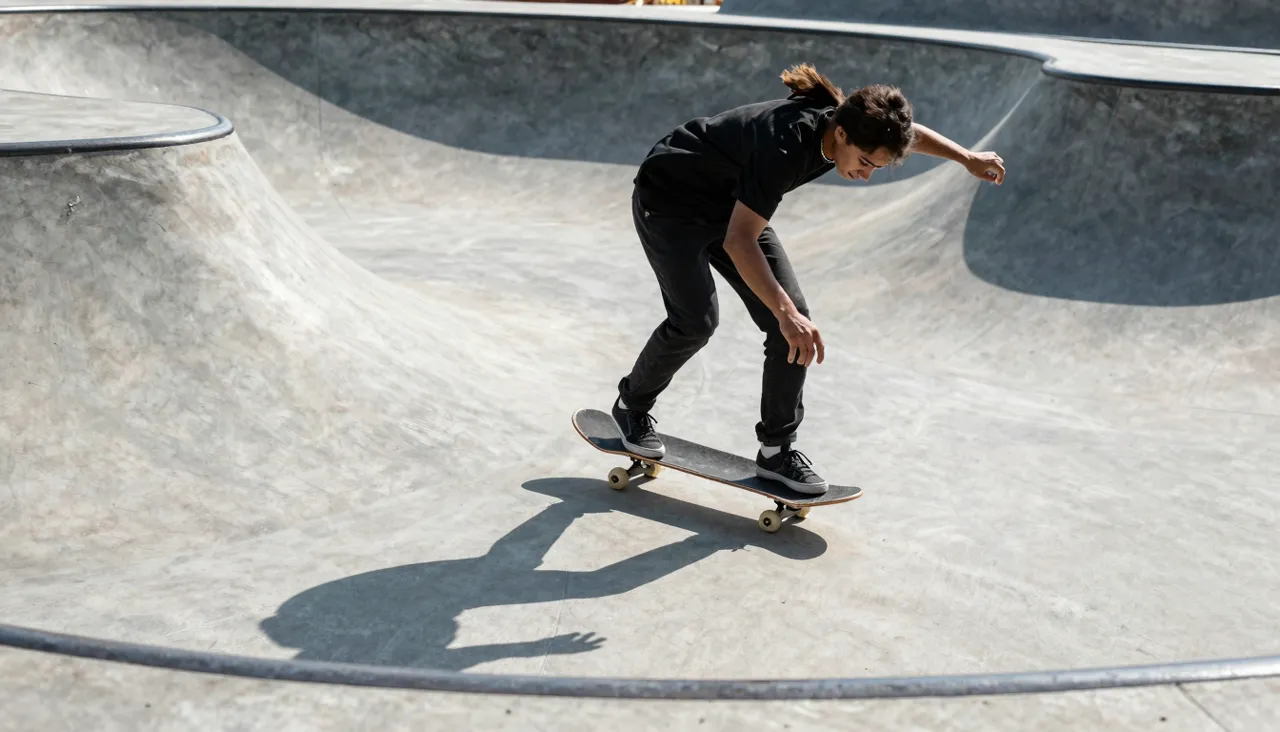
The two-file recipe behind it
File one is an image: a photo, a digital painting, a game character — anything with a recognizable figure. File two is a video of the movement you want performed. The network breaks the clip into a sequence of body poses and drives your character through the same sequence, painting in whatever the original picture never showed, like the back of a jacket mid-turn.
A text prompt plays only a supporting role here; the two files carry the meaning. That makes the output unusually predictable — you have already watched the motion you are about to receive. Compare that with prompt-only generation, where every camera move and gesture is a roll of the dice.
Best jobs for this generation
Dance content is the obvious headliner. Short-video trends burn out in weeks, and shipping your own version — with your character doing the routine — the same day you spot the trend is a genuine advantage. Find or film the sample, swap in your hero, post while the sound is still hot.
Beyond dancing, it suits any clip built on recognizable body language: athletic moves for a preview, a presenter's gestures for an announcement, exaggerated pantomime for kids' content. Illustrators use it to pitch characters in motion; small shops use it to make a mascot perform without paying for animation.
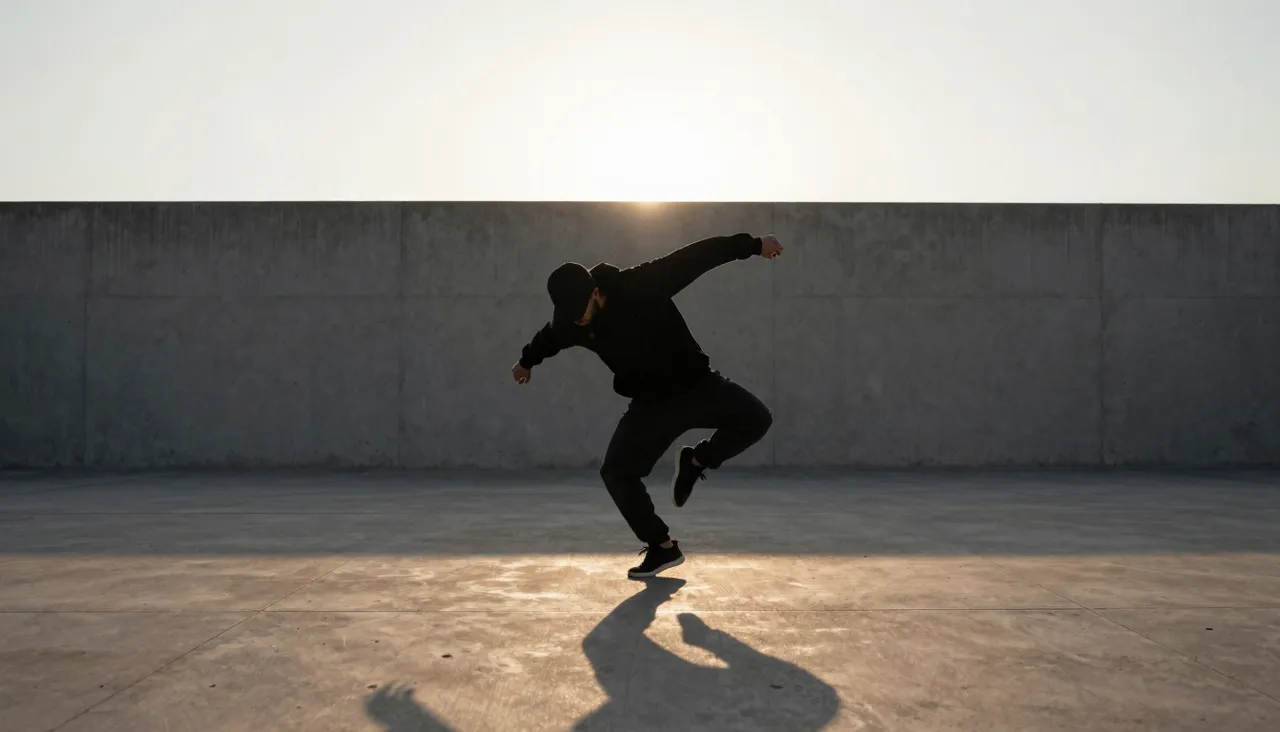
Resolution and how length is decided
Settings offer 720p and 1080p. For social feeds, where platforms recompress everything anyway, 720p usually looks fine and costs less to generate. Reserve full HD for videos headed to big screens, client presentations or anywhere the pixels will actually be inspected.
Output length follows the reference: however long the sample moves, that is how long your character moves. Trim the sample down to its most expressive stretch before uploading — dead seconds of shuffling at the start just spend your balance and dilute the effect.
Rookie mistakes worth skipping
Mistake one: a sample where the performer is partly out of frame. If only the torso is visible, the model has to invent the legs, and invented legs rarely convince anyone. Mistake two: a character image whose angle fights the motion — a strict profile portrait struggles to reproduce a move filmed head-on.
Mistake three: expecting version 2.6 to nail whirling acrobatics. Very fast, complex motion can smear. The newer Kling 3.0 Motion Control on this site handles those cases better; keep 2.6 for moderate-tempo movement, where it performs reliably and without surprises.
After the render: reuse and cost sense
Finished clips live in your generation history — download them, rerun the same motion with a different character, or pull the last frame for further experiments. One strong reference easily becomes a series: keep the movement fixed, rotate the characters, and you get a matching set of clips with a shared visual rhythm.
Payment is in rubles from a single token balance shared across all tools, and generation cost scales with duration and quality. The frugal route follows naturally: short samples at 720p while you experiment, full length at 1080p only once a take has earned it.
Frequently asked questions
Where do I get a motion sample?
Film one yourself on a phone — stand fully in frame and perform the move. Any footage you hold the rights to works as well. Aim for a single performer, a steady camera and the whole body visible throughout.
Does it work with drawn characters or only photos?
Both. Illustrations, 3D renders and photographs all animate, as long as the figure has readable arms and legs and a pose the motion could start from. Heavily abstract designs without clear anatomy tend to fall apart in motion.
Why choose 2.6 when 3.0 exists?
Version 2.6 is the earlier generation: same image-plus-reference principle, but no character orientation control and less stability on demanding motion. It remains a solid, economical pick for straightforward moves and rapid trial runs.