Grok 1.5 AI Video Generator: Turn Text or Photos into Clips
Bottom Line Up Front (BLUF): Grok 1.5 is an AI video generator that needs nothing more than a short text prompt or a single uploaded photo. No editing skills, no complicated settings: describe what should happen on screen, hit generate, and watch a finished clip a few minutes later. The model is especially good at motion and emotion, which makes it a natural fit for lively, expressive shorts.
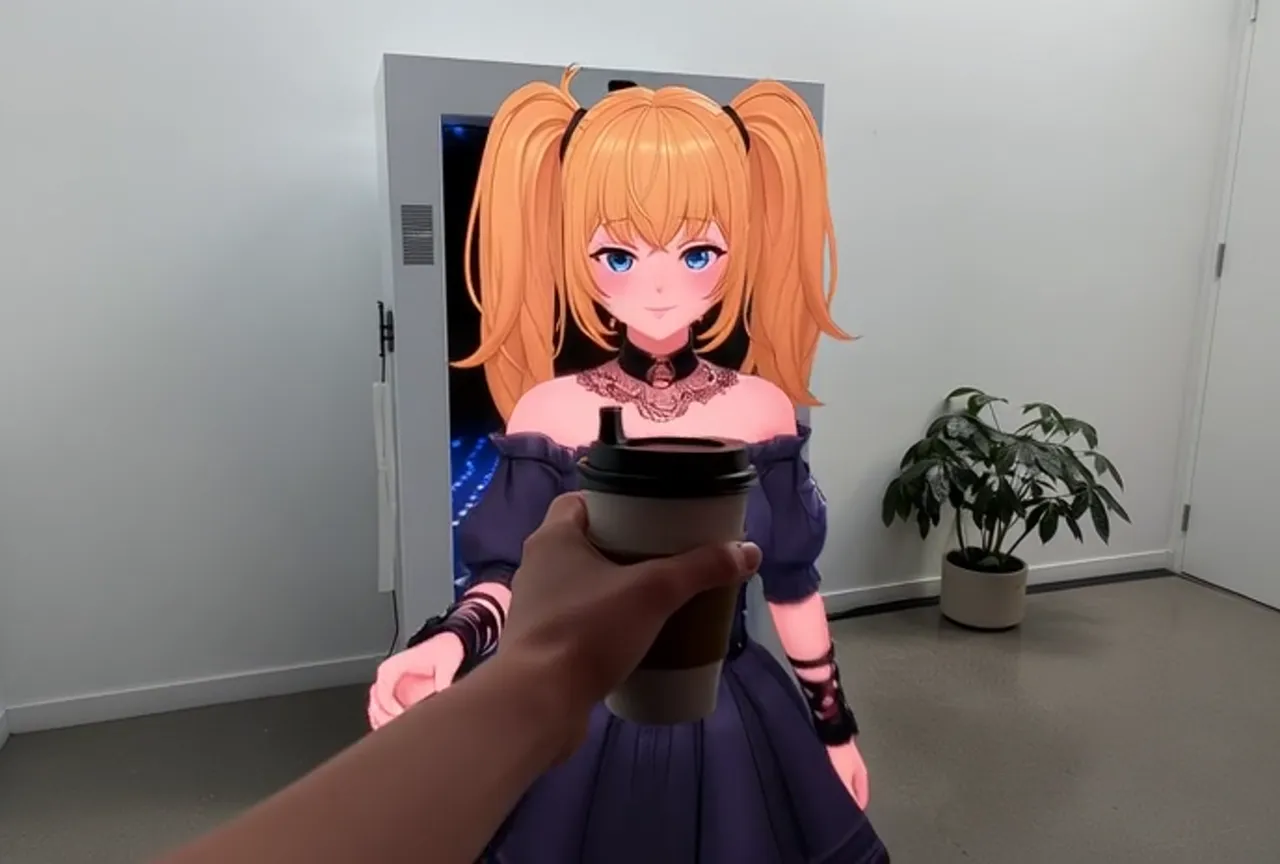
What this model can do
Grok 1.5 runs in two modes. Text-to-video takes your written description and invents the whole scene — characters, setting, camera work. Image-to-video starts from a picture you upload and brings it to life: the person turns their head and smiles, wind moves through their hair, the camera slowly pushes in. A frozen frame becomes a moving moment.
Where this generator really shines is dynamics. It handles fast action, dancing, chases, dramatic camera moves and expressive faces with confidence. When other tools produce a stiff, barely moving shot, you usually get something with real energy here — the kind of clip that works in a social feed. Aspect ratio and length are picked right in the form before you start.
How to animate a photo
Grab any picture: a selfie, an old family photo, your pet, a product shot. Upload it, then write one line about what should happen — 'the woman laughs and waves', 'the cat stretches and yawns', 'the sneaker rotates slowly on a pedestal'. The more specific the action, the more predictable the outcome.
This trick is remarkable with vintage black-and-white photographs: relatives from decades ago start moving, and the effect is genuinely touching. It also works on drawings, book covers and mascots — an illustrated character blinks and turns like a filmed one. If the first take misses, just rerun the generation with a sharper description.
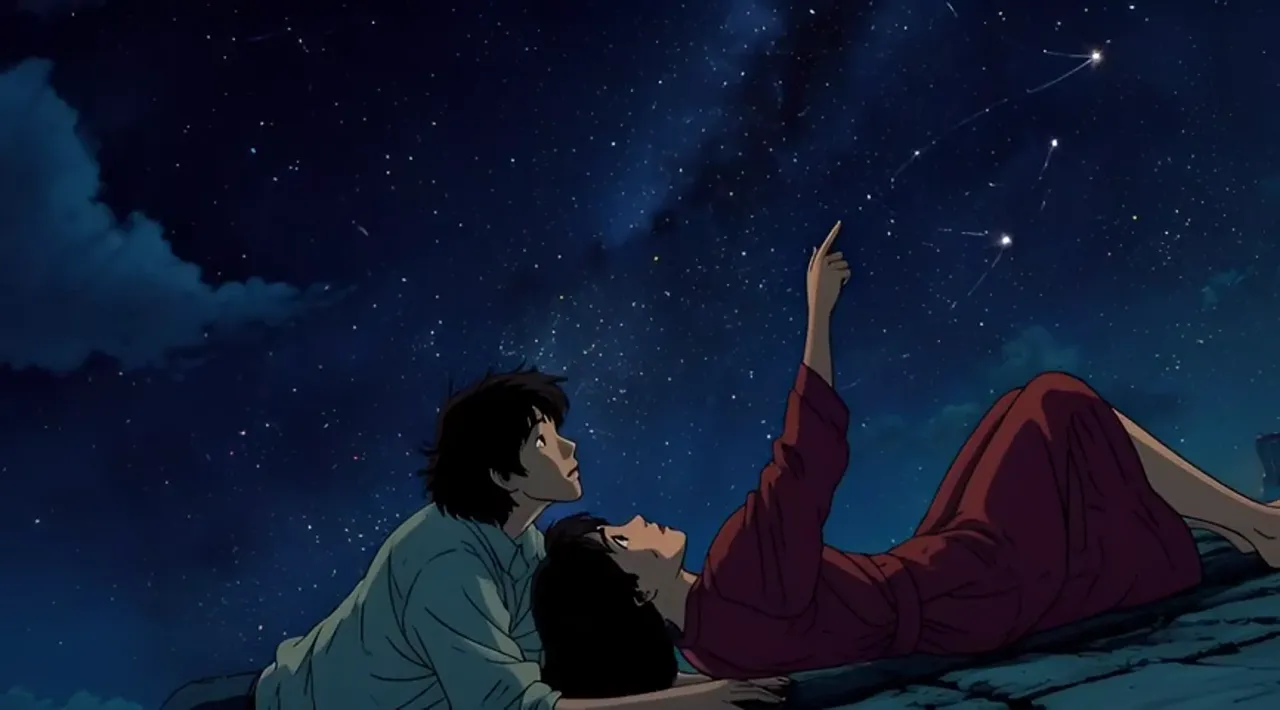
Writing a prompt that works
Think of your prompt as instructions to a camera operator: who is in the shot, what they are doing, where it happens, and what the mood is. For example: 'a man in a raincoat runs down a rainy night street, neon signs reflect in puddles, the camera follows him'. One scene per prompt — don't cram an entire plot into a few seconds.
Naming the camera move helps a lot: push-in, orbit, handheld, top-down view — each changes the feel of the clip completely. Avoid contradictions like 'standing still while running'; they confuse the model. Keep sentences plain and visual, describing things a camera could actually see rather than abstract ideas.
Best use cases for Grok 1.5
Typical jobs: a punchy clip for Stories or Reels, a meme with an animated character, an intro for a presentation, a teaser for a post, a short product video for an online store, a birthday greeting with a moving portrait. Anywhere you need a few eye-catching seconds fast, this model delivers without any prep work.
Every result lands in your generation history, where you can download it, extend the clip, grab its last frame or reuse the prompt with edits. That makes serial content easy: take the final frame of a good clip and continue the story in the next run. Everything is paid from one token balance shared across all tools on the site.
Frequently asked questions
Do I need any AI experience to use this?
No. Write a sentence or two about what you want to see and press generate. Every technical option has a sensible default, so you can ignore the settings entirely on your first tries.
Can I make a video from text only, without a photo?
Yes — that's the primary mode. Describe the scene in words: the characters, the action, the place, the mood. The model draws everything itself. An image is only needed when you want to animate a specific picture.
What if I don't like the result?
Run it again — each generation produces a fresh variation, even with the same prompt. Refining the description usually helps: add details about motion, light and camera angle. Past prompts are stored in history, ready to tweak and rerun.