Volcengine Lip Sync: AI Video Dubbing With Matching Lips
Bottom Line Up Front (BLUF): Volcengine Lip Sync is an AI video tool that re-dubs footage you already have. Upload a clip and a new voice track, and the model reshapes the speaker's mouth movements to match the fresh audio. The face stays untouched, the articulation looks natural, and viewers never suspect a swap. It is a practical way to translate a talk or fix a bad voiceover without reshooting.
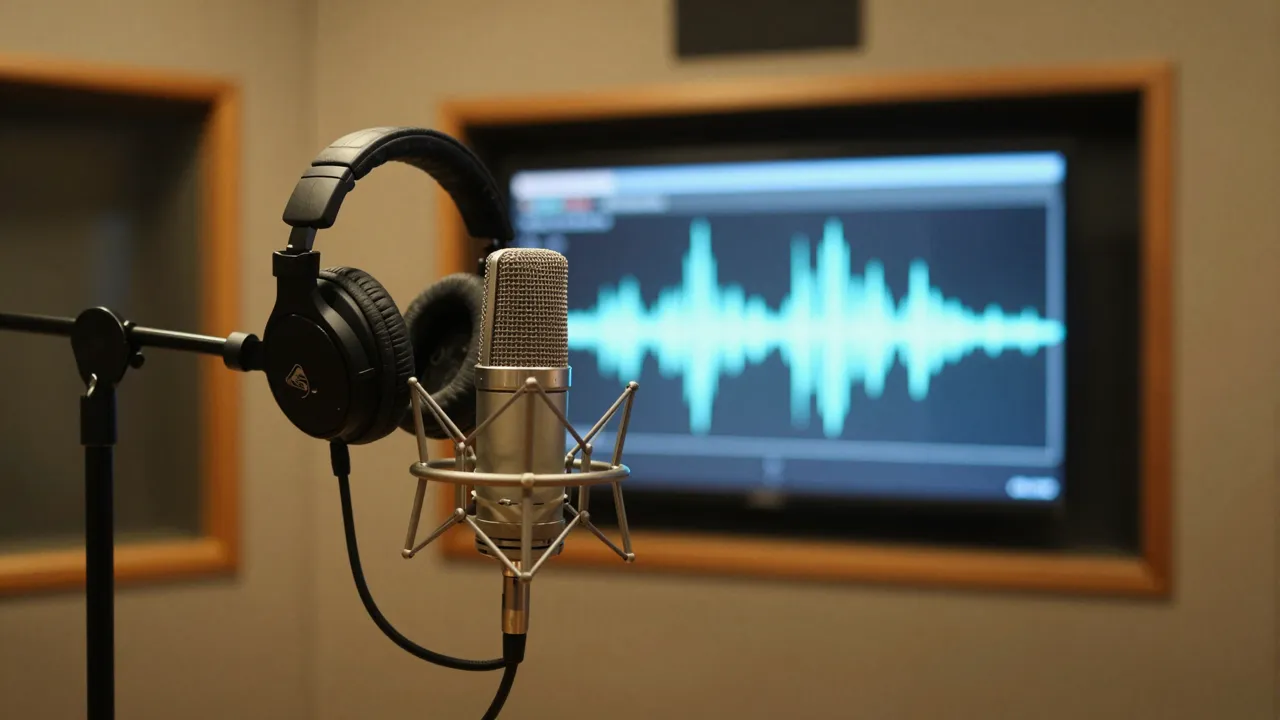
Why simple audio replacement fails
Swapping a soundtrack in an editor is easy, but the illusion collapses the moment lips move out of sync with the words. Audiences notice within seconds, and the video instantly feels fake. Lip sync technology fixes this at the pixel level: the model listens to the replacement audio, maps each sound to a mouth shape, and redraws the speaker's articulation frame by frame.
The result is footage where the person appears to have spoken the new lines all along. This matters most when a reshoot is off the table — the presenter is unavailable, the set is gone, or the original take was a one-time event. You only need to record a voice, and the picture adapts to it.
How to re-dub a video step by step
Pick the model on the video generation page, attach your source clip with a person on screen, then add an audio file containing the new speech. No text prompt is needed — the two files describe the whole job. Hit generate, wait for processing to finish, and download the finished clip from your generation history.
The voice track can come from anywhere: a phone recording, a studio session, or a text-to-speech engine. What matters is clarity. A clean vocal without background music or room noise gives the model a much easier time aligning mouth shapes to phonemes, so strip any mixed audio down to speech before uploading.
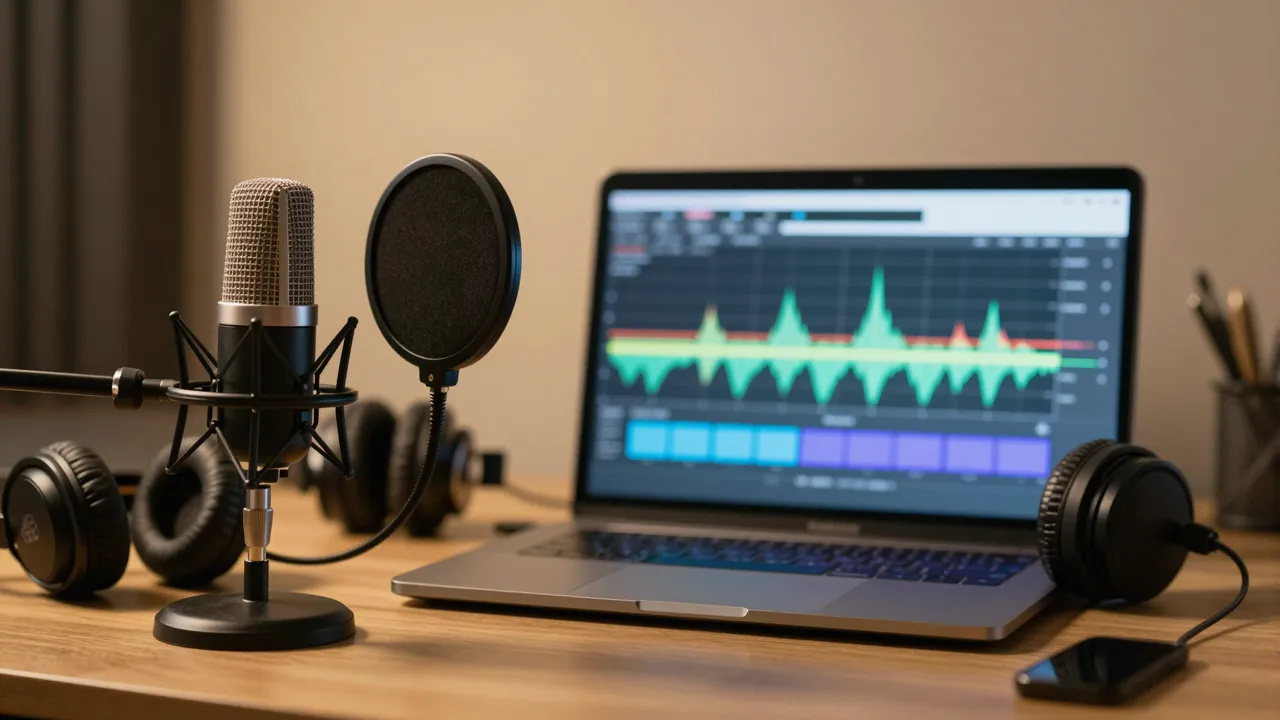
Best use cases for lip-synced dubbing
Localization leads the list. Course lessons, product demos, and interview footage can be released in English, Spanish, or Mandarin with the speaker convincingly talking in each language. That opens foreign markets without subtitles, which many viewers skip, and without flying anyone back in front of a camera.
Corrections come second. A slip of the tongue in an interview, an outdated price in a promo, a renamed feature in a tutorial — re-record the affected lines, run the clip through the model, and publish the updated version. Creators refresh old episodes this way, and companies keep internal training videos accurate for years.
Getting a believable result
The model performs best when the speaker's face is clearly visible: filmed head-on or at a slight angle, evenly lit, not hidden behind hands or a microphone. If the subject keeps turning away or appears tiny in a wide shot, articulation accuracy drops. Choose segments where the face dominates the frame.
Audio follows the same logic — one voice, nothing layered on top. Add music and sound design after processing, in any editor. It also helps to keep the narration length close to the clip length so speech settles onto the footage smoothly. Processing cost depends on how long the source video runs.
Frequently asked questions
Do I need to write a prompt?
No. This model runs entirely on your two uploads — the video and the audio file. Leave the prompt field empty; the speech itself tells the model what mouth movements to produce.
Can I dub my video into another language?
Yes, that is the primary use case. Record or generate narration in the target language, upload it with the original footage, and the speaker will articulate the new speech naturally. One shoot can become many localized versions.
Why does my output look slightly off?
Usually the source is the culprit. Make sure the face is large, well lit, and unobstructed, and that the audio is plain speech without music. Re-running the generation with cleaner inputs typically fixes alignment issues.