OmniHuman 1.5: expressive talking portraits driven by your voice
Bottom Line Up Front (BLUF): OmniHuman 1.5 is an AI video generator that builds a speaking human from one photo and one audio track. What sets it apart from basic lip-sync tools is how the character inhabits the speech: the model listens to the rhythm and emotion of the recording and shapes gaze, expression and head movement around it, so the person on screen seems to mean what they say.
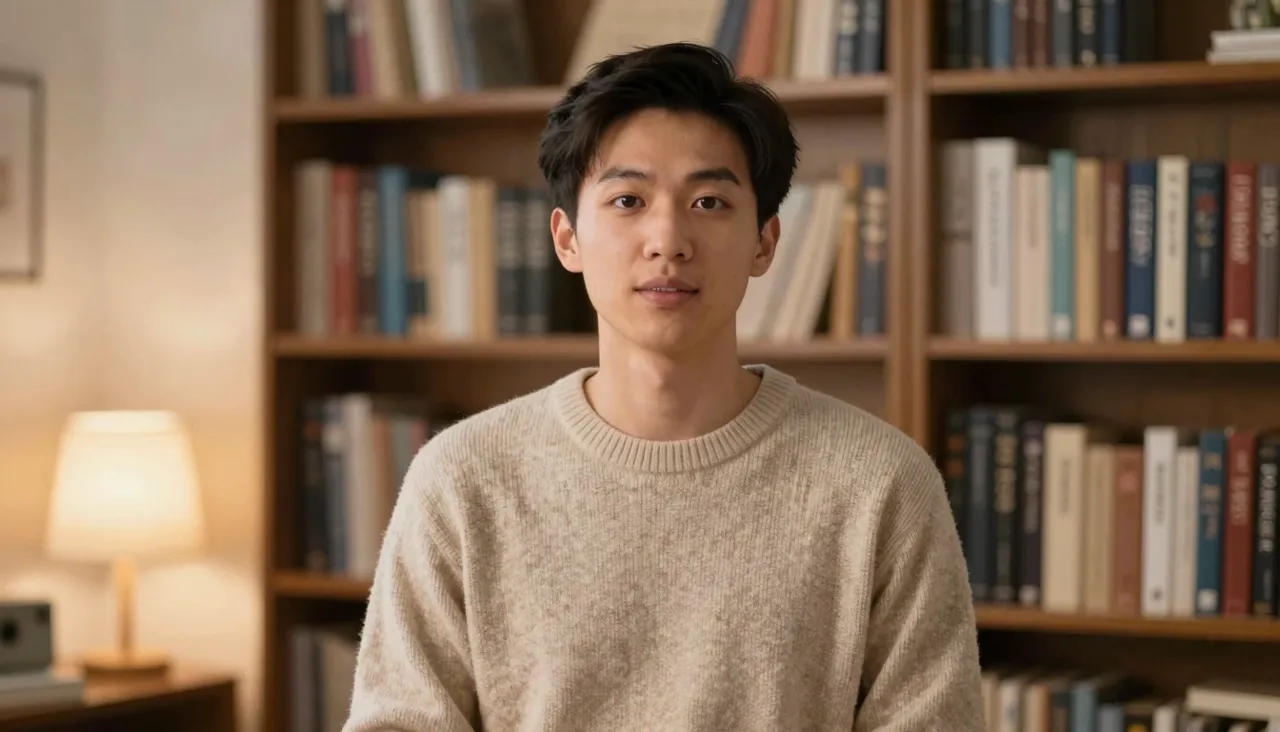
Why this avatar feels different
Most talking-photo tools treat the job mechanically — sound in, mouth flaps out. OmniHuman 1.5 reads the performance inside the audio. An excited line lifts the eyebrows, a question softens the gaze, a pause lets the speaker breathe. The output leans away from "animated mask" and toward something resembling actual on-camera delivery.
The gap shows most on emotional material. Any avatar model can survive a flat narration, but a heartfelt congratulation, an enthusiastic pitch or a sung line is where this one earns its name. Whatever feeling your recording carries, the face on screen picks it up and plays it back.
Inputs, formats and the hard limit
The ingredients are familiar: a portrait as JPEG, PNG or WebP, and a voice track as MP3, WAV, AAC, OGG or M4A, each capped at 10 MB. The recording must stay under 15 seconds — and if yours runs over, the generation form has its own trimmer, so isolating the right fragment takes seconds, not a trip to an audio editor.
Choose an image where the face and mouth are clearly visible, but do not feel restricted to studio headshots: casual photos and stylized artwork animate convincingly too. Finished videos land in your generation history, where you can download takes, compare versions, or run the same track against a different portrait.
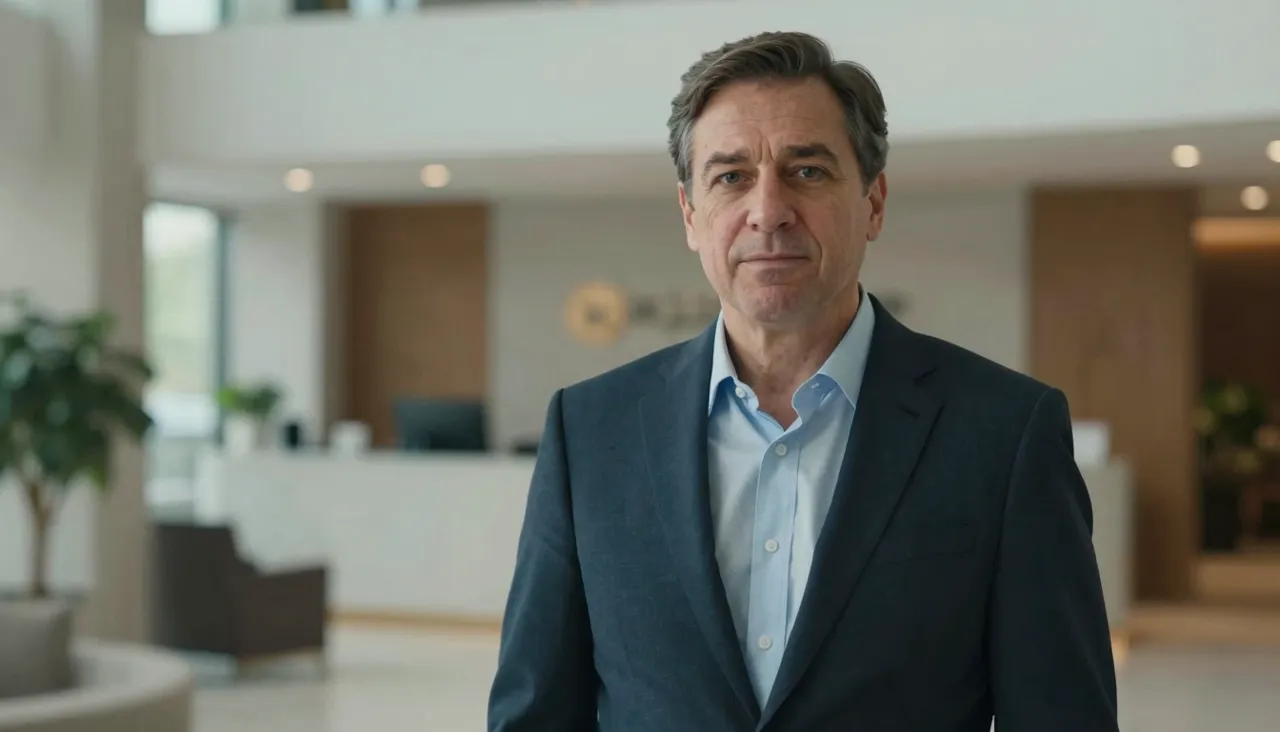
Getting the most expressive result
The lever that matters most is not the photo — it is the recording. Perform the line the way you would on camera: real pauses, real emphasis, real feeling. A monotone read produces a monotone character, because the model faithfully mirrors what it hears. Recording two or three deliveries and generating all of them is a cheap way to find the take that sings.
For the image, the rule is breathing room. A face cropped edge-to-edge leaves no space for head motion to unfold. A chest-up framing with air around the head gives the model room for the small tilts and turns that sell the illusion of a living person rather than a moving cutout.
Scenarios where it shines
Reach for it when charisma is the deliverable. A promo where a character genuinely hypes the sale. A historical portrait narrating its own story for a museum guide or a school project. A cover-art illustration singing the opening line of a track. Each of these lives or dies on emotional animation, which is exactly the specialty here.
Short vertical video deserves its own mention: you get seconds to hook a viewer, and an expressive human face beats on-screen captions at that job. The under-15-second audio limit happens to match the format perfectly — a hook line is about that long anyway.
OmniHuman or another tool: a quick guide
This site also offers Kling AI Avatar, a neighboring photo-plus-audio model with Standard and Pro quality tiers. Rough rule of thumb: for a composed, corporate-style presenter at maximum resolution, try that one; for liveliness, emotion and personality, start with OmniHuman 1.5. Both take identical inputs, so running your files through each and keeping the stronger take costs nothing but a little balance.
If your actual goal is re-voicing existing footage rather than animating a still, Volcengine Lip Sync is the right tool — it rewrites mouths in a video to match new audio. And for scripted scenes with full-body action, general video models like Kling 3.0 apply; talking avatars are specialists in close-ups and speech.
Frequently asked questions
Does it only work with real photographs?
No — illustrations and stylized portraits animate as well, provided the face is clearly readable. The model builds expression and articulation around the eyes and mouth, so those features need to be distinct in the source image.
My avatar came out stiff. What went wrong?
Almost certainly the recording. The model mirrors the energy of the voice, so a flat read yields a flat face. Re-record the line with genuine intonation, pauses and emphasis, and the character's expressiveness rises with it.
How do I make something longer than 15 seconds?
Each generation needs audio under 15 seconds, so split a longer speech into chunks, generate each with the same portrait, and join the clips in any video editor. With a static background, the cuts are barely noticeable.