Kling 3.0 Motion Control: copy real motion onto any character photo
Bottom Line Up Front (BLUF): Kling 3.0 Motion Control is an AI video generator built around motion transfer. Feed it a photo of a character and a reference video of someone moving, and it renders a clip where your character performs those exact moves — the dance, the walk, the gestures. Appearance comes from the image, choreography comes from the footage. This is the third and most precise generation of the technology.
What motion transfer actually does
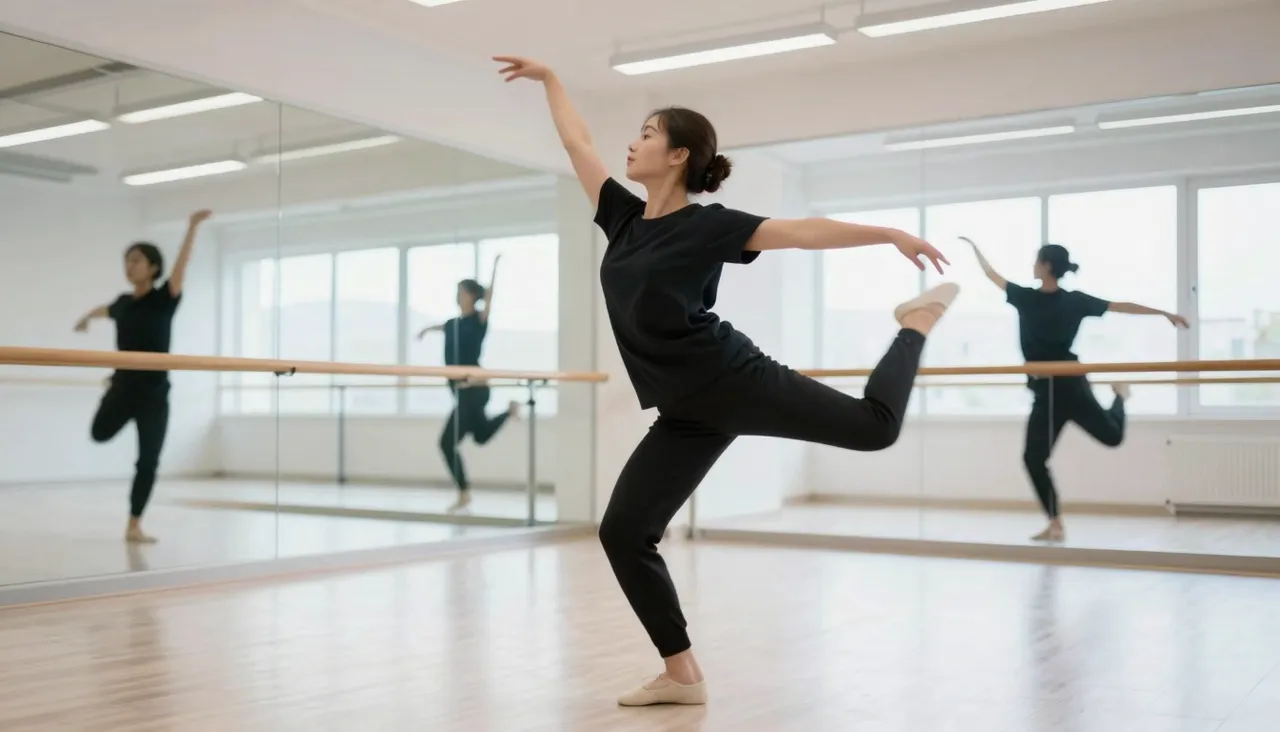
Suppose you need your illustrated mascot to perform a trending dance. Nobody is booking a motion-capture studio for that. Instead, you upload a clip of a real person doing the dance as a reference, attach the mascot image, and generate. The system reads the body movement from the video and re-performs it with your character, frame by frame.
This sidesteps the core weakness of text-prompted video: choreography is nearly impossible to describe in words. Here you never describe it — you demonstrate it. Whatever happens in the reference happens in the output, executed by whoever is in your picture: a photographed person, a brand character, a hand-drawn hero.
How 3.0 improves on version 2.6
Both generations are available on the site, and the gap between them is real. Version 3.0 preserves the character's identity through complex movement far better, handles rapid pose changes with fewer melted hands and drifting faces, and generally needs fewer retries to get a publishable take. For anything meant to be seen by an audience, start here.
It also introduces a control its predecessor lacks: character orientation. You decide whether the figure's placement and facing should follow the reference video or stay true to your uploaded image. That fixes the classic old-generation headache where a portrait-framed character got awkwardly crammed into a landscape-framed scene.
Orientation modes, resolution and clip length
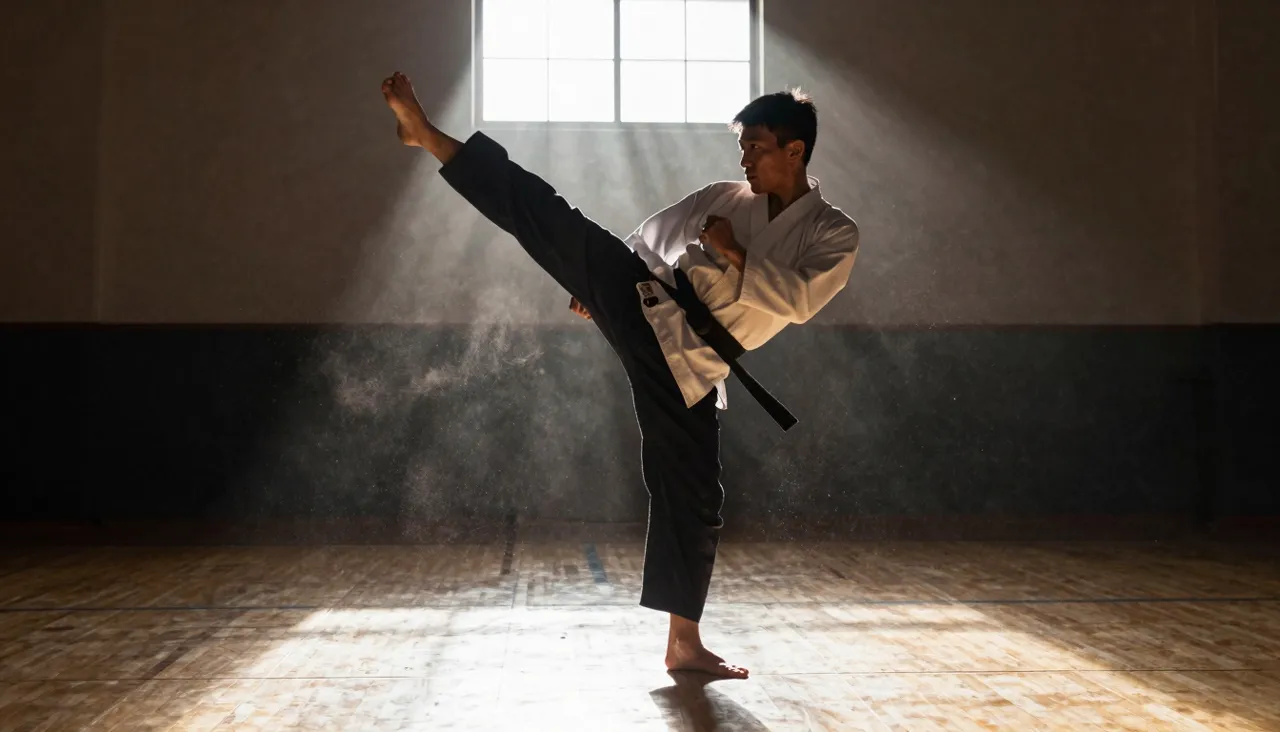
Choosing "follow the video" aligns your character with the performer in the reference and supports clips up to 30 seconds — enough for a full dance section or an extended skit. Choosing "follow the image" keeps the framing of your picture but caps output at 10 seconds. Pick based on whether length or fidelity to your composition matters more.
Resolution is a simple dropdown: 720p for quick drafts, 1080p for the final render you intend to publish. A sensible workflow is to iterate cheaply at 720p until the photo-plus-reference pairing clicks, then regenerate the winner in full HD. Results are stored in your history for download or extension.
Choosing a reference video that works
The best references show one performer, fully in frame, with readable movement and a steady camera. Hard cuts, occlusions and shaky footage confuse motion tracking. If you are borrowing a dance from social media, pick a take where the dancer stays visible head to toe from the first second to the last.
Your character image has parallel requirements: show the figure at least waist-up, in a pose the motion could plausibly grow out of. A character slumped in an armchair will not gracefully launch into a jump lifted from the reference. Match the starting poses roughly, and the transition into motion stays smooth.
Where this earns its keep
Marketers animate brand mascots for trend-driven campaigns without hiring an animator. Illustrators film themselves on a phone and hand the movement to their drawn characters. Creators produce clips of their avatar pulling off stunts they would rather not attempt in person. In each case the reference footage does the acting, and the AI does the casting.
There is one firm rule: only use faces and footage you have rights to. Your own photos, your own characters, licensed material. With that respected, the tool turns a single still image plus one borrowed movement into finished animation in minutes rather than weeks.
Frequently asked questions
How is this different from a normal image-to-video model?
A standard image-to-video model invents motion from scratch or from a text prompt. Motion Control copies motion from a video you supply, giving you frame-accurate control over choreography that no written prompt can match.
How long can the generated clip be?
Up to 30 seconds when character orientation follows the reference video, and up to 10 seconds when it follows your image. Either way, the output duration is tied to the reference footage you upload.
Should I use 3.0 or the older 2.6 version?
Default to 3.0: it keeps faces and details stable through demanding motion and adds the orientation control. Version 2.6 still makes sense for quick, low-stakes experiments where iteration speed matters more than polish.