Web AI Toolkit: Six Neural Networks Right in Your Browser — Free

Usually "running a neural network" means signing up for a key, handing over a card and waiting while your files travel to someone else's server. The AI Toolkit page works the other way around: six ready AI functions are computed right in your browser, not a single byte of your documents, photos or recordings leaves the device, and nothing is charged. It is the open web-ai-toolkit library under the MIT license — we host it as a page of live examples where you can test every function on your own image or text, then take the ready-made code into your project.
How it works
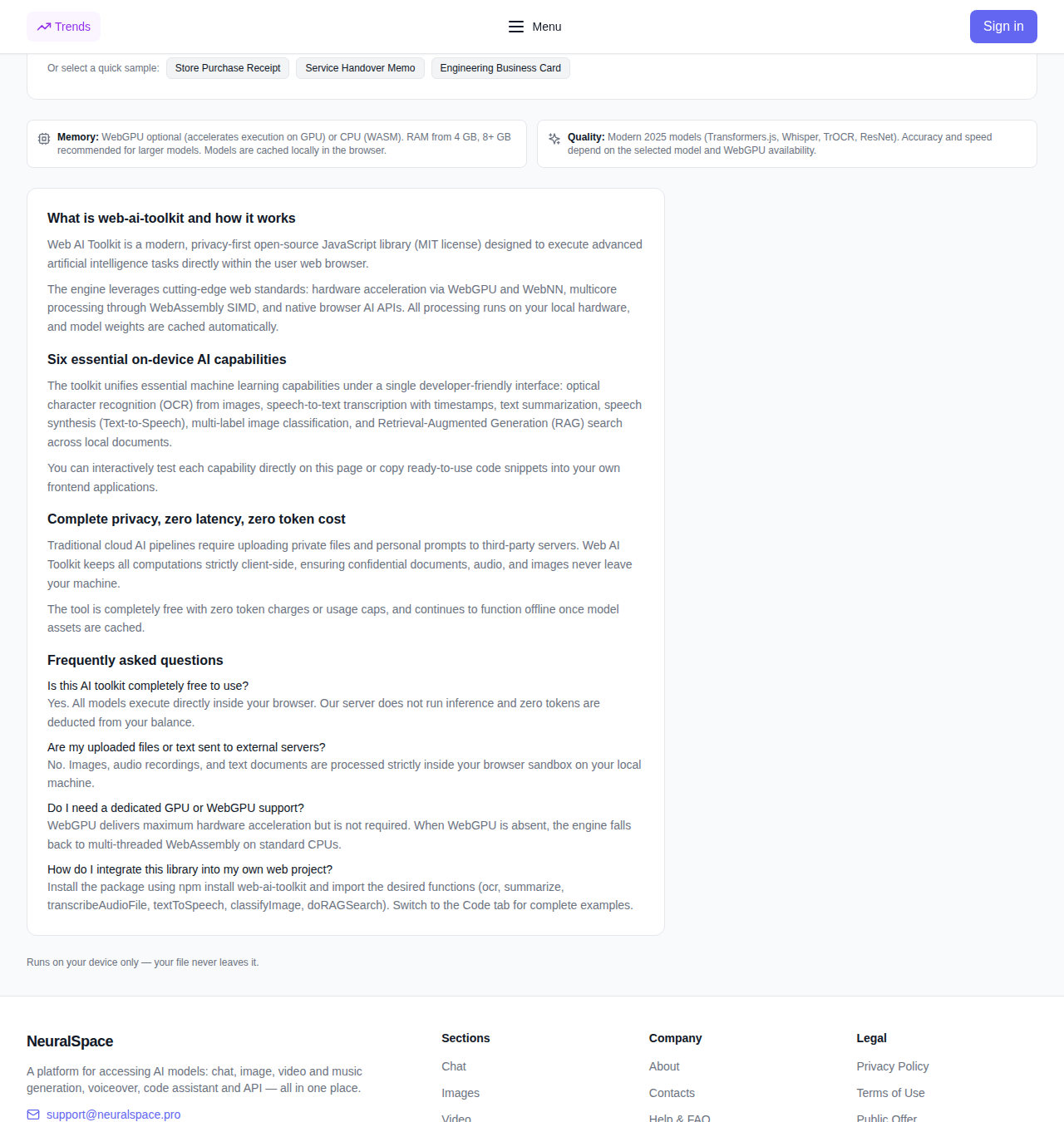
The engine is built on the modern web computing stack: hardware acceleration via WebGPU and WebNN, parallel compute through WebAssembly SIMD, and native browser AI APIs. If WebGPU is unavailable on your device, the library automatically falls back to optimized WASM on an ordinary CPU — so it runs on any computer, it is just faster on gaming hardware. Model weights are downloaded to the browser once and cached: after the first load the functions keep working even offline.
Six functions in one window
- OCR: recognition of printed and handwritten text from an image or screenshot — a photo of a contract, a presentation slide, notes from a whiteboard.
- Speech to text: transcription of an audio recording with timestamps, without uploading the file anywhere.
- Summarization: a condensed version of a long article, report or contract.
- Text to speech: speech synthesis from your text using the browser itself.
- Image classification: detecting objects and categories in a picture with confidence scores.
- RAG & search: paste your documents and ask a question — the tool finds and shows the relevant passages.
Every function is tested right on the page: drag in a file or pick a ready sample and hit "Run AI Processing" — the result can be copied or downloaded as text.
Code for your own project
The library installs with a single command — npm install web-ai-toolkit — and is imported function by function: ocr, summarize, transcribeAudioFile, textToSpeech, classifyImage, doRAGSearch. The page has a "Code Example" tab with ready snippets, so you do not have to write the integration from scratch.
Where the catch is
First: browser and memory. WebGPU works in full in Chrome and Edge (and a growing list of others), and the first model download takes time and cache space. Second: these are compact local models, not giant cloud text generators — quality is right where it is needed, and when you need serious language analysis the site offers full-scale models on balance. Third: text-to-speech relies on the browser's built-in synthesis, so the voice depends on your system rather than on a network model.
Why it matters in real life
Pulling text out of a scan before sending it to a lawyer, breaking an hour-long call into bullet points without sending the recording anywhere, drafting a voiceover, classifying a hundred images or finding the right clause in a pile of your own documents — these are typical tasks that used to require a cloud service and paid tokens. Here the same scenario closes without registration, without a card and without sending your data to anyone.
Try it: the Web AI Toolkit (free) on the site — and next to it, the list of the other free tools, from the web page summarizer to webcam motion capture.