AI Avatars for Business: Create a Digital Presenter Online
AI avatars for business and training offer a ready-to-use method for producing professional presentations, employee onboarding guides, and marketing videos with a talking on-screen presenter without studio rentals, complex camera setups, or production crews. In the Avatar Video section on NeuralSpace, simply select a photorealistic presenter from the catalog or upload a high-resolution portrait photograph, enter your script text or attach an audio recording — and the neural model automatically synchronizes facial expressions, lip-sync, and head motion with speech. Below we review step-by-step generation, essential settings, and practical corporate use cases.
Why Businesses Choose Digital Presenters
Traditional corporate video production involves scheduling shoot dates, renting studios, hiring camera operators, and doing multiple retakes for minor script updates. An AI digital presenter solves these challenges in minutes right in your browser. Whenever content changes, you simply edit the text or voiceover, and the neural network renders a fresh video with natural facial animation.
Digital presenters prove particularly valuable in several core areas:
- Employee Training and Onboarding: building corporate knowledge bases, safety guides, and compliance training modules where a clear presenter delivers structured explanations.
- Product Demonstrations: concise walkthroughs and feature overviews embedded on landing pages and customer support portals.
- Marketing and Social Media: producing continuous vertical video streams for mobile feeds in consistent corporate styling.
- Personalized Communication: delivering tailored customer greeting videos addressed to specific clients or business partners.
Step-by-Step Creation Guide
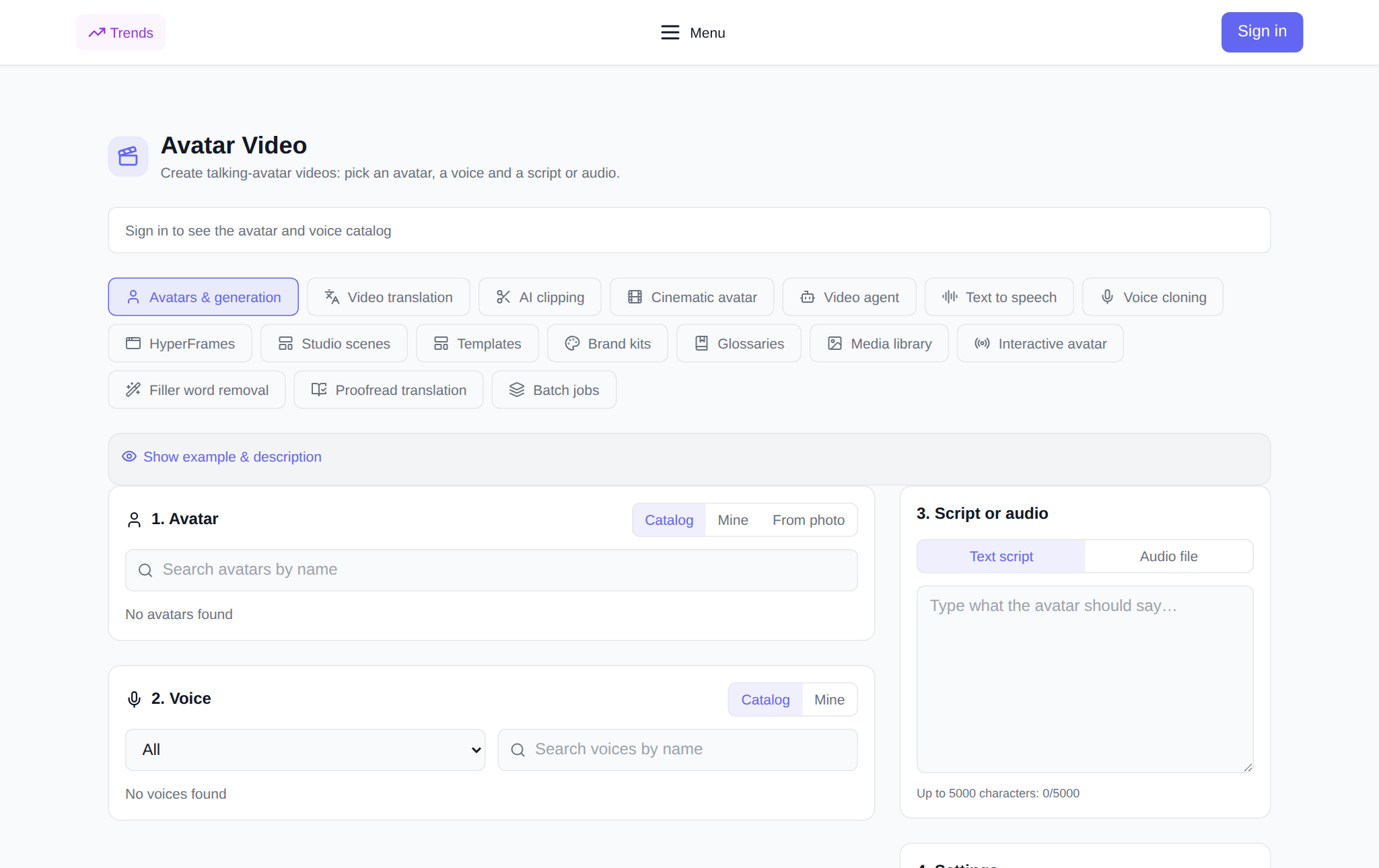
- Open the section. Go to neuralspace.pro/en/avatars/avatar-videos. The interface is openly accessible to guests without mandatory upfront login, allowing you to review all tools in advance.
- Select your avatar. Choose from the built-in library of photorealistic avatars or upload a front-facing photo of your company representative.
- Provide script or audio. Enter your text script and pick an expressive voice, or upload a pre-recorded voice track for custom intonation.
- Configure frame settings. Select 16:9 for widescreen desktop displays and YouTube, 9:16 for vertical mobile video, or 1:1 for social feeds, along with resolution.
- Start generation. The exact token cost is calculated and shown transparently before launch. The completed video appears in your task list for direct download.
Platform Performance and Reliability
According to platform database aggregates over the last 30 days (2026-10-08 to 2026-11-07), 19,617 terminal generations were completed, with 2,265 videos representing the second most popular format after images (16,254) and audio (1,098), source: benchmarkData.json. Across mature platform models over a 90-day window (2026-08-09 to 2026-11-07), success rates remain consistent at 90.8%–92.7% (such as GPT Image 2 with 2,426 successes out of 2,617, and Kling 3.0 with 421 out of 455). Generating a talking avatar video takes from several dozen seconds to 2–3 minutes depending on duration and resolution, vastly outpacing conventional video production.
Pricing and Terms of Service
There are no recurring subscription obligations or automatic renewals. New accounts receive starter tokens to test the interface and evaluate speaker quality right away, after which balances can be replenished on demand. Charges are calculated per generation based on transparent token costs visible prior to clicking generate.
Frequently Asked Questions
Is registration required to browse the avatar tools?
No. The Avatar Video section is open for browsing. The authentication dialog appears only when you initiate video generation, identical to other platform sections.
Can I use a photo of a real company employee?
Yes. Uploading a high-resolution portrait with good lighting and direct eye contact produces a natural, lifelike personalized avatar.
How do I achieve the most natural voice and lip movement?
Use short sentences and clear punctuation marks to introduce natural breathing pauses. Alternatively, attach a pre-recorded human voiceover for exact timing.
What languages are supported by virtual presenters?
Presenters support all primary interface languages including English, Spanish, German, French, Arabic, and Chinese.