Kling AI: what the neural network is and how to make your first clip

Kling is a family of video models that turn a text description or a still image into a short clip: you describe what happens in the frame, and the model works out the motion, the light and the camera movement. On NeuralSpace, Kling is available in the video section in several versions, from the flagship O3 to a talking-avatar mode. Here is what each one is for, what to enter in the form, and how to make a first clip without a subscription.
What Kling does
Three scenarios cover most requests. Text to video: describe a scene and the model creates a short clip. Image to video: upload a frame and it comes alive; the model adds motion to your picture instead of inventing a new scene. Motion Control: take a video reference and transfer its movement onto your frame, useful when you need a specific camera move.
Kling AI Avatar is a separate case: a talking character made from a photo and an audio track. For it, use a clean voice recording without music underneath, so the speech stays clear.
Which version to pick
- Kling O3 — the flagship: text or image to video with native audio.
- Kling 3.0 — the all-round version in standard and pro modes. Per the site spec: 720p and 1080p, 5 or 10 seconds, native audio.
- Kling 3.0 Turbo — a faster option for trying many ideas.
- Kling O1 Image-to-Video — animates your own frame.
- Motion Control and Kling AI Avatar — movement transfer and a talking character.
Your first clip in five steps
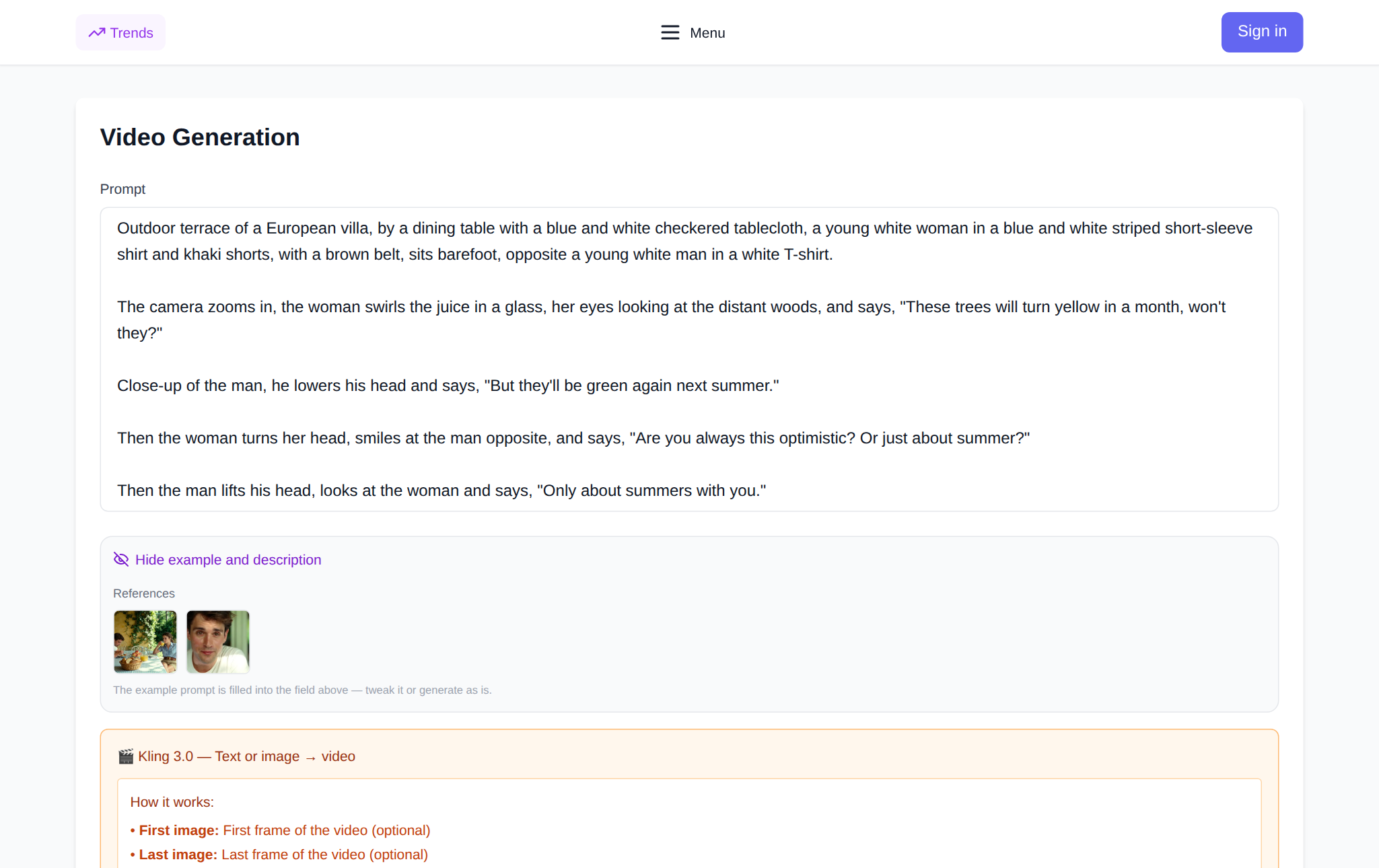
Open the video section and pick a Kling model from the group. In the prompt field, describe one scene: subject, action, camera and light. For example: "a ceramic cup on a wooden table, steam rising, slow camera push-in, warm side light". Set the duration to 5 seconds and the resolution to 720p — it is cheaper, and you see quickly whether the idea works. For image to video, upload a frame; then the prompt only needs to describe the motion. Check the cost in the form before you run it, then generate.
What the site data shows
Across 297 completed Kling 3.0 generations over 90 days (20 July – 18 October 2026), 272 produced a finished clip: a 91.6% success rate, so roughly one attempt in twelve failed. Over 30 days (18 September – 18 October 2026) the site created 1,952 videos across all models. These are anonymized aggregates with no link to individual users.
If a result disappoints, change one thing in the prompt at a time — that shows what actually made the difference.
Limits
Kling makes short clips of 5 or 10 seconds, so build a longer story from several clips. Characters can shift slightly between generations, and for a series of shots one reference frame helps. If an exact spoken line matters, check the audio after generation rather than hoping for it on the first take.
Frequently asked questions
What is Kling AI?
A family of video models that create clips from text and photos, with control over camera movement. Versions differ in quality, speed and modes: Motion Control, avatars, animating a frame.
Can I use Kling for free?
NeuralSpace has no free plan: new accounts get starter tokens, and after that you pay per token with no subscription. Details are in our Kling free article.
How is Kling different from Seedance?
People usually pick Kling for camera control and native audio in the O3 version, and Seedance for speed on short scenes. The fairest comparison is the same prompt, at the shortest duration, in both models.
Can I animate my own photo?
Yes. Kling O1 Image-to-Video animates a frame, and Kling AI Avatar turns a photo plus audio into a talking character.