Kling for free: starter tokens and pay-per-token prices
Searching for "Kling for free" usually means one thing: you want to see what the Kling video model can do without buying a subscription. Short answer: you don't need one. Kling's official web service hands out a limited daily allowance of credits — with a watermark, a shared queue and trimmed-down settings. NeuralSpace works differently and is closer to free in practice: in the video generation section every new account gets starter tokens, you can spend them on your first clips right away, and after that you pay per token for each run — no recurring fee. Below: how it works in practice, what a clip costs, and how not to waste tokens.
Why "free" Kling almost always comes with a catch
Kling is a family of video models from the Chinese company Kuaishou, one of the most notable alongside Seedance, Veo and Sora. It does text-to-video and image-to-video, holds camera motion and scene physics, and the newer versions — Kling O3 and Kling 3.0 — added native sound and reference-based work. The developer's web service does offer daily free credits, but they carry three classic limitations: a watermark on the result, a shared generation queue and a reduced set of settings. That's fine for a quick look, but not for regular work or a clean clip without the mark.
How Kling works on NeuralSpace
Open the video section and pick a model from the Kling group — there are several, for different tasks:
Kling O3 is the flagship: text or image to video, resolutions up to 4K and native sound (the model generates the audio track for the scene itself). Kling 3.0 is the universal version in standard and pro modes. Kling 3.0 Turbo is the faster option when you need to iterate quickly. Kling O1 Image-to-Video animates your own frame. Motion Control (a video reference drives the movement) and Kling AI Avatar — a talking avatar from a photo and audio — live as separate tools.
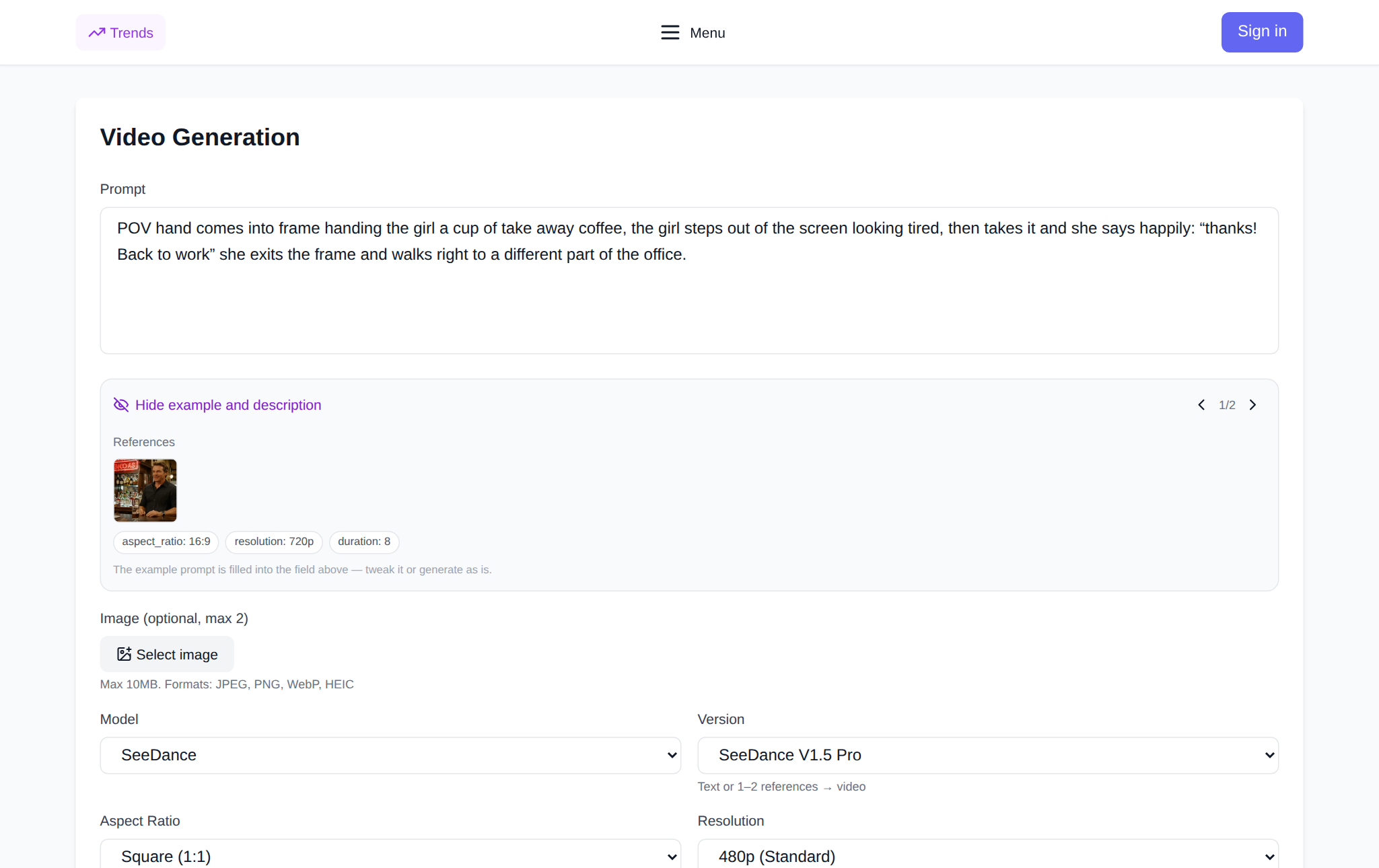
From there it's like any generator: write the prompt, set the duration, resolution and aspect ratio. The cost of your chosen settings is shown right in the form before you submit — no mystery charges.
What a clip costs: pay-per-token prices
Prices are counted in tokens and depend on the model, duration and resolution. As a reference from the price catalog as of October 2026: a 5-second Kling O3 or Kling 3.0 clip at 720p costs 51 tokens, 10 seconds — 102.5 tokens. Higher resolution and longer clips cost more; the exact amount is always visible in the form before you run it. New users get starter tokens when they sign up — enough for the first test generations to see whether this model is for you. When the tokens run out you top up the balance, and you never pay for the months when you generated nothing — there is no subscription at all.
A couple of facts from the platform's real data. Across 297 completed Kling 3.0 generations over 90 days (July 20 — October 18, 2026), the success rate was 91.6% — the overwhelming majority of tasks produce a finished clip on the first or second try. And in 30 days (September 18 — October 18, 2026) 1,952 videos were created on the site. Both figures come from NeuralSpace's public metrics page, aggregated and anonymized.
How not to waste tokens
First: start with a short duration. 5 seconds is enough to judge composition, motion and light — and costs half of a 10-second clip. Second: don't cram five locations and three characters into your first prompt. Compare "a beautiful viral video" with "a ceramic cup on a wooden table, steam rising from it, a slow camera push-in, warm side light". The second prompt gives a predictable result on the first try. Third: change only one parameter at a time — the camera or the lighting, not both. Fourth: if you have a source frame, use image-to-video — it's cheaper and more predictable, because the model doesn't invent the scene from scratch, it animates yours.
Kling or Seedance: which to pick for your first clip
Both families live in the same section and follow the same payment rules. Kling is usually the pick when you need controlled camera motion, physical movement and native sound on the flagship O3; Seedance is known for speed and stability on short scenes. A practical approach: generate the same scene on both models at the minimum duration and compare — the starter tokens are enough for exactly this kind of pair test. More on the second model in our article Seedance: what it is and how to make a video.
FAQ
Is Kling free at all?
The official service offers daily free credits, but with a watermark and a shared queue. NeuralSpace has no free tier: new accounts get starter tokens, then you pay per token without a subscription.
How many tokens do I need for a first clip?
Per the October 2026 price catalog — from 51 tokens for 5 seconds at 720p on Kling O3 / Kling 3.0. The exact amount is shown in the form before you run it.
Do I need a NeuralSpace subscription?
No. Tokens only: you pay for specific generations, and unused balance doesn't expire.
Can I animate my own photo?
Yes: Kling O1's image-to-video mode, and Kling AI Avatar turns a photo plus audio into a talking avatar.