AI for presentations: structure, slide text, and images

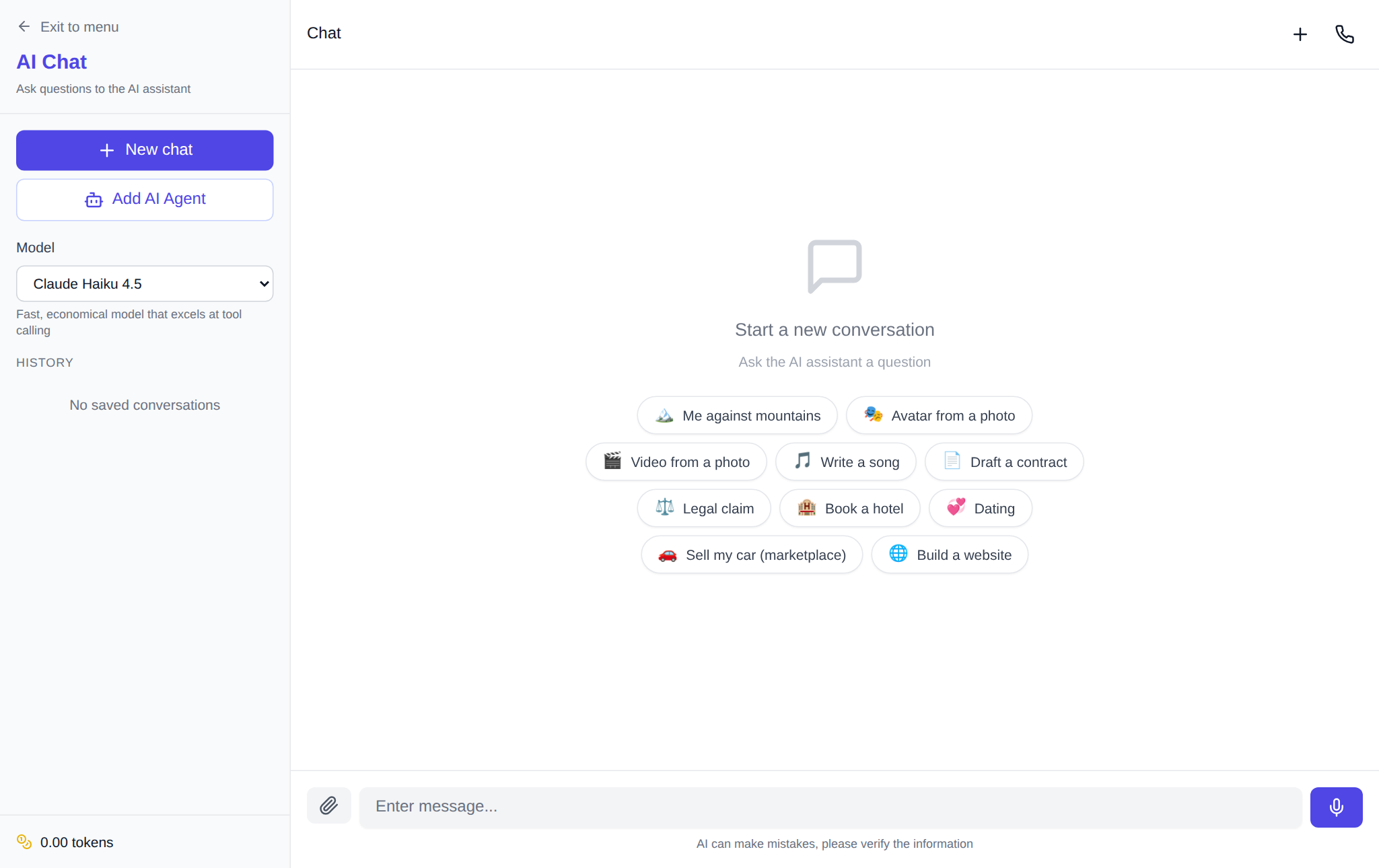
AI for presentations is not one button but a two-step combo: a language model in the chat drafts the structure of the talk, writes slide titles, bullets and speaker notes, while an image generator draws the visuals instead of stock icons. On NeuralSpace it takes two pages: the chat /chat and the image generator /genimages. Below is a working order, a ready prompt template and two facts from two weeks of real site statistics.
Step 1. Structure and slide text — in the chat
The chat section hosts language models (Claude, ChatGPT, DeepSeek and others) and takes over the most tedious part. Send it a request like this:
Help me prepare a 10-slide presentation on the topic “…” for the audience “…”. For each slide, write: a title, three short bullets, a 2–3 sentence speaker note, and a short description of an illustration a text-to-image model could draw.
A common mistake is asking the model to “make the whole presentation”. Splitting roles works much better: the model owns the meaning and the structure, while you decide what to keep, cut and reorder. Follow-ups go in the same thread — “simplify slide three”, “replace the example with a local-market one” — the model remembers the context of the whole deck and rewrites only what you asked. One instruction is worth giving right away: no caption text inside the illustration descriptions — labels are more reliable when typed manually in PowerPoint or Google Slides, where they always render cleanly.
Step 2. Images for slides — in /genimages
Slide visuals come from the image generator. For backgrounds and decorative graphics, Nano Banana 2 and Seedream 4.5 work well; if the image needs lettering, pick ChatGPT Images 2.5 or Nano Banana 2.1 — they render text better than the rest, though a short label is still safest typed manually on top of the image. For slides choose a 16:9 aspect ratio. This is the busiest section of the site: per internal generation logs for the last 14 days, users successfully created 6,112 images, most often in GPT Image 1.5, Nano Banana 2 and Seedream 4.5 (source: NeuralSpace generation logs, 14-day sample).
Prompt template for a slide illustration
One frame works for the whole deck — you only swap the central subject:
Flat minimalist illustration on a light background for the slide “…”: main subjects “…”, a few large soft accent shapes, pastel colors, clean composition, no text, no letters or logos.
Ask for less detail: ten-object scenes turn into noise on a slide. One clear central image beats a busy collage — the meaning lives in the text and the chart on the slide itself.
What to know before you start
- Moderation. Over the same 14 days, 313 of 6,425 generation attempts were rejected — about 5%, most often by the automatic sensitive-content filter (source: NeuralSpace generation logs, 14-day sample). If a prompt leans on medicine, sports or people in a sensitive context, rephrase it neutrally — usually one retry is enough.
- Timing. One image takes from a few dozen seconds to a couple of minutes depending on the model, so a 10-slide deck deserves about ten minutes for the visuals.
- Style consistency. All slide prompts must repeat the same frame (only the central subject changes) — then the set looks like one deck, not a collage of strangers.
Many slides? Use the API
To generate thirty illustrations with one script, NeuralSpace is open via the public API: the same model catalog, token-based billing, no subscription. Frequent questions about keys are covered in the documentation on the same page.
FAQ
Will the AI assemble the .pptx file itself?
No: the chat returns text, the generator returns images, and PowerPoint, Google Slides or Keynote does the final assembly. In practice that is a plus — you control the design instead of receiving a generic machine template.
Which model writes text on images best?
ChatGPT Images 2.5 and Nano Banana 2.1 handle lettering better than the rest of the catalog, but a short label is still safest typed manually on top of the finished image.
How much does it cost?
Generations are paid in tokens, no subscription: new users receive a starting token balance, then pay per use. The token count for the selected model and quality is shown right on the section page before you start.