SwitchX: Swap Objects, Style and Lighting in Your Video
Bottom Line Up Front (BLUF): SwitchX is a video-to-video AI editor: feed it your own clip and tell it what to change. It can replace an object in the frame, restyle the whole scene, or relight it entirely — turning day into night or flat office light into neon glow. You describe the edit with a text prompt or a reference image, while the original motion and composition stay intact.
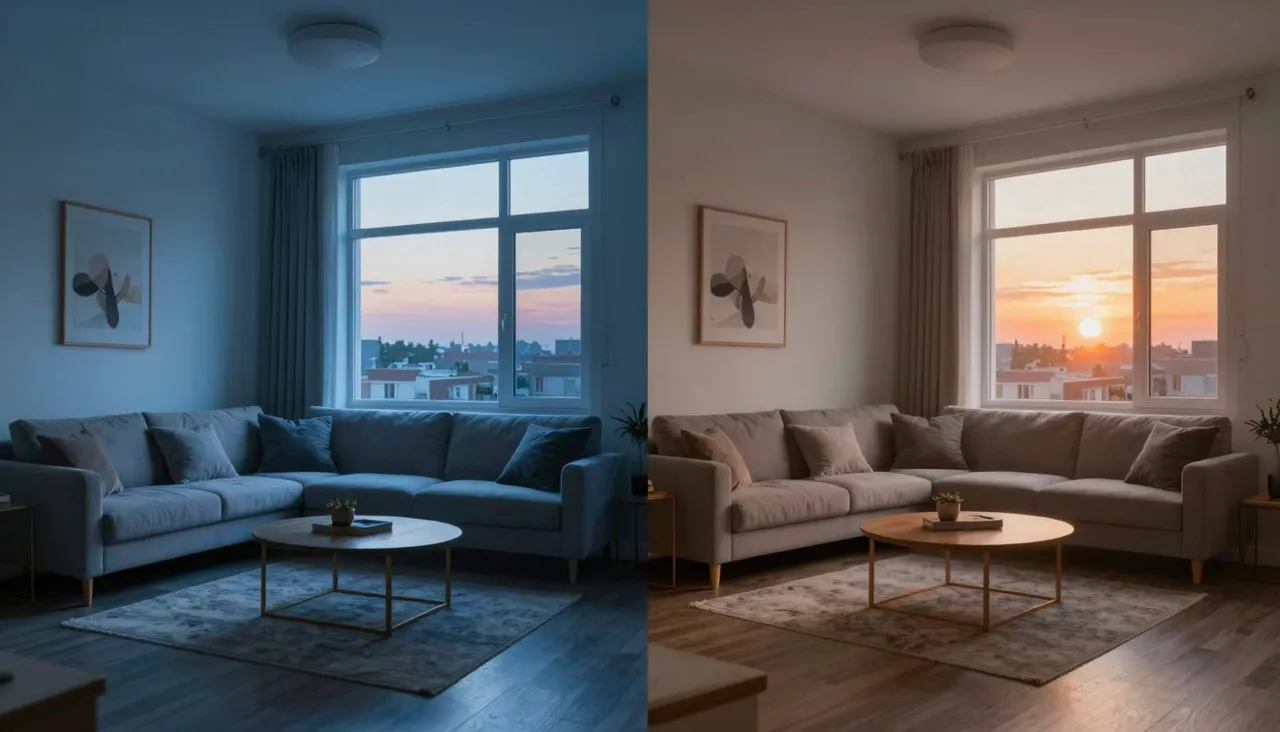
What AI video editing actually changes
Traditional editing software cuts, trims, and applies filters, but it cannot alter what is physically in the shot. SwitchX operates on the content itself. The model understands the scene and repaints it to your instruction: a coffee mug becomes a flower vase, a summer street turns snowy, phone footage takes on the look of hand-drawn animation or film noir.
Crucially, motion survives the transformation. Camera moves, gestures, and scene timing all carry over from your source, so the output is recognizably your video with different contents. That predictability is what separates video-to-video from generating clips from scratch, where every attempt is a roll of the dice.
Replacing objects inside the frame
Write what should change: swap the red car for a blue motorcycle, remove the laptop and put a book there instead. The model tracks the object across frames and inserts the replacement with correct perspective, shadows, and occlusions. Product teams use this to adapt a single shoot to several product variants without filming again.
When words are not precise enough, attach a reference image. The model will match that exact packaging color, that specific character, that recognizable prop. References remove ambiguity and work especially well for brand assets, where getting the details right matters more than creative interpretation.
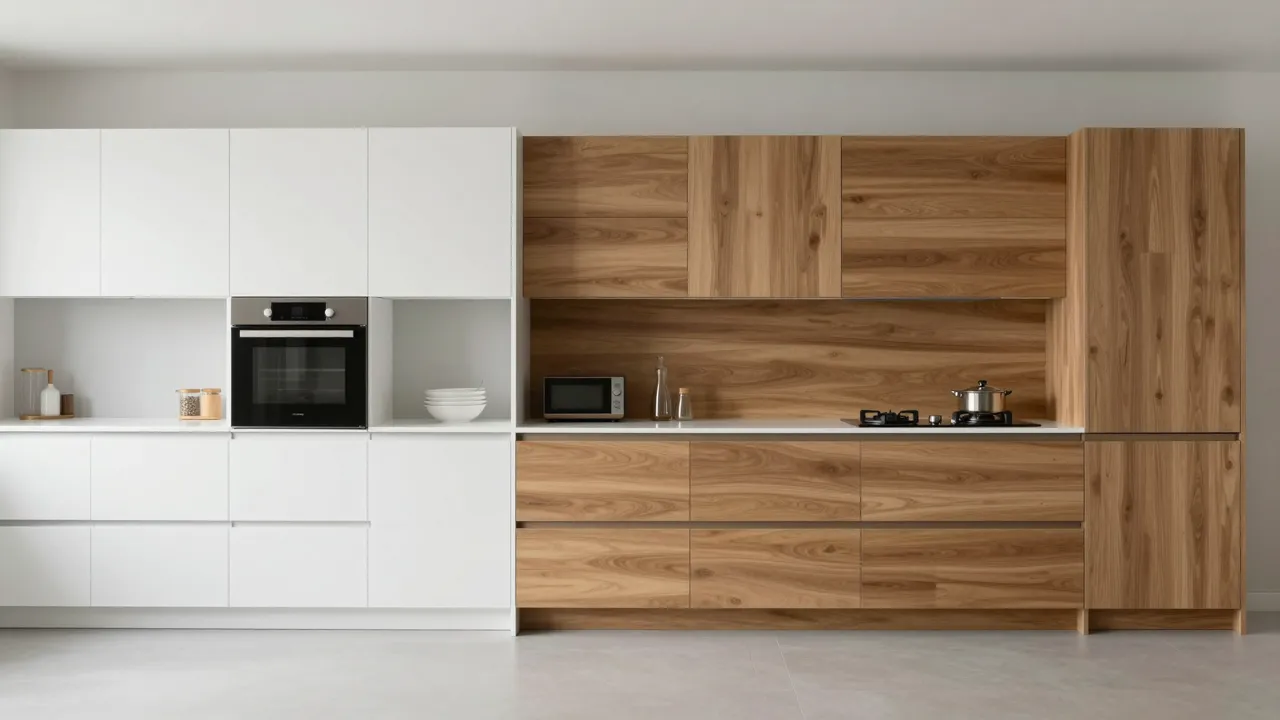
Restyling scenes and rebuilding light
Style transfer is the second big lever. Convert live footage into anime, claymation, vintage film stock, or video-game aesthetics — handy for intros, music clips, and covers where raw phone footage suddenly reads as deliberate art direction. Your choreography and framing remain, only the rendering changes.
Relighting deserves special mention. An overcast take can be flooded with sunset warmth, a daytime scene plunged into streetlamp night, harsh fluorescents replaced with soft studio glow. Because the model recomputes shadows and highlights rather than tinting the image, a lighting change shifts the mood far more convincingly than any color filter.
Source clip requirements
Uploads are capped at eight seconds, so slice longer material into chunks before processing. Along with the clip you must provide direction — a prompt, a reference image, or both. Without at least one of them the generation will not start, since the model has nothing to act on.
Output resolution is selectable between 720p and 1080p. Cleaner, steadier source footage gives the model an easier canvas: heavy shake and aggressive compression make edits harder to blend. Cost scales with clip length and chosen quality, and every result lands in your generation history for download.
Prompting tips for precise edits
Request one change per pass. An instruction like replace the car, make it night, and add rain splits the model's attention three ways, and each edit comes out weaker. Chaining runs works better: lock in one transformation, then feed the output back in as the next source.
Spell out the details you care about — color, material, light direction, how strong the stylization should be. Vague requests produce random results; a warm evening light from a window on the left produces predictable ones. If the first attempt misreads you, rephrase and rerun; iterations on a short clip are quick.
Frequently asked questions
How long can my source video be?
Up to 8 seconds per upload. For longer footage, cut it into segments, process each one, and stitch them back together in your editor. Regular phone or camera files work fine as input.
Is a text prompt required?
You need either a prompt or a reference image — at least one. Text suits broad edits like relighting or restyling; a reference image is better when you need one specific object or an exact visual style reproduced.
Will the original motion be preserved?
Yes. Camera trajectories, human movement, and timing carry over from your source clip; only the elements you asked about change. That makes the output easy to drop back into an existing edit.