Nano Banana: edit photos with words, no editor needed
Bottom Line Up Front (BLUF): Nano Banana is the AI model famous for photo editing by description: upload a picture, say what should change, and get the updated shot back. It can generate images from scratch too, but its signature trick is working with your own photos — removing clutter, swapping backgrounds, changing outfits or merging several separate shots into one convincing frame.
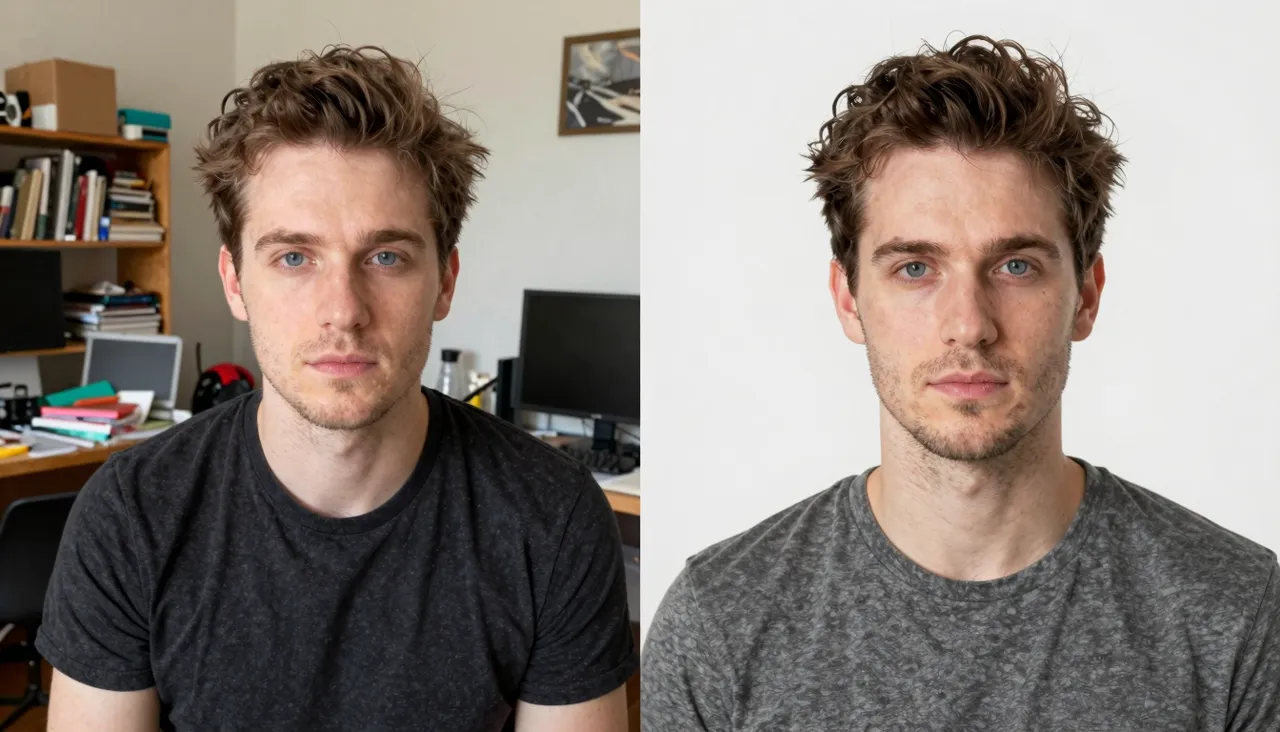
Photo editing in plain language
No layers, no masks, no retouching skills required. Attach a photo and type an instruction: “remove the strangers in the background”, “make the sky look like sunset”, “replace the t-shirt with a business jacket”. Nano Banana reads the request as plain text and returns the edited frame — often faster than you would find the right button in a conventional photo editor.
This works for casual snapshots and for product photos alike. Selling a sofa? Clear the boxes and the cat out of the shot so the buyer sees the item, not the mess. Updating a professional profile? Turn a random selfie background into a clean neutral one. Stick to one change per instruction — it keeps the outcome easy to control and easy to verify.
Combining several pictures into one
A single request accepts up to ten images, which unlocks edits that would take an evening by hand: placing a person from one photo into an interior from another, dressing a model in an item from your catalog, gathering relatives from separate shots into a single group portrait, or trying your logo on a product mockup.
Assign roles clearly in the instruction before you run it: say which upload provides the person, which one the setting, and which parts must stay untouched. The more precisely you split the task into pieces, the fewer surprises you get in the output and the fewer reruns you spend time and tokens on.
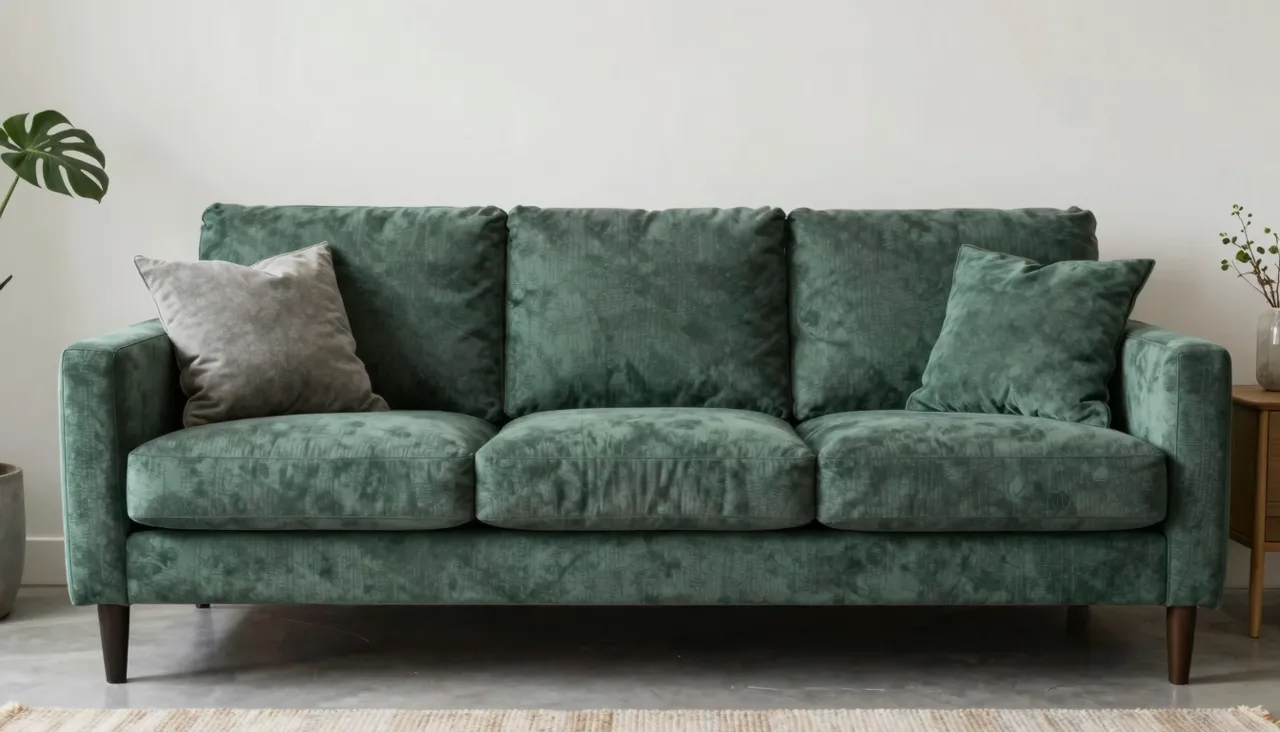
Generating images from a blank page
With no attachments, Nano Banana behaves like a regular text-to-image generator: describe a scene, receive a picture. It is particularly strong on lifelike, photographic subjects — people, food, interiors, animals, street scenes in natural light — and handles cartoon looks, painting styles and abstraction whenever you name the desired manner explicitly in the prompt.
For output you choose between JPEG and PNG files and a wide range of proportions, from a square to a 21:9 panorama, including vertical 9:16 for stories. An auto mode is there for when you would rather not think about framing at all — the model reads your description and composes the shot on its own.
Common mistakes and how to dodge them
The key thing to know: when editing, Nano Banana redraws the whole image according to your instruction rather than patching individual pixels. Fine details — fabric texture, lettering on signs, faces far in the background — may drift slightly from the original. Check the parts that matter after every edit and explicitly ask the model to preserve them when they are important.
The other classic mistake is requesting five edits at once; some may be skipped or blended together unpredictably. Work in steps instead: background first, then clothing, then light and color. Every intermediate version is kept in your generation history, and any of them can serve as the starting point for the next step until the frame is right.
Frequently asked questions
Will a person still look like themselves after an edit?
Usually yes, but since the model repaints the entire frame, small facial features can shift a little. When likeness is critical — a portrait or a profile photo — add “keep the face unchanged” to your instruction and compare the result against the original carefully before using it.
Can I generate a picture without uploading anything?
Yes. Without attachments Nano Banana works as a standard text-to-image model. Pick the aspect ratio and file format, describe the scene in your own words, and the result lands in your generation history, ready to download or rerun with tweaks.
How is it different from Nano Banana 2 and Pro?
This is the family's base version: quick edits and generation without fine resolution controls. Nano Banana 2 is the newer generation with more format options, while Pro targets maximum output quality up to 4K and dense, detail-heavy scenes.