Nano Banana 2 Lite: fast, budget-friendly image generation
Bottom Line Up Front (BLUF): Nano Banana 2 Lite is the lightweight member of the family's new generation: an AI image generator built for speed and minimal token spend. It is the tool for volume work — churning through a dozen variations of one idea, illustrating an entire series of posts, or quickly checking how a single scene looks across several different styles.
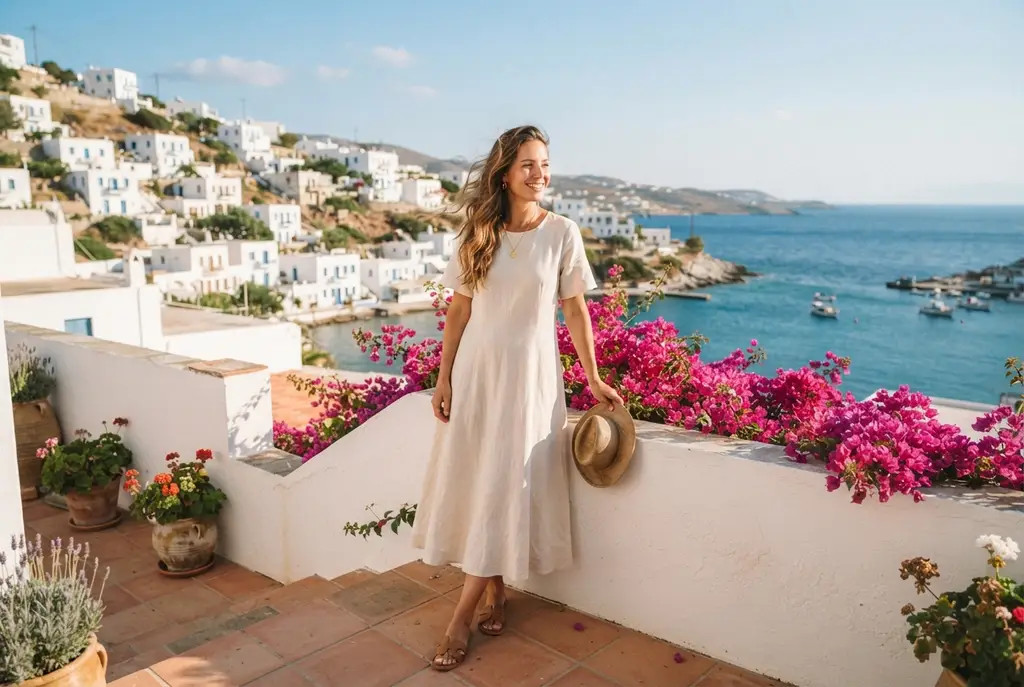
Built around speed and low cost
Lite is made for throughput. Where the heavier family members spend time and tokens polishing every detail, it returns results quickly and goes easy on your balance. Ten cover options before your coffee is ready — that is Lite territory, not flagship territory, and that pace is precisely the point of this version's existence.
That speed changes how you approach generation altogether. Instead of agonizing over one “perfect” prompt, you fire off several phrasings in a row and simply keep the best output. A miss stops being expensive, experimenting becomes the default habit, and every batch of runs trains your eye on your own real examples.
One setting instead of a control panel
The only parameter here is the aspect ratio: square, portrait and landscape options up to a 21:9 panorama, plus an auto mode for when the frame shape does not matter. Resolution is fixed at 1K — comfortably enough for social feeds, messengers, presentations and anything else that will only ever be viewed on a screen.
The missing settings are a deliberate simplification, not a stripped-down compromise. Fewer decisions before launch means a tighter idea-to-image-to-tweak loop, and your attention goes into the prompt itself rather than checkboxes. If the final version ever needs more pixels, the very same prompt moves to the bigger family models in a second.

Photo editing with up to 14 references
Despite the Lite badge, source handling here is full-size: up to fourteen uploaded images at up to 30 MB each. You can edit your own photos with a written instruction, borrow a style from a sample you like, drop a product into new surroundings, or merge several separate shots into one coherent composition.
That makes Lite a great drafting desk for tricky photo jobs. Iterate on the edit cheaply and quickly, find the instruction wording that works reliably every time — and hand only the final render to a pricier family version, if after all those drafts you even still need one.
Where Lite is enough and where it is not
For screen-bound work Lite covers nearly everything: post and article illustrations, slide visuals, memes, avatars, banner drafts and storyboards for future videos. Viewed on a phone or a laptop, its output is usually indistinguishable from the senior family versions — while the savings on your balance are very much distinguishable.
Step up to the bigger models in two situations: when you need more than 1K resolution — for print, a large layout or a marketplace storefront — or when the scene is so intricate that every small detail counts. For exactly those cases the family offers Nano Banana 2 and Pro with quality steps all the way to 4K.
Frequently asked questions
Is the quality much worse than the bigger versions?
Images come out at 1K, which is more than enough for social media, websites, messengers and presentations. The gap only shows in print or under heavy zoom — and that is when Nano Banana 2 or Pro with their 4K steps make sense.
Can I edit my own photos in Lite?
Yes. Upload up to fourteen images and describe in words what to change, move or combine. The mechanics match the senior family versions exactly — each run simply finishes faster and takes a smaller bite out of your token balance.
Why is Lite the pick for bulk generation?
It costs fewer tokens per launch and returns results sooner, so testing a dozen variations stays noticeably cheaper than on the flagship models. Like everything on the site, it draws from one token balance shared across all the tools.