Grok image generation: type a sentence, get a picture
Bottom Line Up Front (BLUF): The Grok Imagine 2 model (xAI) is designed for advanced image generation.
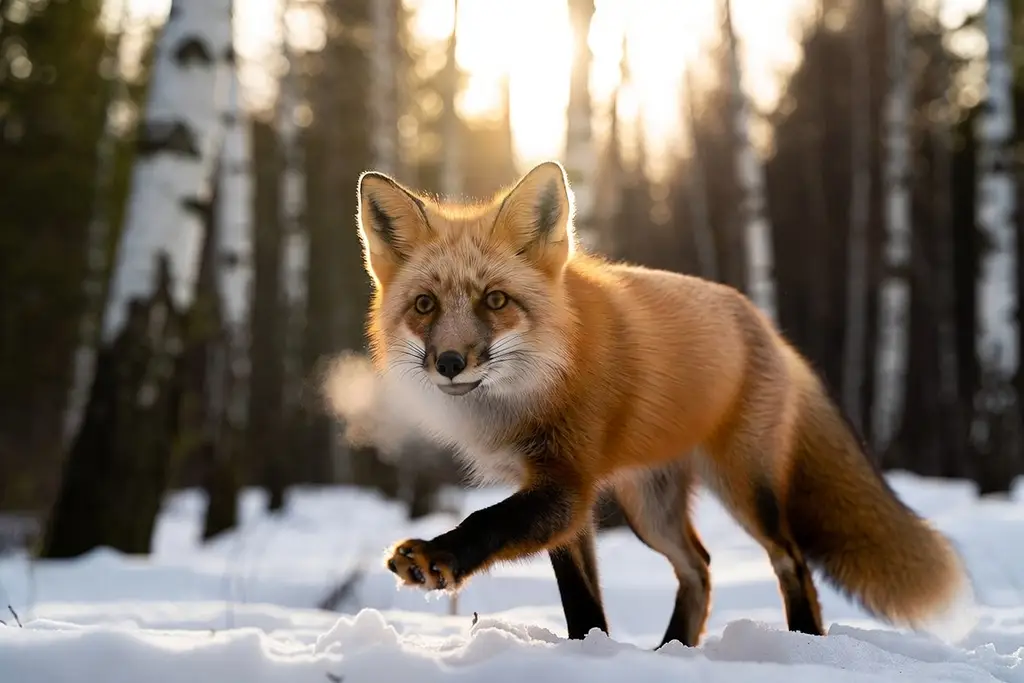
How to use Grok 2
The model's defining trait is tolerance for everyday language. Describe the scene the way you would tell a friend — a cat in a spacesuit fixing a satellite, Earth glowing below — and it fills in the rest: framing, light, background. No jargon about lenses, render styles or negative prompts is required to get a coherent result.
That lowers the barrier dramatically. Where other engines reward long, engineered descriptions, here a short phrase already lands somewhere decent. Not happy? Rephrasing and rerunning takes seconds, which is faster than fiddling with ten parameters. The loop of sentence, picture, tweak is what gives the whole thing its conversational rhythm.
One setting: the frame shape
The only control is aspect ratio. The default is 3:2, with 2:3, square 1:1, vertical 9:16 for stories and widescreen 16:9 for covers and slides also available. For everyday images that is genuinely all you need — everything else the model decides on its own without quizzing you.
One quirk to know: attach a photo of your own and the ratio picker greys out. The output then follows the shape of your upload automatically. That is deliberate — the model preserves your source's format instead of stretching or cropping it to fit a preset.
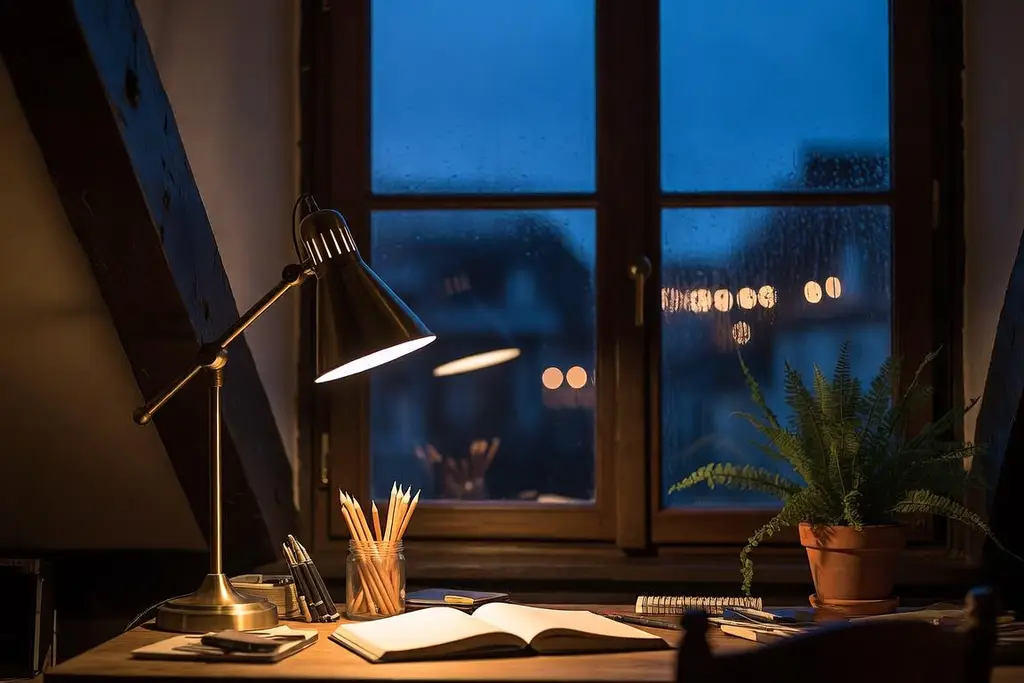
Editing your own photo with words
You can attach a single reference image per request, then describe the change in text: swap the background, put an object in someone's hand, turn afternoon into dusk, dress the subject in a different outfit. The model starts from your picture and reworks it according to the instruction.
Short, specific asks work best — one change at a time. Make the background a sunset beats improve this and change everything. For a chain of edits, go stepwise: download the first result, upload it as the new reference, request the next change. Each step stays under your control.
Good fits, and when to upgrade
This model covers the daily stuff: an illustration for a post, a joke for the team chat, a greeting card, a rough visual to anchor a discussion, a placeholder for a deck. Speed and simplicity outrank fine control here, and that is exactly the trade it makes. Everything you generate lands in your history for downloading or rerunning.
When you need precise typography on a poster, a matched series in one style, or a scene packed with objects, scroll the model list — neighbors there offer deeper settings and more reference slots. Your token balance is shared across all of them, so switching costs nothing but a click.
Frequently asked questions
Do I need prompt-writing skills?
No. Write a normal sentence: who is in the frame, what they are doing, where it happens. The model expands that into a full scene by itself. Style or time-of-day hints are optional extras, not requirements.
Why is the aspect ratio locked when I upload a photo?
With a reference attached, the output automatically matches your photo's shape so nothing gets cropped or stretched. The ratio picker only applies to generations that start from a blank canvas.
How many photos can I attach at once?
One per request. For multi-step edits, work sequentially: generate, download the result, re-upload it as the reference and ask for the next change. You keep full control at every stage.