Tools for vibe coding: a browser service vs local IDE agents
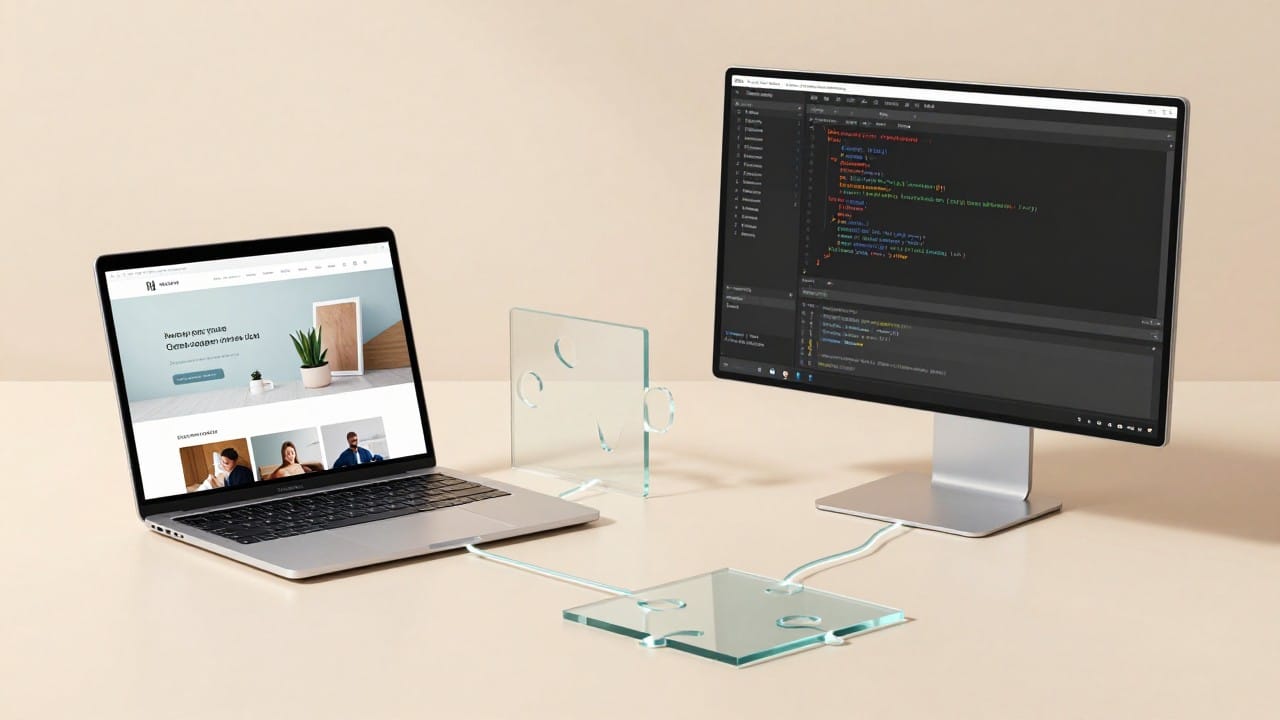
Vibe coding tools fall into two big groups: browser services, where you describe a task in words and immediately get a working project at a link, and local IDE agents that live on your computer and edit files right inside the editor. Both solve the same job — building software by conversation — but in different ways: one removes installation and setup, the other gives you full control over code and environment. Below is an honest comparison and a step-by-step start in the browser on NeuralSpace.
What vibe coding tools are
Vibe coding is development by describing the task in plain words: the model writes the code, runs it and shows the result. The tools for it split into two families. The first is cloud (browser) services: you open a site, enter your idea, and the agent assembles the project, starts a server and publishes it at a public link. The second is local agents built into an integrated development environment (IDE): they run on your machine, edit files in the project and execute commands in the terminal. In essence these are two answers to one question — who holds the code and the environment — and almost everything else follows from it.
Browser service: nothing to install
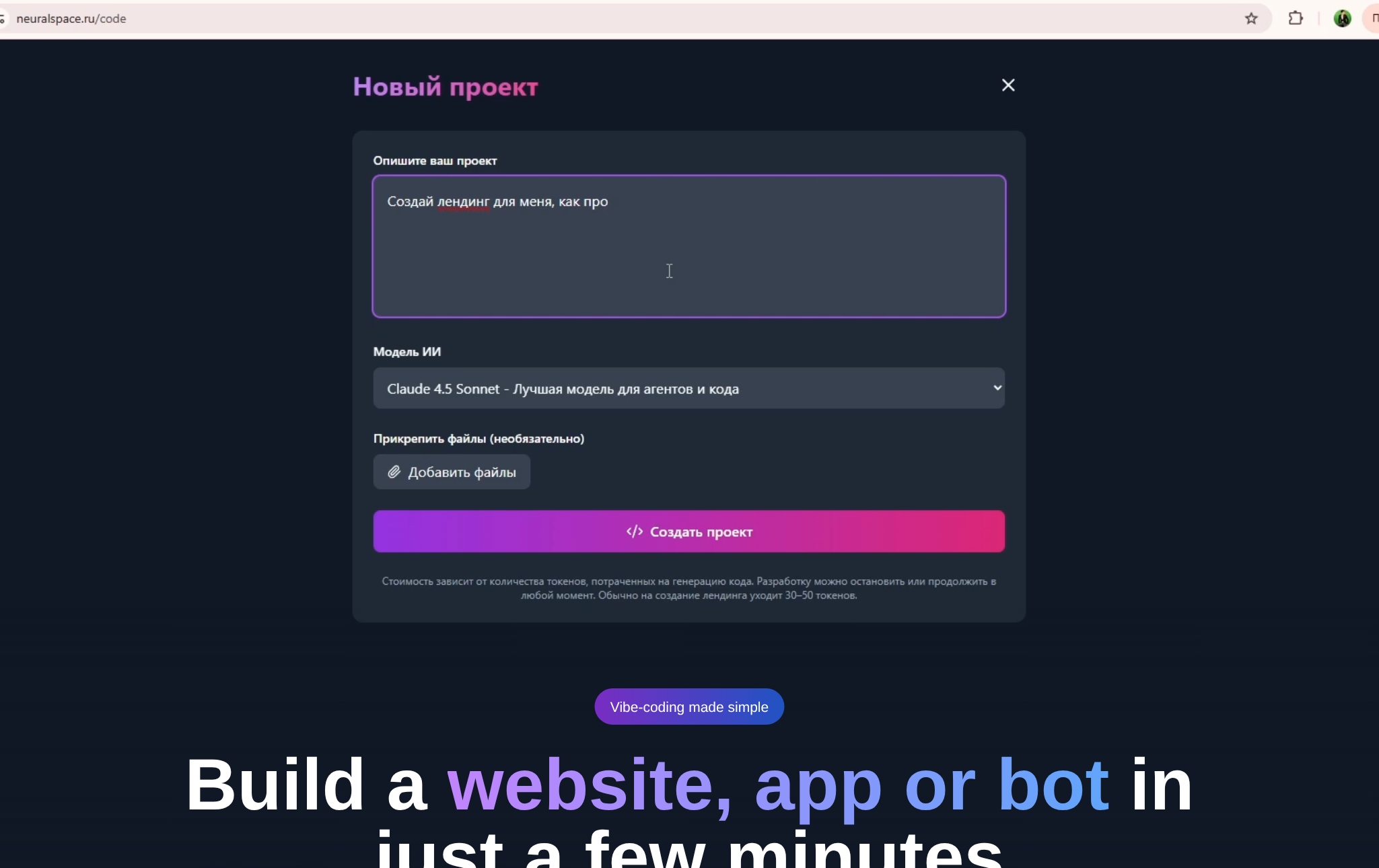
The browser route is the shortest path from idea to result. On NeuralSpace that is the vibe coding section and the Code workspace: describe the project, pick a model, hit run. The agent writes the files, installs dependencies, starts the server and gives you a link that opens for anyone. No editor to install, no environment to configure, no hosting to rent — and a custom domain is connected in the same project window. You pay only for the tokens you spend, with no subscription, and new users get starter tokens for their first runs.
A separate advantage is having models and generations in one place. If the project needs images, video or voice, it can call the NeuralSpace public API: the agent is issued a key in the API keys section, and the site can call image, video and music models while it runs — with no VPN and no foreign cards.
Local IDE agents: full control over your own machine
The local route is chosen when control matters: the code sits in your repository, with your git, your dependencies and your machine. The agent lives inside the editor — Cursor, VS Code with extensions such as GitHub Copilot, Cline or Continue, the Windsurf editor, the command-line Aider, and JetBrains AI assistants all offer this. The upsides: edits go to specific files, the change history is visible, you can plug in your own tools and local models, and you can run one big project for years. The price is the entry barrier: you install and configure the editor, sort out keys or pay for a subscription, and for heavy models sometimes build a more powerful machine.
How a browser service differs from an IDE agent
Briefly, point by point, to pick what fits your task:
- Setup. Browser — install nothing: open and work. IDE agent — editor, extensions, keys or a subscription.
- Who hosts the result. In the browser the agent starts the server and publishes the project at a link. In the IDE you run everything locally and decide where to deploy.
- Control over files. In the IDE the code is in your repo under your git. In the browser the project lives in the service's cloud, and you can download the sources.
- Computer power. A browser service runs on a weak laptop or a tablet. A local agent needs spare memory and CPU.
- Pricing. On the NeuralSpace browser service it is per token, no subscription. IDE agents usually mean a subscription or your own API key.
- Best for. Browser — a fast start, a prototype, a site, a bot, a landing page in an evening. IDE agent — a large long-lived project, fine-tuning, teamwork.
How to start in the browser on NeuralSpace
The order is simple: sign up, open the vibe coding page, describe the project in plain words and hit run. A good brief answers three questions: who the user is, what they see and what they can do. Instead of "make a beautiful site", write something like: "a landing page for an online school: course programme, prices, reviews, an application form, calm light colours." The agent then writes the code, starts the project and shows the result, and you ask for changes in the same chat: swap a section, add a page, hook up payments.
Which model to choose
A first project does not need a heavyweight flagship: start with a cheaper model — your balance lasts much longer, and for a business-card site, a bot or a scraper the quality gap is small. Switch to stronger models when the project grows: several pages, complex logic, a personal account, integrations. The cost is shown before the run, so you decide with the number in front of you. Switching models is one click in the same interface.
What the platform's real data shows
A couple of anonymized facts from the NeuralSpace production database (snapshot 2026-10-30), so this isn't a matter of impressions. The vibe coding service has 605 projects in total: 593 run on shared cloud, 11 on a dedicated server and 1 on the user's own. By the number of chats created in the service, the models break down as follows: Kimi K2.5 — 410 chats, Claude Sonnet 4.5 — 60, Kimi K2.6 — 46, GLM-5 — 30, DeepSeek V4 Flash — 21. The takeaway is simple: most projects are built on cheaper models and move to flagships only when needed.
FAQ
Do I need to install anything for vibe coding in the browser?
No. A browser and an account are enough: you describe the task, and the service assembles, runs and publishes the project at a link.
How is a browser service worse than a local IDE agent?
It gives you less control over files and environment and is a poorer fit for large long-lived projects. In return it needs no installation, configuration or powerful computer.
Can I get the source code out of a browser service?
Yes, the project can be downloaded and continued locally. Many people work this way: a fast start in the browser, further work in the IDE.
How much does vibe coding cost on NeuralSpace?
No subscription: you pay only for the tokens spent on generation. The price depends on the model and is shown before you run it, and new users get starter tokens for their first runs.