AI avatar speaking from a photo: how to animate a photo with a neural network
Briefly about the main thing (BLUF)
A talking AI avatar is built from a single photo: you upload a portrait, add text or audio, and the person in the picture blinks, moves their lips and speaks with real lip-sync. Two years ago it looked like a magic trick — today it takes about two minutes in the browser. Below: how it works, where people actually use it, a step-by-step recipe, the price and the ethics you should not skip.
I once sent a friend a childhood photo of mine, and a minute later it "spoke" in his voice. Creepy and amazing at the same time. That is exactly what a talking AI avatar does — and in NeuralSpace it takes a couple of minutes.
How it actually works
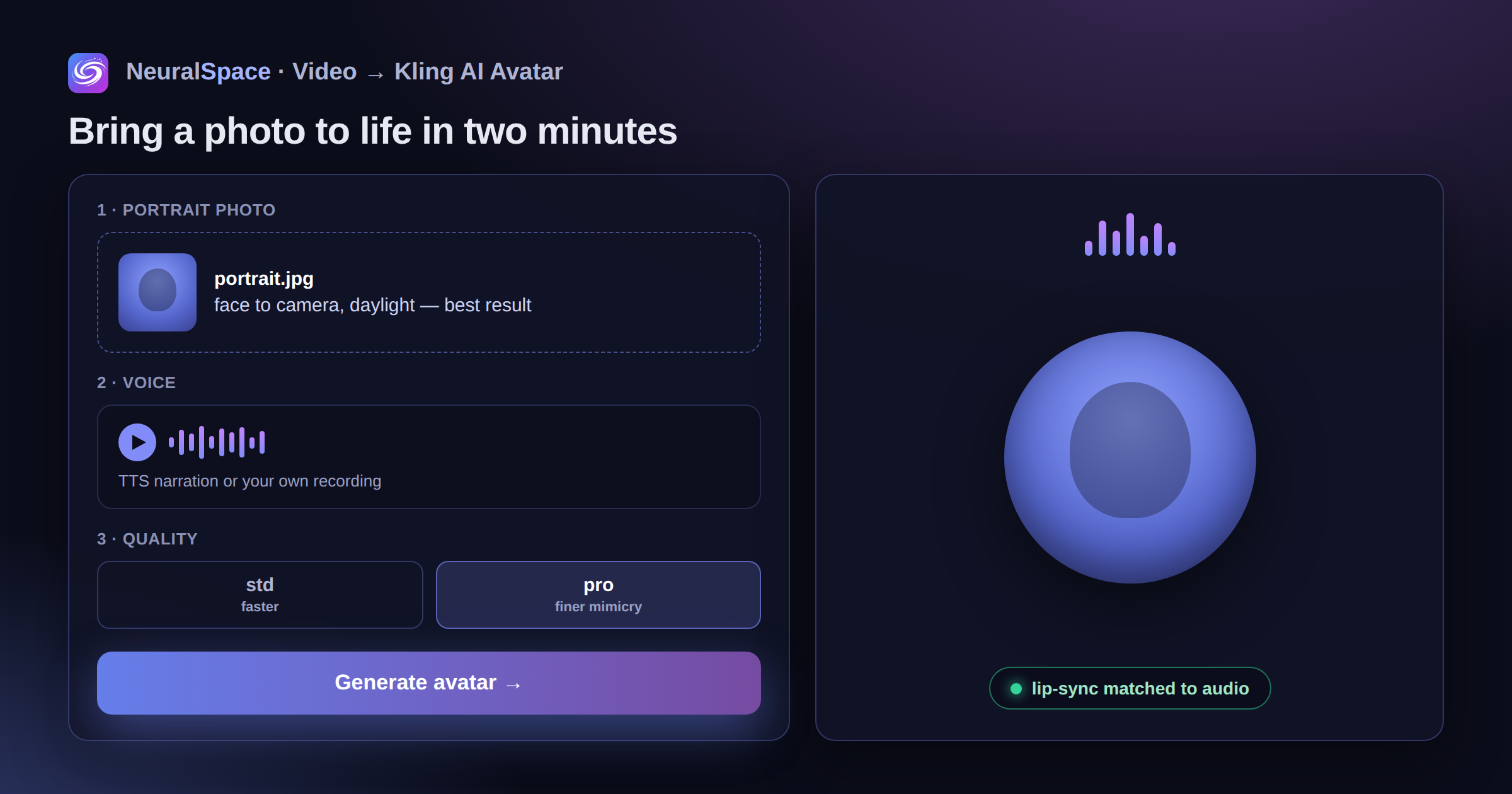
You give the model one photo and one audio track. Kling AI Avatar builds a 3D map of the face and matches lip movement to the sound. There are two modes: std is faster and cheaper, pro is more detailed — the eyebrows move, the gaze stays alive, and the result holds up on a big screen.
Why people use it
- Online courses — the teacher's "face" delivers the lesson, and nobody had to be filmed;
- Video localisation — a speaker "talks" in another language after AI voice-over, and the lips match;
- Marketing clips — fast, with no studio and no camera crew;
- Family photos — a grandmother in an old snapshot "tells" her story;
- A virtual host for a Telegram channel or a YouTube channel.
Make an avatar in two minutes
- Open the Video section and pick Kling AI Avatar.
- Upload a portrait: face in frame, head-on, even daylight. A 1:1 or 3:4 crop works best.
- Add the voice — type the text into TTS or upload your own recording.
- Choose std or pro, start the generation and download the result.
One tip: a tilted angle or a dark room still works, but the result comes out "wooden". A plain head-on portrait in daylight gives the cleanest lip-sync.
What it costs
You pay in tokens, 1 token = 1 ₽, and the price is shown before you start. Failed generations are refunded automatically, and the daily bonus tokens are enough to test a couple of avatars before you top up.
About ethics — seriously
Only use photos you have the rights to. A video where someone "says" what they never said is not a prank — it is a problem. NeuralSpace logs generations and blocks abuse, and you can delete your own material in privacy settings.
Frequently asked questions
Can I make an avatar from an old or low-quality photo?
Yes, up to a point: the face has to be recognisable and reasonably sharp. Scans of old paper photos work if the eyes and mouth are visible — the model needs them to build the lip-sync.
Can I use my own voice?
Yes. Record the line yourself, or clone your voice in the characters section and use it as the audio track.
How long can the video be?
Keep it to one or two sentences per generation — short clips give the cleanest lip-sync. For a long script, generate several clips and join them in any editor.
Is the result mine to use commercially?
Yes, the generated video is yours. Just make sure you have the rights to the photo and to the voice you used.