Realtime voice AI assistant — talk to AI live | NeuralSpace
The short version (BLUF)
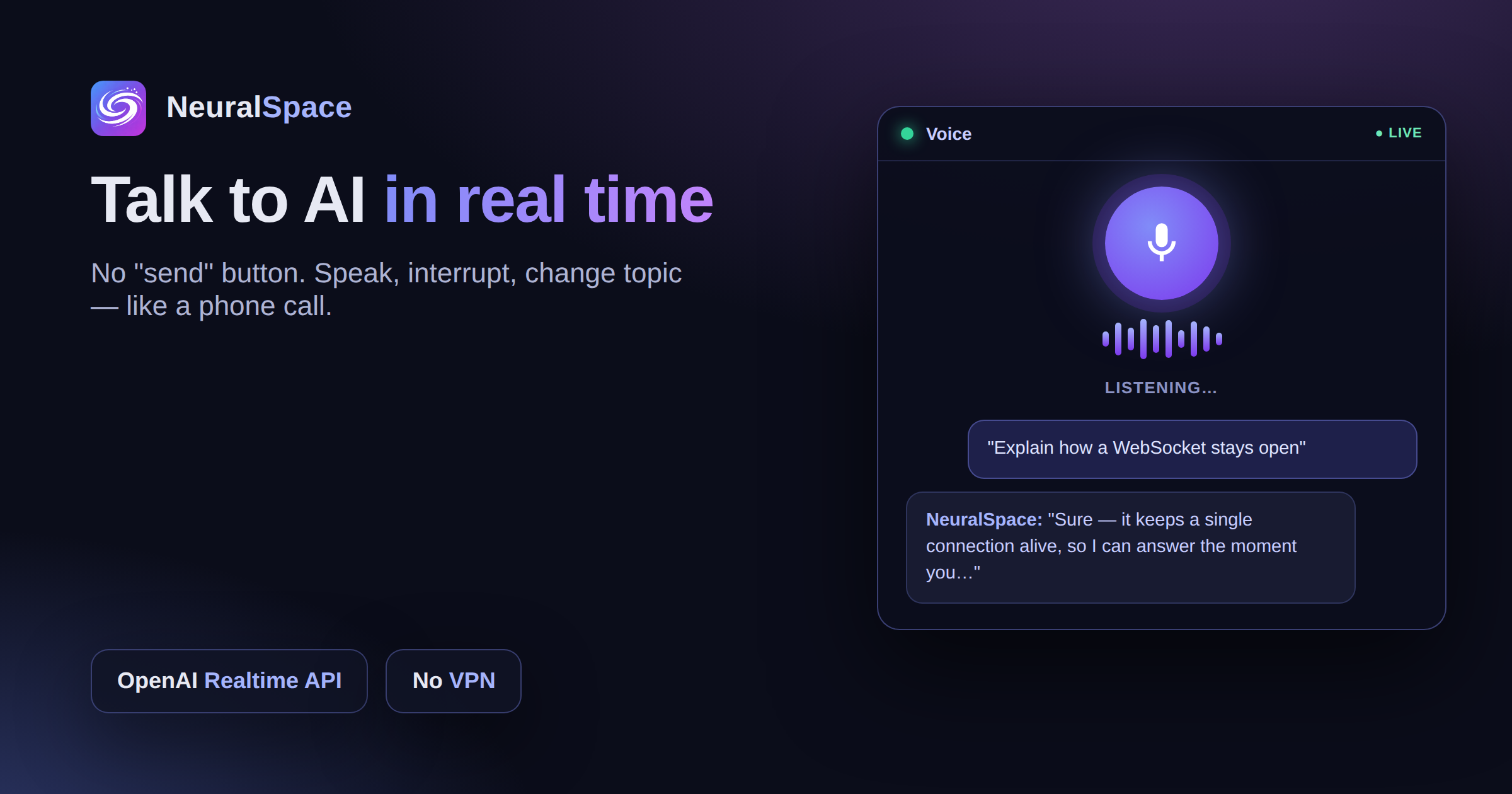
NeuralSpace has a realtime voice assistant: you talk to the AI out loud, it answers immediately and remembers the context between sessions. How it works, where it is genuinely useful, and what happens to your recordings.
Typing into a chat is fine. But when you're driving, out on a run, or just want to think out loud — tapping out text is a pain. I started using the voice AI assistant out of curiosity, and a week later I couldn't go back. It's genuinely faster. In NeuralSpace it runs on the OpenAI Realtime API — no lag, no "send" button.
How it works
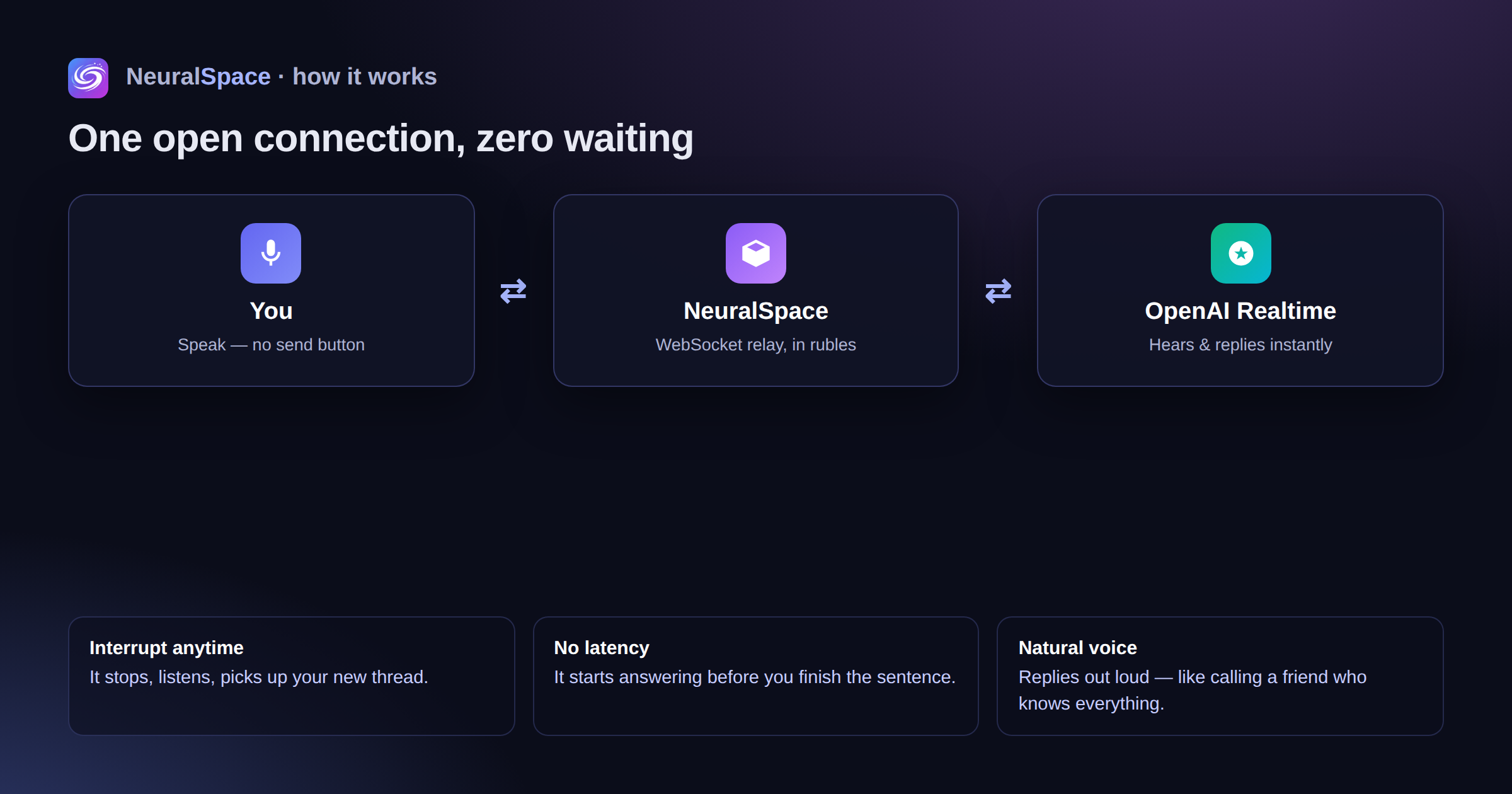
A constant WebSocket connection to the model. You speak — the AI hears you instantly and starts replying out loud, without waiting for you to finish your sentence. You can interrupt, clarify, switch topics — just like a normal conversation. It feels like calling a friend who happens to know everything.
Where it comes in handy
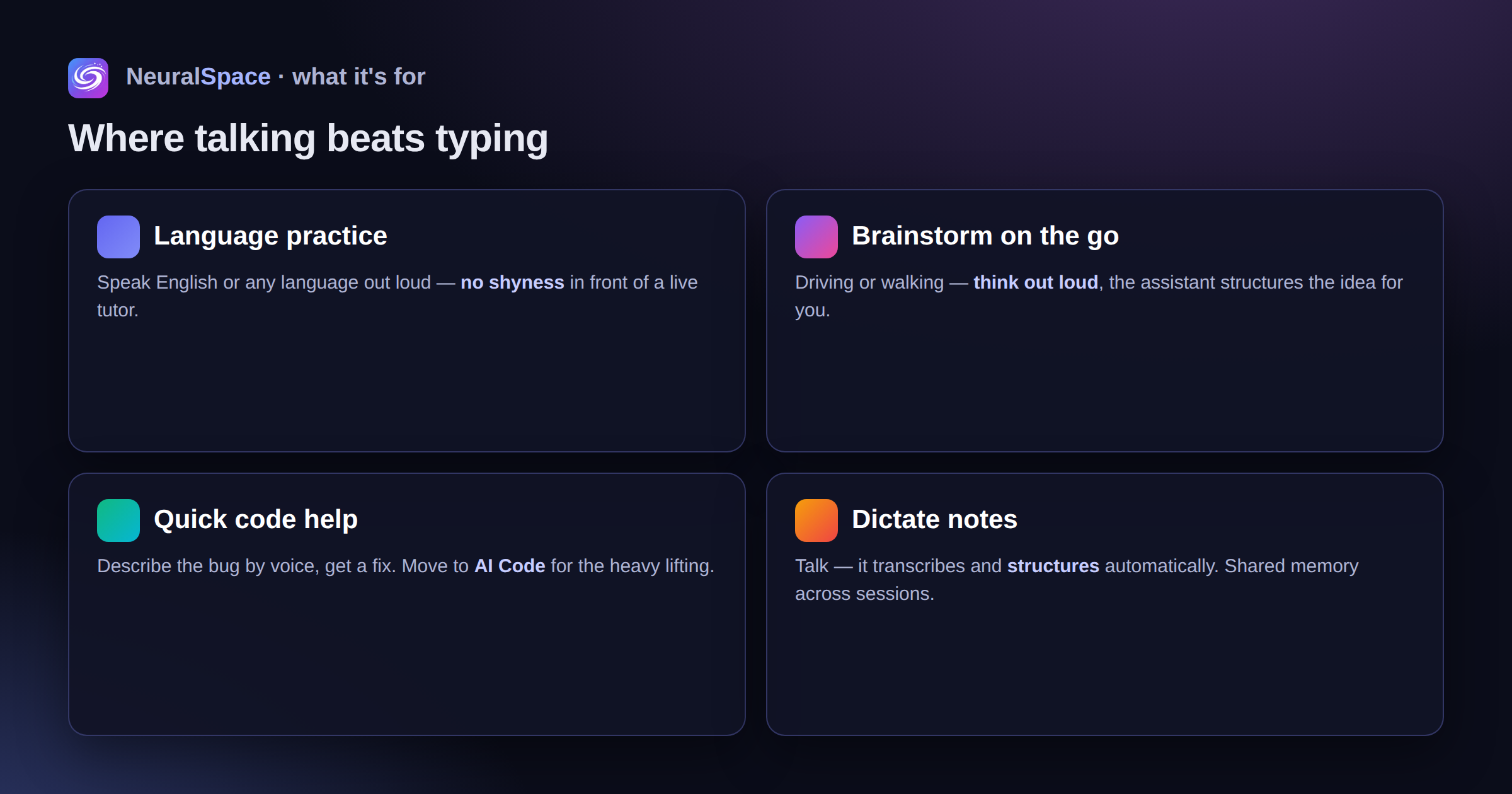
Practising English and other languages — without the shyness you'd feel in front of a live tutor. Brainstorming on the move — you say the idea out loud, the assistant structures it. Quick code consults — describe the problem by voice, get a solution. Dictating notes with automatic structuring. For text-based tasks there's chat right next to it, and for code — AI Code.
Memory between sessions
The voice assistant uses NeuralSpace's shared memory. Discuss an email in chat in the morning — in the evening the voice assistant picks up right where you left off. It remembers what you do for work and how you like your answers. And if you want a character with a specific personality, create one in AI Characters.
Privacy
Audio is encrypted over TLS and isn't used for training. Your history is visible only to you. Delete it in one click in privacy settings.
The downside? For now it only works on a solid connection. On a weak mobile signal you'll get the occasional drop. But at home or in the office — it flies.
Sign up — pay in rubles, no VPN, all the models in one window.
Frequently Asked Questions (FAQ)
Q: How do I get the best result from the AI?
A: Use detailed prompts (descriptions) in English; specify style and scene details.
Q: Can I use this content commercially?
A: Yes, all generated content belongs entirely to you.