AI translation of videos with voice acting: dubbing
Briefly about the main thing (BLUF)
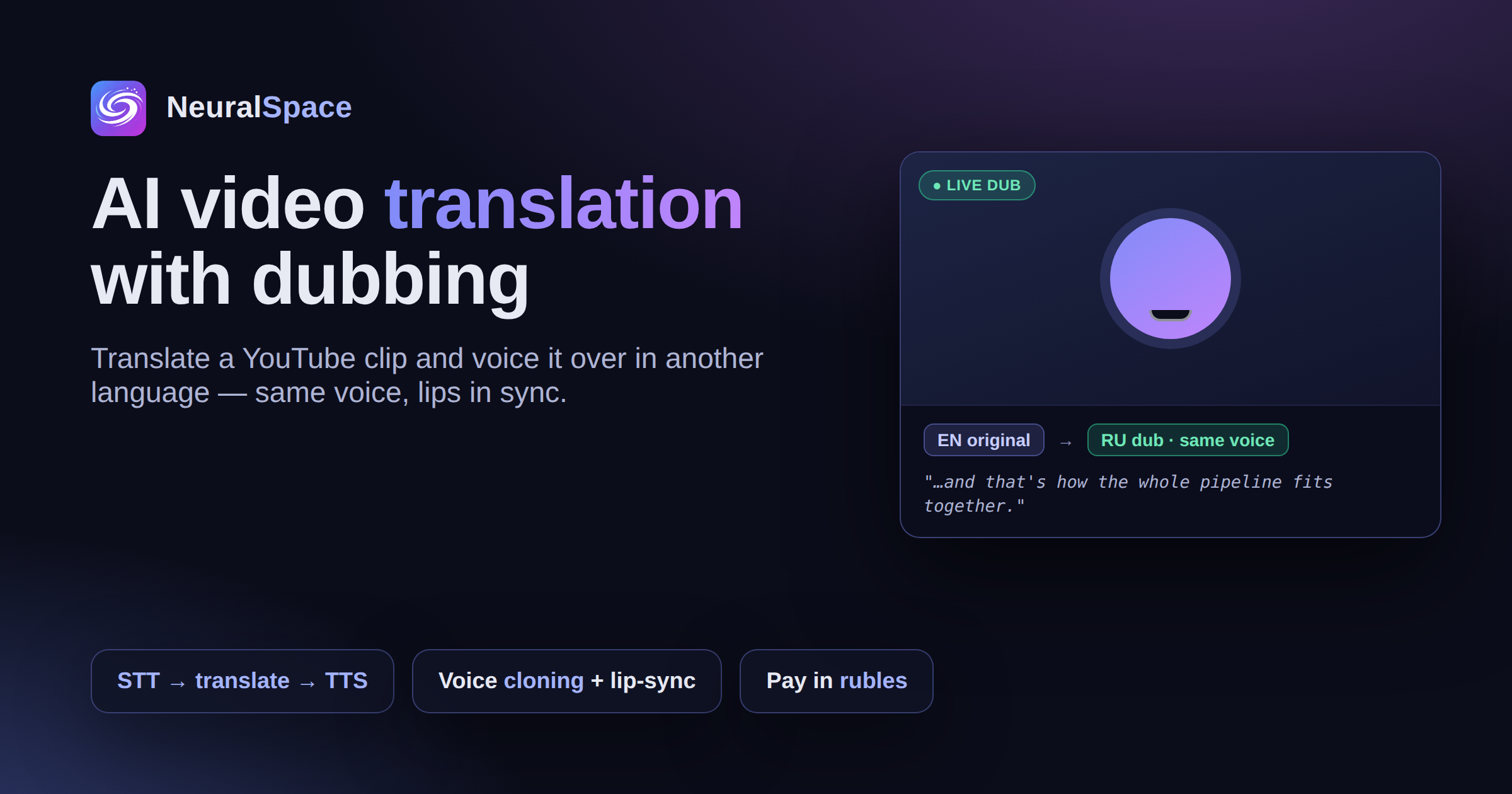
AI translation of video with voiceover does in minutes what a dubbing studio takes days to do: transcribes speech, translates and superimposes a synthetic voice. Let's look at how the process works, who needs it, and where neurodubbing has a catch.
A friend sent me an English-language tutorial for 40 minutes. Watch with subtitles? No really. I ran it through AI dubbing and after 15 minutes I got the Russian version. With a voice that is similar to the original one. With lips that move to the beat. In 2026, this is no longer science fiction, but a working pipeline.
How the process works
- Speech recognition (STT) - the neural network decrypts the original with time codes
- Transfer via L.L.M. - not Google Translate, but a model that preserves the style and terminology
- Speech synthesis (TTS) with voice cloning of the original speaker. Yes, the voice will be similar
- Lip sync - adjusting lips to a new track via Kling AI Avatar in "Video" section
Who needs it
Online schools can localize courses in hours, not weeks. YouTube-bloggers - reach a Russian-speaking audience. Marketers should adapt foreign promotions. Companies can translate webinars for teams. And it costs an order of magnitude cheaper than studio dubbing.
Where's the catch?
The quality greatly depends on the source. A clear voice without background music translates almost perfectly. Noisy recording from a conference - you'll have to clean up the audio first. And it’s better to break long lectures into chapters and translate them in parts - this way it’s easier to control the terminology and not get a “floating” translation at the end.
How to do it in NeuralSpace
IN NeuralSpace the entire pipeline is collected in one place: upload a video and receive a translation with voiceover and subtitles. Without juggling five different services. Payment is simple, without foreign subscriptions. Try it on a short video — welcome tokens will be enough for the first minutes of dubbing.
Frequently asked questions (FAQ)
Question: How to get the best result from a neural network?
Answer: Use detailed prompts (descriptions) in English, set the style and details of the scene.
Question: Can these materials be used for commercial purposes?
Answer: Yes, the generated content is entirely yours.