Seedream 5 Flash: fast image generation is live
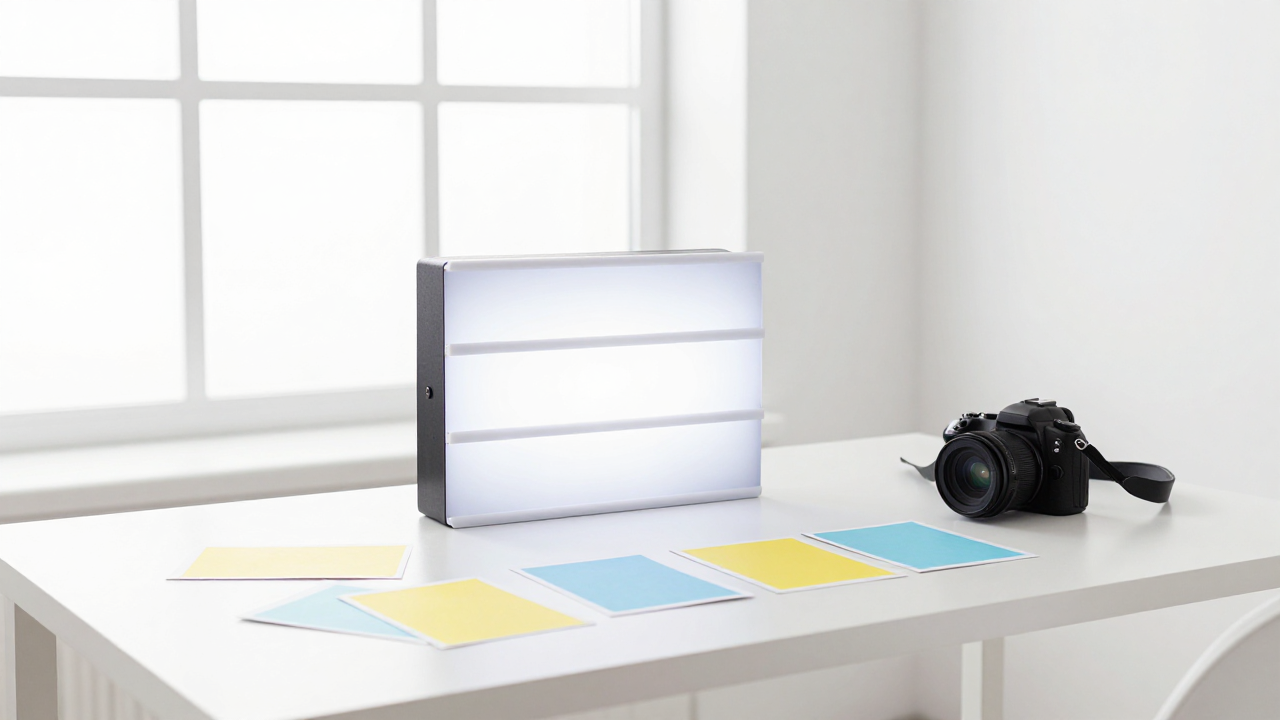
The Images section has a new model — Seedream 5 Flash. It is the fastest and most affordable tier of the fifth Seedream generation: built for throughput when you need many images and cannot spend much time or many tokens on each one.
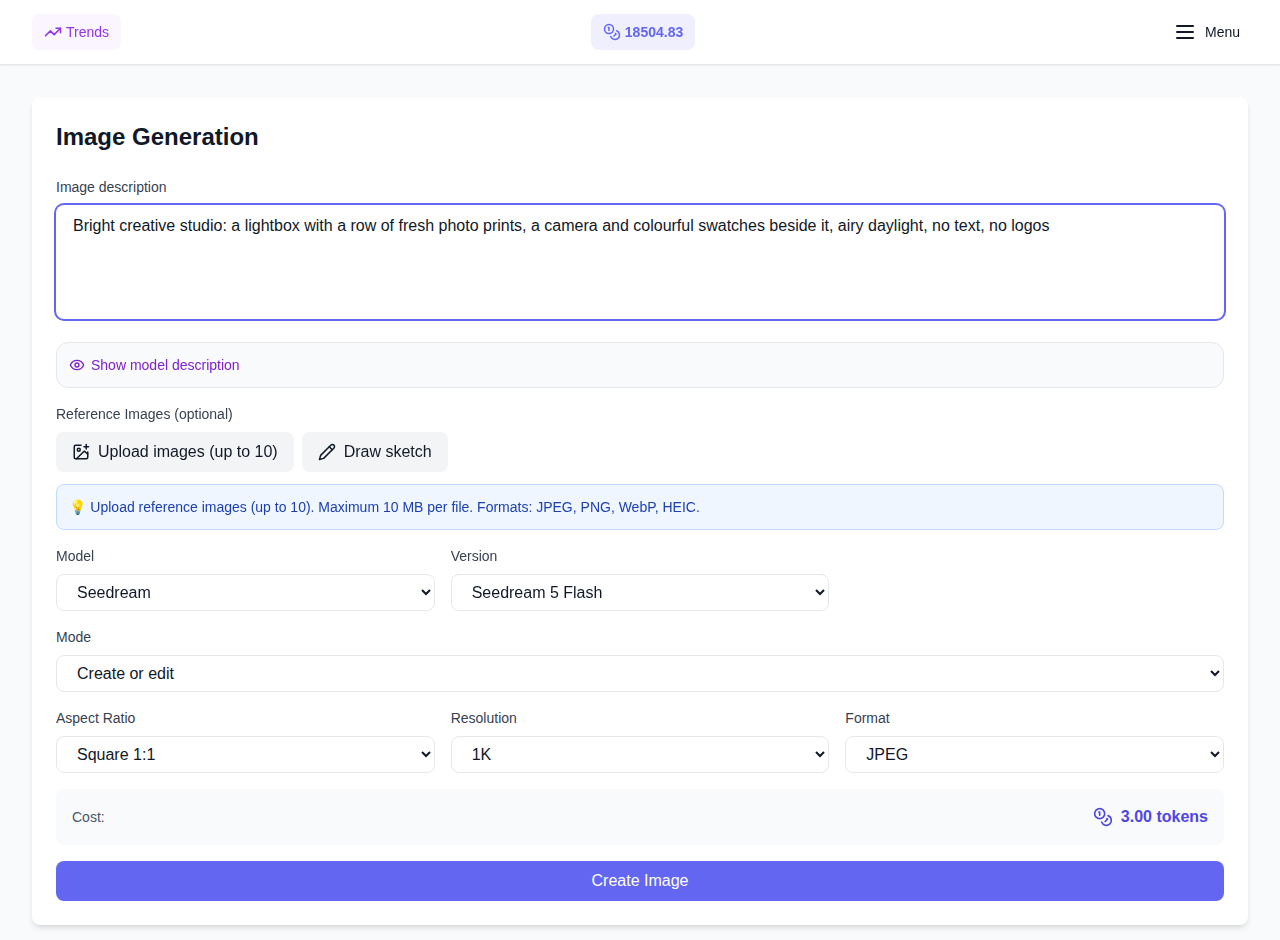
What Seedream 5 Flash can do
- Generation from a prompt. The model creates an image from a text description of up to 5,000 characters — from illustration sets for social posts to cover drafts.
- Edits with your own photos. Attach up to ten reference images in JPEG, PNG or WebP format (up to 30 MB each): replace a background, change a material or the lighting, or blend several pictures into a single composition.
- Layer decomposition. A dedicated mode splits a finished frame into parts: a headline and an object, a product and the background, and so on. Every fragment is saved as its own PNG with its own coordinates, while the base image stays complete.
- Eight canvas formats. Square 1:1, classic 4:3 and 3:4, cinematic 16:9 and 9:16, book-like 2:3 and 3:2, plus a wide 21:9 — switch proportions for every channel without a separate cropping tool.
One price at any size
Pick a resolution from three levels — 1K, 1.5K or 2K — but on this model the choice does not change the cost: the same number of tokens is charged for 1K and for 2K alike. The price is shown on the generate button before you start, and that is exactly what gets charged. The output format is JPEG (the default) or PNG when fine detail matters most.
If a generation fails on our side, tokens are refunded automatically — the platform charges only for the result you actually receive.
When to choose Flash
Flash is the bottom, fastest tier of the fifth Seedream family: Lite sits in the middle and Pro targets maximum detail. Choose Flash when you need throughput — many variants, quick iterations, a low cost per frame. If a single important picture calls for maximum texture and light rendering, look at the higher tiers of the family.
All models live on the same page: switch the model in the dropdown and the form shows its own controls. Every result stays in your generation history, ready to repeat, download, or turn into a video in the neighbouring Video section.
How to try it
- Open the Seedream 5 Flash model page — or pick it from the model list on the Images page.
- Describe what you want, add references if needed, and choose the size and format.
- Check the price before you start and hit Generate — the result appears in your history.
The model is available beyond the website as well: it has been added to the public API and MCP — call parameters and rates are described on the API keys page.
Frequently asked questions
How is Flash different from Seedream 5 Lite and 5 Pro? Flash is the fastest and cheapest option of the fifth generation, built for volume and quick idea exploration. Lite is the middle of the family, and Pro offers maximum detail for important work. Switching between them takes one click in the same model list.
Does the image size affect the price? No: 1K, 1.5K and 2K cost the same, as do text-to-image, reference editing and layer decomposition. The final cost is shown before you start.
How many references can I attach? Up to ten images in JPEG, PNG or WebP format, up to 30 MB each.