Online AI without a subscription: what you can do

Online AI is most useful when you can open it in a browser, choose a task and start without installing software or committing to a subscription. NeuralSpace brings chat, image creation, video, music and coding tools into one account; new users receive starter tokens, while later tasks are paid for with tokens. This guide maps each section to a real first task and gives prompts you can use immediately.
Pick the job before picking a model
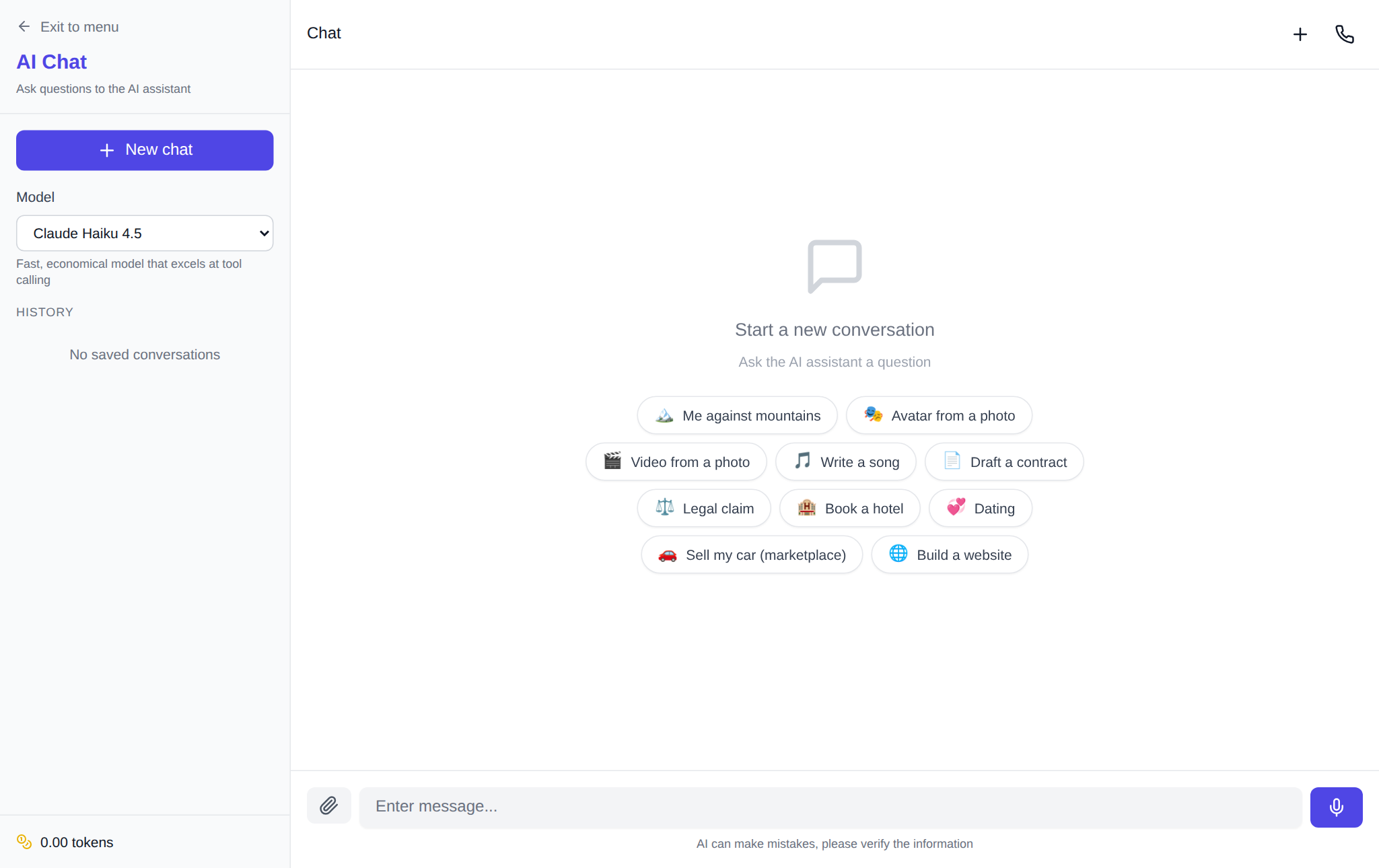
For a question, draft, outline or translation, start in Chat. Put the goal, audience and format in the first message: “Create a seven-step kitchen-renovation article outline for beginners; avoid jargon.” For programming, use the Code section and name both the input and the expected output: “Write a JavaScript function that validates order IDs in the form AB-1234 and add three tests.” This makes the result easier to check and improve.
Create an image from a concrete brief
In the image generator, choose a model and frame format, then describe the subject, setting, light and camera angle. A good first brief is: “a ceramic cup of tea on an oak table, morning side light, close-up, warm product photography.” Do not pack every idea into the first attempt. Keep a composition you like and change one element—background or lighting—on the next run.
Video and music solve different problems
For movement, open Video. A text-to-video prompt should state the object, action, camera and mood: “a paper boat floats down a stream, side tracking shot, soft evening light.” When your composition already exists, upload the image and describe the motion rather than re-describing the whole picture. For a soundtrack, use Music and specify genre, tempo, mood and use: “calm instrumental electronic music, 90 BPM, intro for an educational video.”
Keep token spending predictable
Check the selected model and parameters before running a task: they determine token use. Start with a short, testable request instead of many near-identical attempts. Ask chat for an outline before a full draft; settle the composition before refining an image; test one short video scene first. NeuralSpace has no mandatory subscription: after starter tokens, you top up tokens and pay for the work you run.
FAQ
What does online AI mean in practice?
It means tools you can open in a browser without software setup or a mandatory subscription. New NeuralSpace accounts receive starter tokens, and later work uses tokens.
Where should I start for writing or answers?
Open NeuralSpace Chat, select a model and state the goal, output format and constraints in one message.
Which section animates an image?
Use Video: upload the source image, then describe the movement you want in the frame.
Do chat, images and video require a subscription?
No mandatory subscription is required. Token use depends on the model and settings of the individual task.