A vibe coding guide: from idea to a published site in 5 steps
Vibe coding means building a website or an app by talking to an AI: you describe what you need in plain words, the model writes the code, runs it and shows you the result. Below is a five-step guide from an empty idea to a published site on NeuralSpace: what to type, where to click, which model to pick, and what to check after the first run.
Step 1. Put the idea in one sentence
Start with the result, not the structure. A handy formula: who the user is, what they see and what they can do. For example: “a landing page for an English school with three price plans, a sign-up form and a reviews block.” The phrase “make a beautiful site” sets almost no limits: the model fills the gaps itself, and you get something other than what you had in mind. The sharper the boundaries, the fewer fixes later.
Step 2. Open the Code section and describe the project
Go to the Code section on the vibe coding page and paste your description into the project field. Write in plain words: the agent chooses the framework and the file layout itself. If you already know the colors, texts or name, put them in right away, for example: “the school is called Lingva, the main color is dark navy, sans-serif font.”
Step 3. Pick a model for the task
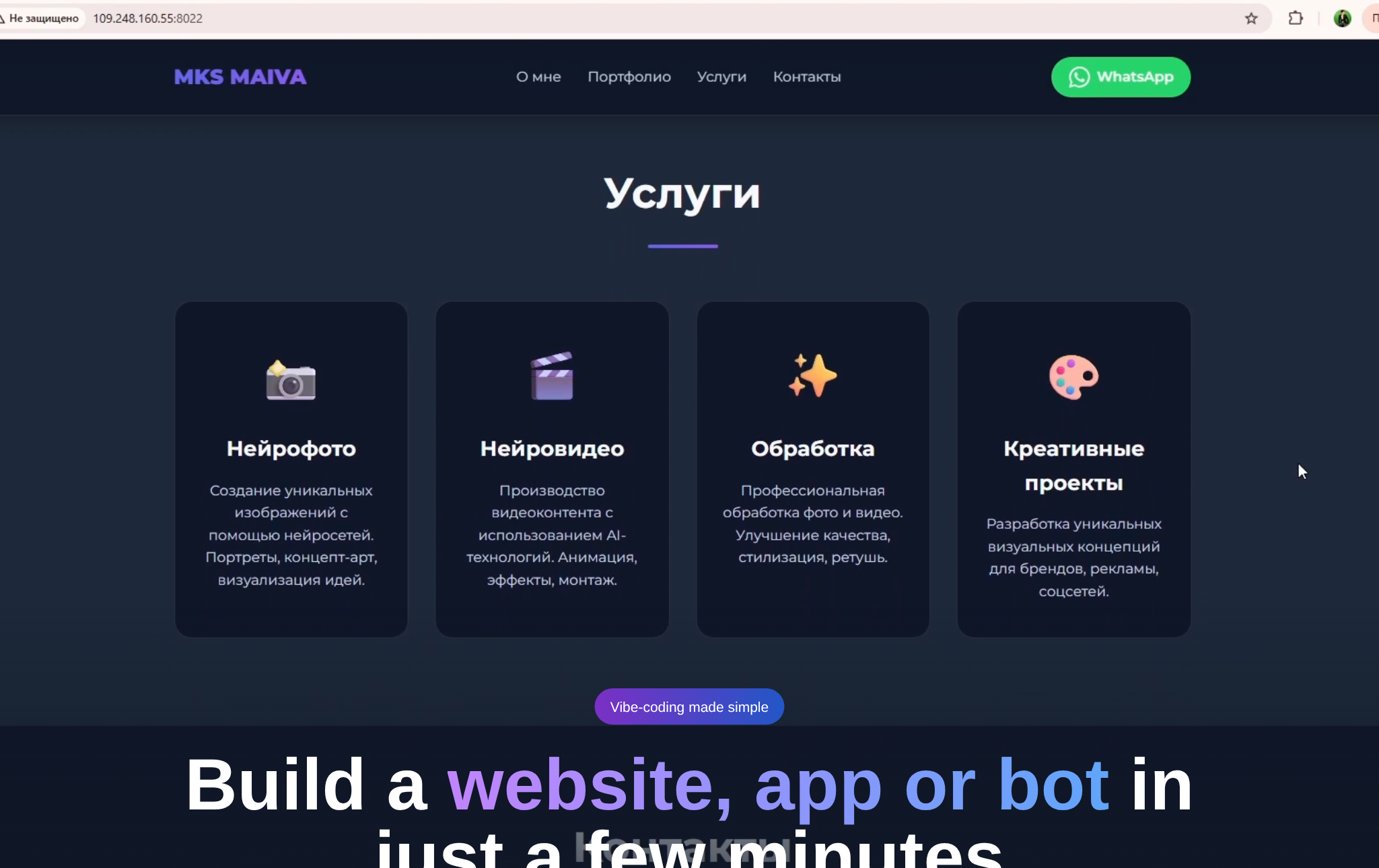
For a first experiment take a lighter model: a simple landing page or a one-page site rarely needs the strongest one. Switch to a more capable model when the project grows: several pages, a form with logic, a personal account. You choose the model before the run, and the system shows the final cost before it starts, so you decide with the numbers in front of you.
Step 4. Run it, look, then fix point by point
After the run the agent writes the code, starts the server and shows the result. Don't rewrite the whole brief: fix one item at a time, such as “make the button bigger” or “add a yearly plan to the pricing.” One change at a time is easier to check and gives the agent less chance to break what already works. If a generation hangs or ends with an error, no tokens are charged for it, and any already deducted are returned automatically — then simplify the description and try again.
Step 5. Publish the site and check it on a phone
When you're happy with the result, publish the project and get a link to the finished site. Before you send it to clients or friends, open it on your phone: texts, contacts and forms most often break on a narrow screen. It is the most underrated step in this guide.
What the platform's data shows
A few numbers for context — anonymized aggregates only, with no project contents and no data about people. Over the last 90 days, from 20 July to 18 October 2026, 50 vibe coding projects were created on the platform; 600 in total since launch (source: anonymized counts from the NeuralSpace production database, computed on 18 October 2026). Over the last 30 days, from 18 September to 18 October 2026, there were 12,559 generations of all types: 10,202 images, 1,952 videos and 405 music tracks (same source). These numbers show volume, not quality, so check the quality yourself with the steps above.
An honest limit: vibe coding suits landing pages, prototypes and personal tools. A complex service with payments, heavy load and personal data won't be built in one session, and such a project should still be reviewed with a developer.
Frequently asked questions
Do I need to know programming to follow this guide?
No. You make changes by describing them in words. Understanding how a website is built helps you phrase requests more precisely, but it is not required for a first project.
What happens if a generation fails?
Tokens are not charged for a failed generation, and any already deducted are returned to your balance automatically. Simplify the description, remove extra details and run it again.
How do I start and what does it cost?
You need to sign up. New users get starter tokens; after that you pay per token, with no subscription. The exact cost of each run is shown before it starts.
Can I use this guide without design experience?
Yes: describe what you want to see and judge the look as a user would. Prepare brand colors and the logo in advance — that cuts down on revisions.