Nano Banana free: how to edit photos with text instructions
Nano Banana is Google's image-editing model: you upload a photo and describe the change in plain words — "remove the people in the background", "make it winter instead of summer", "dress the character in a business suit" — and the model applies the edit while keeping faces and composition intact. The query "nano banana free" gets over 3,000 monthly searches (Wordstat data): people want to try this editor without a subscription. NeuralSpace has no subscription at all — generations are paid in tokens as you use them, and new users receive starting tokens right after sign-up. Below: how instruction-based editing works, how to run it on the site, and what the real numbers look like.
What is Nano Banana
Nano Banana is the name under which Google shipped an image-editing model from the Gemini family. It went viral in August 2025, when feeds filled with one-line photo edits. The prompt here does not describe a new world from scratch, as in classic text-to-image — it gives an instruction to an existing frame. The lineup later grew: Nano Banana Pro and Nano Banana 2 followed — faster, with resolutions up to 4K and sharper details.
Why it is editing, not generation
A typical generator creates a picture from nothing: the person in the frame is always a stranger, and the next prompt produces a different one. Nano Banana works with your source: the same character stays recognizable through dozens of edits — background swaps, new clothes, day or night. That is why it became the standard for working with existing photos: you do not have to regenerate the whole frame for a small fix — you just ask for that one fix.
The second scenario is combining photos: upload a portrait and a photo of an interior, and ask to place the person in that interior. The model sorts out who is who when the instruction is clear.
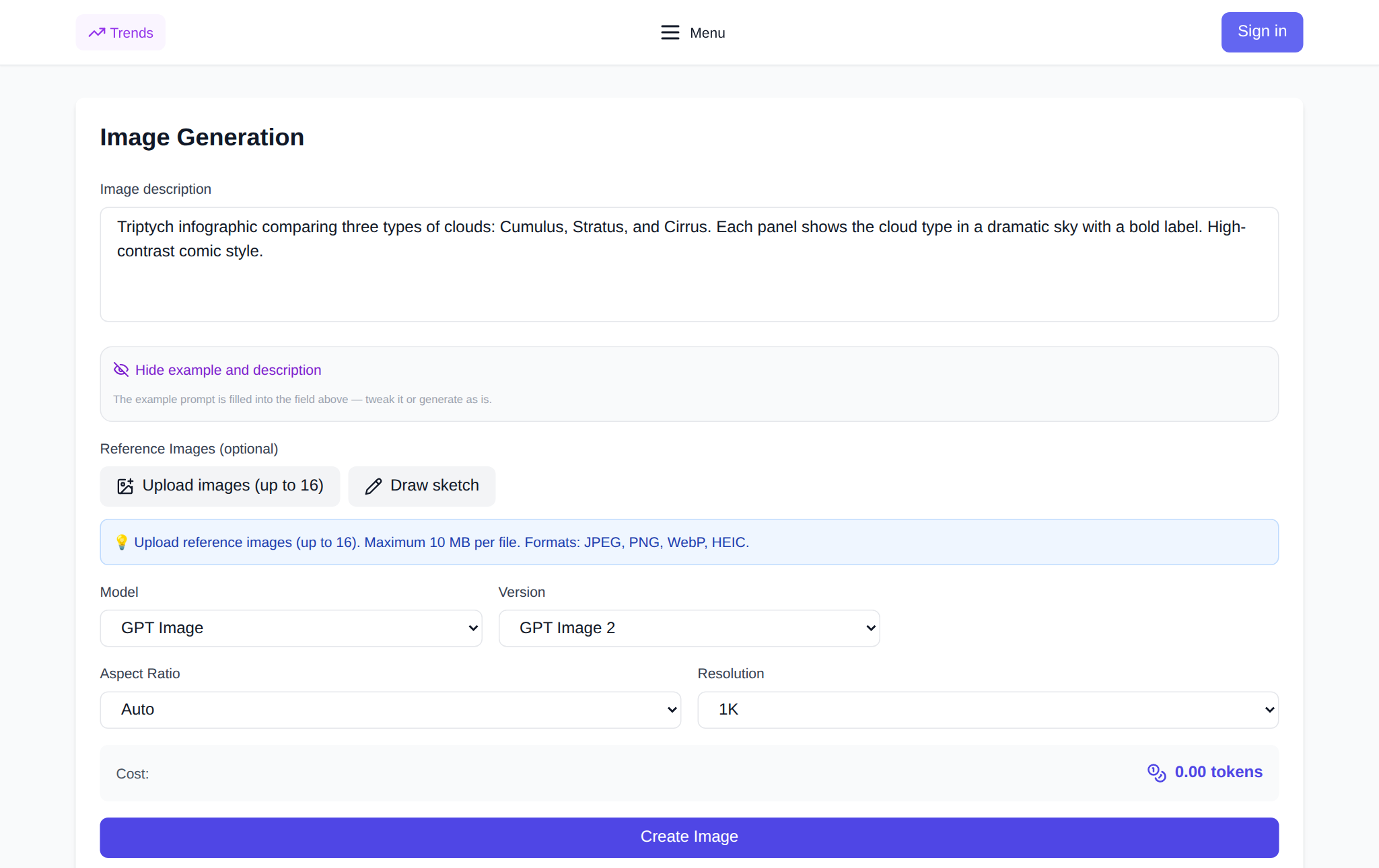
How to edit a photo on NeuralSpace: step by step
- Open the image generation section and register — starting tokens are credited immediately.
- Nano Banana 2 is selected by default — just make sure it is active in the model list.
- Upload the photo you want to edit into the reference block.
- In the prompt field, write the instruction: what exactly to change. One edit — one iteration; ask for the next step in a separate message.
- Pick the resolution (1K, 2K or 4K) and file format. The default is JPEG 1K: enough for social media and lighter to store.
- The price is shown before you run it. Hit "Generate" — the result appears in the history on the same page.
What it costs
Prices are dynamic — they follow the live exchange rate, so the final number is always shown in the interface before a generation starts. By the site catalog as of 19 Oct 2026:
- Nano Banana 2 — about $0.04 for 1K, $0.06 for 2K, $0.09 for 4K.
- Nano Banana 2.1 — $0.02 for 1K, $0.03 for 2K, $0.045 for 4K.
- Nano Banana (the original) — $0.02 per image regardless of size.
- Nano Banana 2 Lite — $0.02, a simplified 1K-only mode.
The starting tokens of a new user are usually enough for several dozen 1K images at these rates — the exact remainder is counted as you go and visible in your balance.
What the site's real data says
Over the last 90 days (July 20 — October 18, 2026) NeuralSpace ran 6,714 Nano Banana 2 generations, of which 6,507 completed successfully — 97% (aggregated site data; no prompts or personal data are counted). Neighboring models score lower: GPT Image 2 — 93.2% over 3,202 generations in the same window, Seedream 4.5 — 90.8% over 1,412. The Nano Banana family accounted for 4,268 generations in the last 30 days — roughly 38% of all images created on the site in that period (out of 11,334).
Instructions that work best
Editing rewards specificity. Typical tasks that come out consistently well:
- background and setting swaps — "replace the room with a daylight office";
- removing and replacing objects — "take the cup off the table", "swap sneakers for boots";
- changing season, time of day, weather — "turn the scene into dusk";
- moving a character from one photo into another;
- stylization without losing likeness — "render as a watercolor sketch".
A few practical rules: name objects by position ("bottom left corner", "background"), do not ask for ten changes in one step — edit in iterations, and explicitly state what must stay: "do not change the face", "keep the wedding ring". The model preserves what you mention better than what you leave unsaid.
FAQ
Is there a free tier for Nano Banana?
NeuralSpace has no subscription at all: you pay in tokens only for the generations you make, and new users get starting tokens — enough for the first edits. The exact price is shown before each run.
How does Nano Banana 2 differ from Nano Banana Pro?
Pro is a separate catalog model with PNG output and higher detail, and it costs noticeably more. For most photo-editing tasks Nano Banana 2 is enough: it is faster and cheaper, and the difference mostly shows on macro shots and fine textures.
What photos are suitable for editing?
Any regular shot — the model handles sizing itself. Source lighting matters more than megapixels: clean light means a clean edit.
Can I call the editor via API?
Yes. In the API keys section you get a key that calls Nano Banana 2 the same way as the interface — with reference uploads and pay-per-token billing.