Kling 3.0: std, pro and 4K modes, audio, and how it differs from 2.6
Kling 3.0 is the universal third-generation video model: it turns a text description or a photo into a clip, offers std, pro and 4K modes, adds native audio and can stitch several shots into one video. On NeuralSpace, only the specialised Motion Control mode survives from generation 2.6, so in practice the choice is simple: if you need movement copied from a reference video, take Motion Control; if you need a full scene, take 3.0. Below we break down the modes, image quality, audio and the cases where the flagship is not the right tool.
How Kling 3.0 differs from 2.6
The difference is not old versus new model, but the set of tasks. On NeuralSpace, 2.6 exists only as Motion Control: you upload a character image and a reference video, and the model transfers the motion onto your character. There are no quality modes, no audio switch and no multi-shot — it is a narrow tool for one job.
Kling 3.0 is a standalone model: text or image input, 3 to 15 seconds, three quality modes, audio, several shots, and 16:9, 9:16 or 1:1 aspect ratios when you start from text. Put simply, 2.6 answers how do I make my frame move like the reference, while 3.0 answers how do I shoot a scene I do not have.
There is also Kling 3.0 Motion Control: the same motion transfer, but third generation. According to the model description on the site, 3.0 holds the character's face and details more accurately through complex movement, handles fast pose changes better and produces fewer warped hands. If you are making a series of dance clips or character animation the difference shows; for a one-off test 2.6 is enough.
std, pro and 4K: which one to pick
The mode is not just resolution — it is also the headroom for detail and the price.
- std — the workhorse. Faster and cheaper, good for drafts, idea checks and clips where viewers watch the motion rather than the textures.
- pro — renders small details, materials and complex movement more carefully. Use it when the clip goes public or into an ad.
- 4K — the maximum image headroom. Worth it if the clip will play on a big screen or get cropped and zoomed. For social media it is usually an overpay: the video gets compressed anyway.
The simple routine: first run in std for 3–5 seconds to check composition and motion; final in pro; 4K only for a hero shot. Do not change the mode and the prompt at the same time — if the result disappoints, you will not know which change spoiled it.
Audio: what the switch gives you and what it costs
Kling 3.0 has a Generate Audio checkbox. It adds sound to the clip: the atmosphere of the place, footsteps, wind, mechanical effects — the things that make a shot feel alive. It is not a voice-over and not a guarantee of an exact spoken line: if a specific phrase must be heard, record it separately and lay it over in an editor.
Audio is a paid option, not a free extra. At the site's current rates, switching audio on raises the cost of a second by roughly 40–50% depending on the mode. So the logic is: test the draft without audio and enable it on the final run, once the scene works.
Multi-shot mode: a mini-story in one clip
The Multi-shots checkbox lets you build a clip from several scenes with transitions. The form enforces these rules: one line per shot in the prompt, 2 to 5 lines; up to 500 characters per shot; at most one image, and it counts only as the first frame; each shot lasts 1–12 seconds and is distributed automatically from the total duration.
It works well for a short story: the hero leaves the house, gets into a car, the car drives away. But do not try to fit five full scenes into 10 seconds — each will feel choppy. Two or three cuts over 10–15 seconds is a workable format.
How to run Kling 3.0 on NeuralSpace
- Open the Kling 3.0 page in the Video section, or pick the model from the Kling group in the catalog.
- Describe the scene in the prompt field. For image to video, upload the picture first and describe only the motion in the text.
- Pick a mode: std for a test, pro for the final, 4K if you need maximum headroom.
- Set the duration to 3–5 seconds for the first run. The 16:9, 9:16 and 1:1 ratios are available when no image is uploaded — otherwise the frame comes from the picture.
- Check the cost in the form and run it. The finished clip appears in your generation history, where you can download it.
A prompt that works
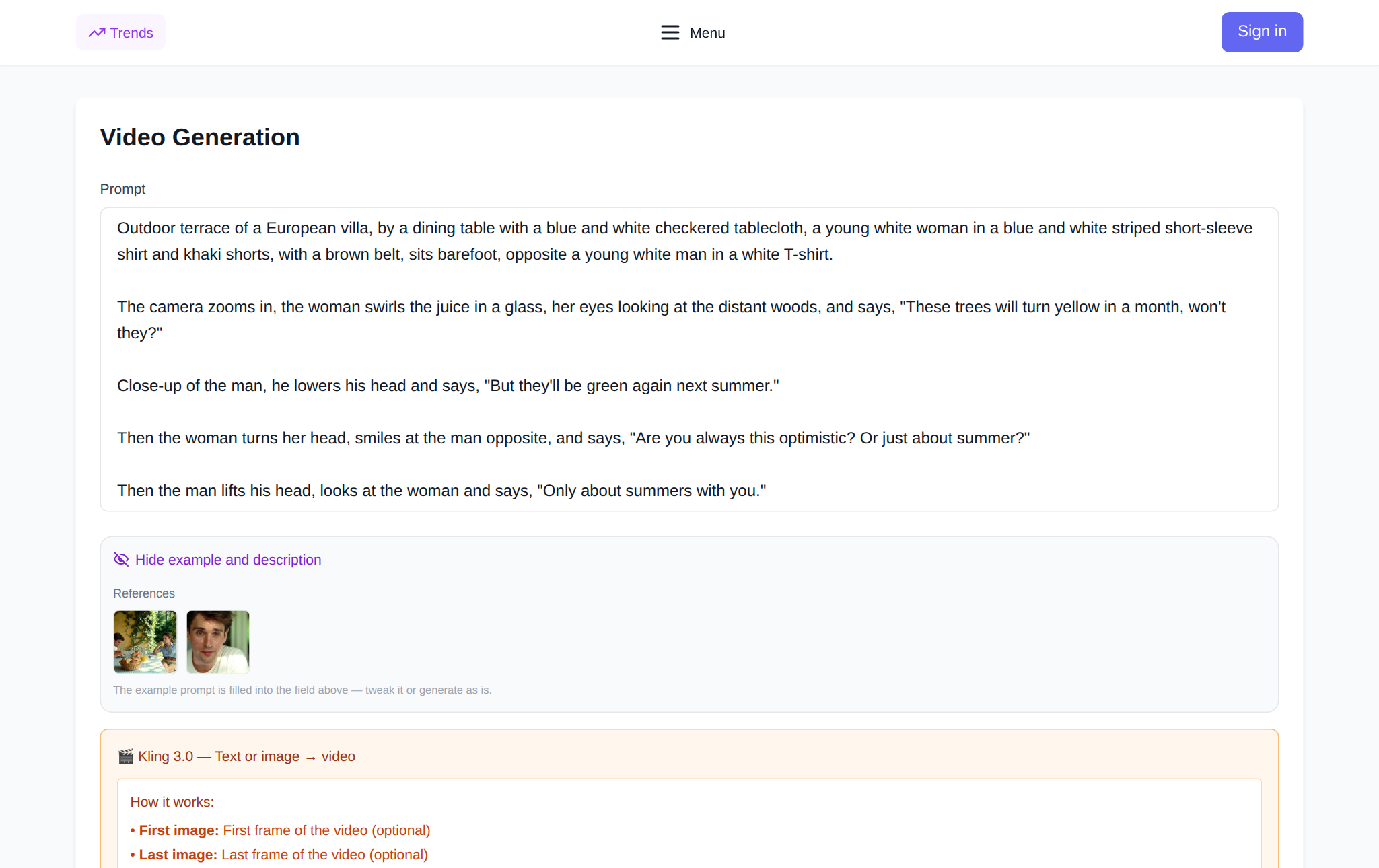
Formula: subject + action + environment + camera + light + style. Example: an elderly craftsman in an apron polishes a wooden board in a small workshop, slow hand movements, the camera pushes in from the side, warm window light, documentary look. That includes everything the model needs: who is in frame, what they do, where, how it is shot and what lights it.
For a product: a matte bottle on wet stone, drops running down slowly, the camera arcs around it, cold rim light, premium commercial shoot. Compare that with a beautiful video with a bottle — the second prompt returns something random because it has no motion, camera or light.
What the site data shows
Across 299 completed Kling 3.0 generations over 90 days (27 July – 25 October 2026), 272 produced a finished clip — a 91% success rate. So roughly one attempt in ten returns no result; most often that is a content refusal or a timeout rather than a breakdown. Over 30 days (25 September – 25 October 2026) the site created 2,001 videos across all models. These are aggregated, anonymized figures with no link to users or prompts.
The practical takeaway: 3.0 is reliable enough to build a workflow on, but the first run is still better short and cheap than immediately 15 seconds in 4K.
When to pick 3.0 and when another version
- Kling 3.0 — a universal scene of 3–15 seconds, std/pro/4K modes, audio and multi-shot. Almost always the place to start.
- Kling 3.0 Turbo — when you need to try a dozen ideas fast. Cheaper and quicker, lower quality.
- Kling O3 — if maximum detail matters and 4K is available; the image-quality flagship.
- Kling 4.0 — longer clips up to 30 seconds, multiple references and keyframes; for a complex scene with several characters.
- Kling 2.6 and 3.0 Motion Control — when the movement must follow a reference video instead of being invented.
- Kling AI Avatar — a talking character from a photo and audio.
One more thing: NeuralSpace has no subscription. New accounts get starter tokens, after which you pay in tokens for each run; the cost is shown in the form before you submit.
FAQ
Are Kling 3.0 and Kling 2.6 different models?
Yes. On NeuralSpace, 2.6 survives only as Motion Control — motion transfer from a reference video. Kling 3.0 is a universal model: text or photo input, std/pro/4K modes, audio and multi-shot.
How long is a Kling 3.0 clip?
From 3 to 15 seconds. In multi-shot mode the total duration is split between the shots, with 1–12 seconds each.
Should I enable audio?
If the clip is about atmosphere, yes — but on the final run: audio raises the cost of a second by roughly 40–50%. For a draft and a motion check, leave it off.
Can I make a video from a photo?
Yes. Upload the image and describe only the motion in the prompt. The aspect ratio then comes from the picture, not from the selector.