How to make Seedance 2.0 speak your language: 2 ways
Seedance 2.0 is great for dialog scenes, but a line written in a non-Latin alphabet — Cyrillic, in our example — is not always pronounced clearly. There are two working ways to make the model speak your language: a fast one and a precise one.
Way 1: write the line in Latin letters
Spell the words with Latin letters. For Russian, «Привет, как дела?» becomes Privet, kak dela? Write it the way it sounds, not by strict transliteration rules — this tells the model which sound you need.
This raises the chance of clear speech but does not guarantee it. The upside is speed and simplicity: no extra tools, just edit the text in the prompt and run the generation.
Way 2: create the voice in advance
Synthesize the line you need in a voice generator, then upload the finished audio to Seedance 2.0 and reference it in the prompt — the model accepts audio alongside text and images and voices the scene with your recording.
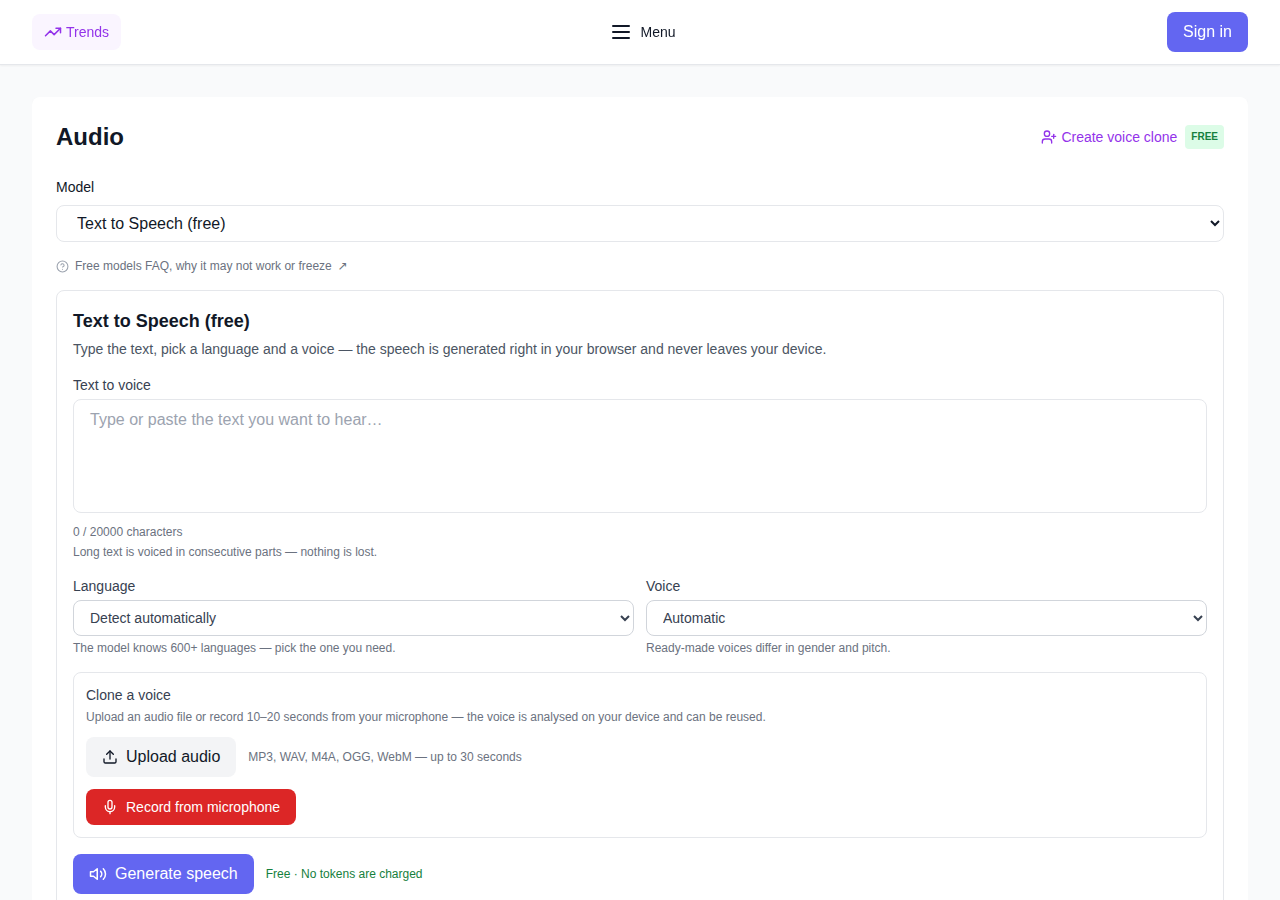
You can generate your own voice for free — in the browser tool Text to Speech (free): it runs right in the browser, no tokens are charged, and your text never leaves the device.
If you need pauses and specific intonations, that is cheap: the Text to Speech with Intonation tool adds pauses and accents, the price depends on the text size and is shown before you start.
Which one to choose
- Latin letters — fast and simple: good for drafts and short everyday lines.
- A ready-made voice — more precise voice and intonation: for important dialogues in the video.
FAQ
Can I upload my own voice to Seedance? Yes: generate the line in a voice generator and upload the audio file to Seedance 2.0 together with the prompt — the model accepts audio as an input.
Is voice generation paid? No, the basic browser speech tool is free and charges no tokens. The paid option is speech with pauses and intonations; its price is shown before you start.
Which way is more reliable? A ready audio recording: the voice and intonation are exactly the ones you made — the model does not guess, it reproduces.