AI Voice Chat and a Vector Design Editor — Free Online
The Other tools section now hosts two new free services that run entirely in your browser: Voice chat — an AI companion you can talk to out loud — and Design editor — a vector editor that opens .fig files. The first lives at https://neuralspace.pro/en/tools/voice-chat, the second at https://neuralspace.pro/en/tools/design-editor. Both tools are free, no tokens are charged, and all processing happens on your device: neither microphone recordings nor layouts are sent to a server.
AI voice chat: a spoken companion with memory
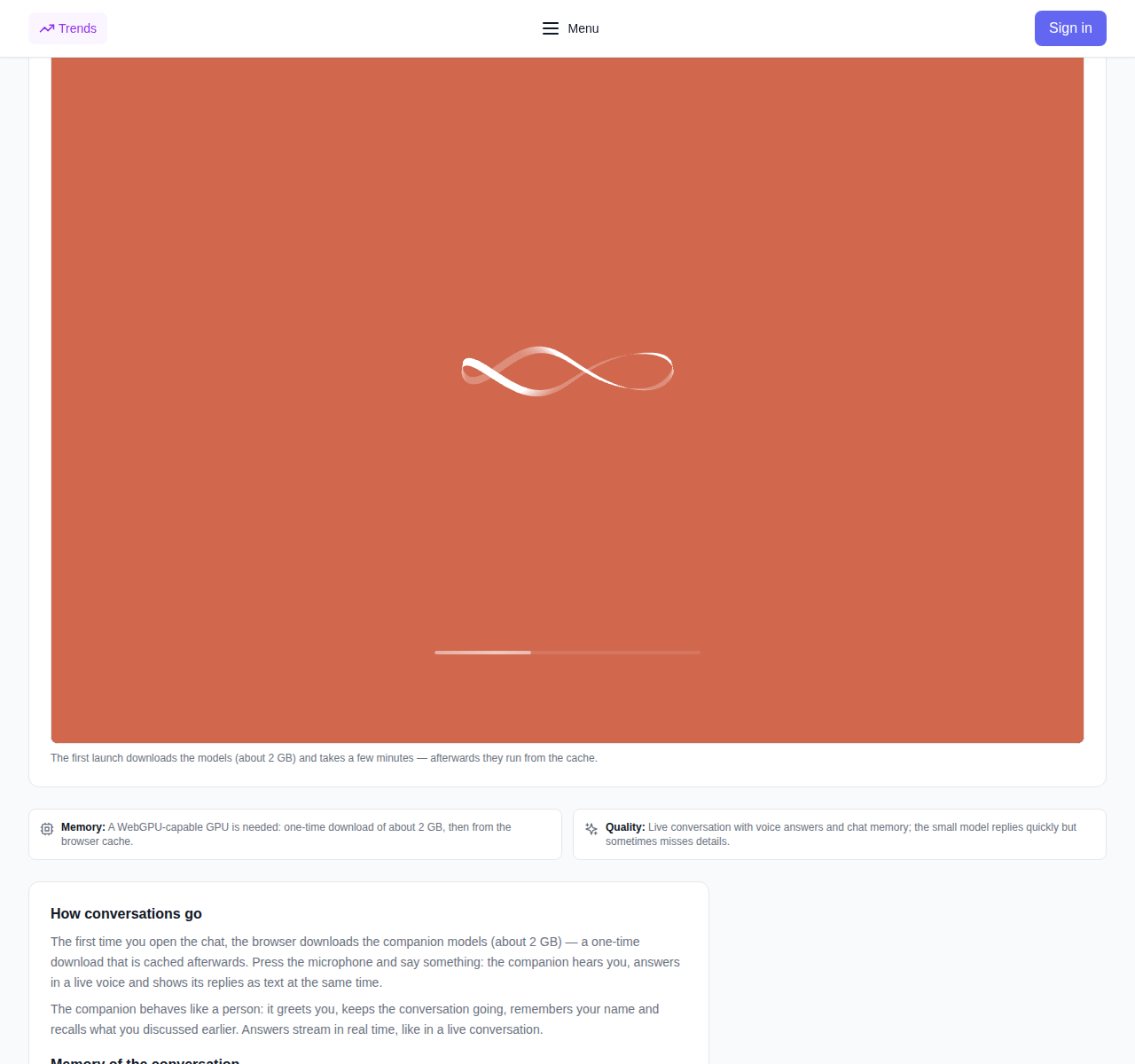
Open the tool page, tap the microphone and just talk: the companion hears you, answers out loud with a live voice and shows its replies as text at the same time. The answers stream in, like in a real conversation: it greets you, keeps the chat going and remembers your name.
- Dialogue memory. Every reply is stored in the chat memory right in your browser. Tell it your name, close the page and come back — it will recognize you, and the conversation picks up where you left it. You can clear the memory at any moment and start from scratch.
- Voice both ways. You speak — the companion answers out loud; speech recognition and replies are generated locally on your device.
- Privacy. Not a single microphone recording or reply reaches a server: recognition, the companion and speech synthesis all run on your device, and the dialogue memory stays only with you.
The only requirement is a browser with WebGPU support (recent Chrome or Edge on a computer with a modern graphics card). The first time you open the chat, the browser downloads the companion models once — about 2 GB; after that they are cached and the next conversations start instantly. On phones and without WebGPU the chat is not available yet.
Vector design editor: opens .fig right in the browser
The second tool is a full vector editor with no AI models involved: it runs on an ordinary CPU and needs no graphics card. Drag a .fig file into the window — the document opens with editable frames, layers and texts.
- Familiar tools. Frames with auto layout, rectangles, ellipses and vector paths, text, fills and strokes, alignment, layers and copyable styles.
- Components. Repeated elements become components: turn a button or a card into a master, place copies and switch variants — editing the master updates every copy.
- Export. Your own documents are saved in the editor's native format, designs export to SVG and PNG: SVG for web and development, PNG for previews.
- .fig viewing with editing. The .fig format is supported for reading: frames, layers and texts open and stay editable.
The editor works offline too: the document lives in your browser and editing never requires a server connection. Recent Chrome, Edge, Firefox and Safari — any of them will do.
Privacy: files and voice never leave your device
Both tools are built the same way: computations run on your computer, and nothing is sent to a server or stored elsewhere. Voice recordings, chat texts and vector layouts stay with you only. The tools are free: no tokens are charged and there is nothing to pay for.
How to try them
- Open AI voice chat — tap the microphone and talk; during the first run, wait for the one-time model download of about 2 GB.
- Open Design editor — drop a .fig file or start from a blank document: draw frames and shapes, add components, export to SVG or PNG.
- Both tools sit side by side in the Other tools section — alongside the free translator, transcription, PDF summarizer and more.
Frequently asked questions
Are the tools really free? Yes. No tokens are charged and there is no paid API behind them — use them without limits.
Where do my recordings and layouts go? Nowhere. The voice chat recognizes speech, replies and stores the dialogue memory in your browser; the editor opens and edits files on your device. Nothing is uploaded to a server.
Why does the voice chat take long to start the first time? The companion models (about 2 GB) are downloaded once and cached in the browser: the next conversations start right away.
Does the editor really open .fig files? Yes, for reading: frames, layers and texts open and stay editable; newer format features without supported analogues may render in a simplified way.