Hermes Agent: what it is and how to run an AI agent on a server
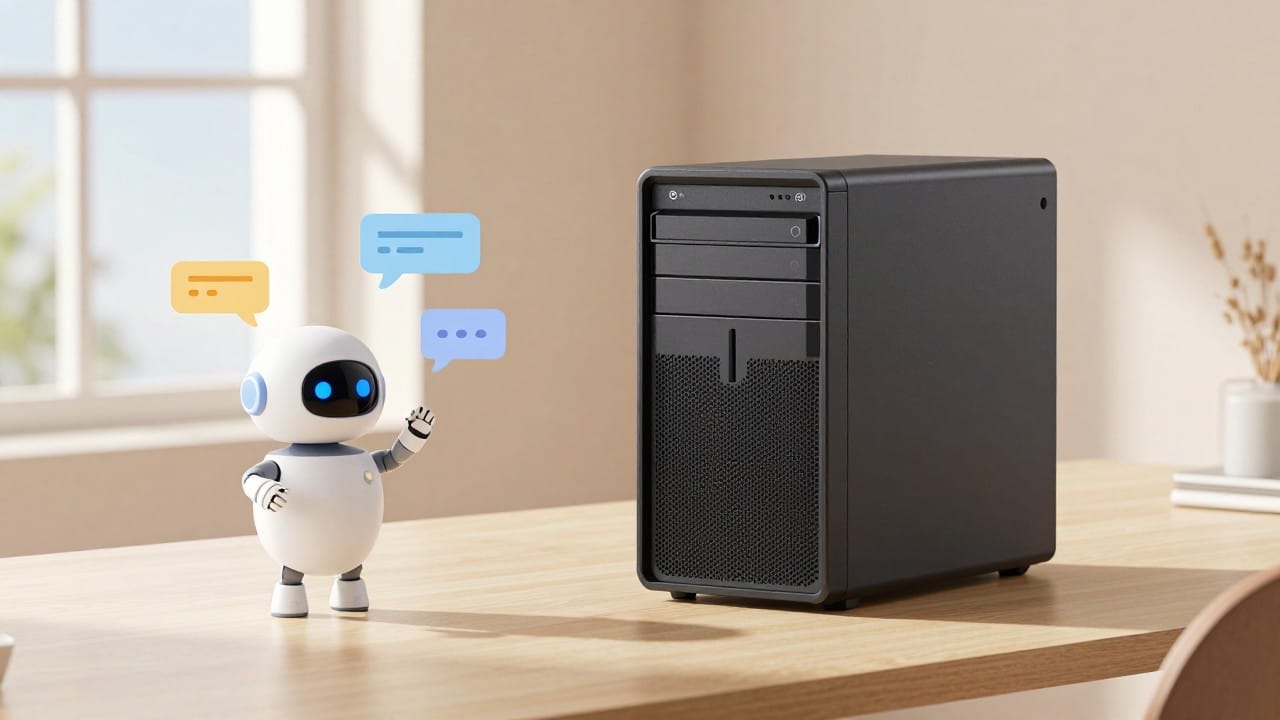
Hermes Agent is an open-source AI agent by Nous Research (MIT license) that lives not in a browser tab but on its own server: it installs software, goes online, works with files and sends you reports in a messenger — around the clock, without you. On NeuralSpace you can stand one up in a couple of minutes: we hand you a dedicated server from 4 GB, install and configure Hermes for you, and all you do is message it in chat or Telegram. Below: what this agent is, how it differs from ordinary chat, and how to launch one.
What Hermes Agent is
Hermes Agent is an open-source project that turns a language model into a full task executor. Unlike a chat bot that answers in text, an agent acts: it runs terminal commands, installs software, reads and writes files, opens pages in a browser, looks up information, executes code and connects to outside services over MCP. Hermes builds memory about you and your tasks, keeps long sessions, creates and refines its own skills, and on a schedule (cron) does recurring jobs — a morning news digest or a nightly backup, for example.
You are not limited to the terminal, either. The built-in Hermes gateway plugs in Telegram, Discord, Slack, WhatsApp, Signal and email — the agent replies wherever is convenient for you. That is what makes it feel like a remote employee rather than a smart search box.
How an agent differs from chat
An ordinary chat answers a question and stops. An agent can be given a task with an action: "deploy a site", "collect competitors' prices into a table", "publish an article", "check the ads". It splits the task into steps, does them one by one and comes back with a result — a file, a link or a report. Time works differently too: chat lives only while the tab is open, while an agent on a server works 24/7 and wakes on schedule by itself.
How to launch an agent on NeuralSpace
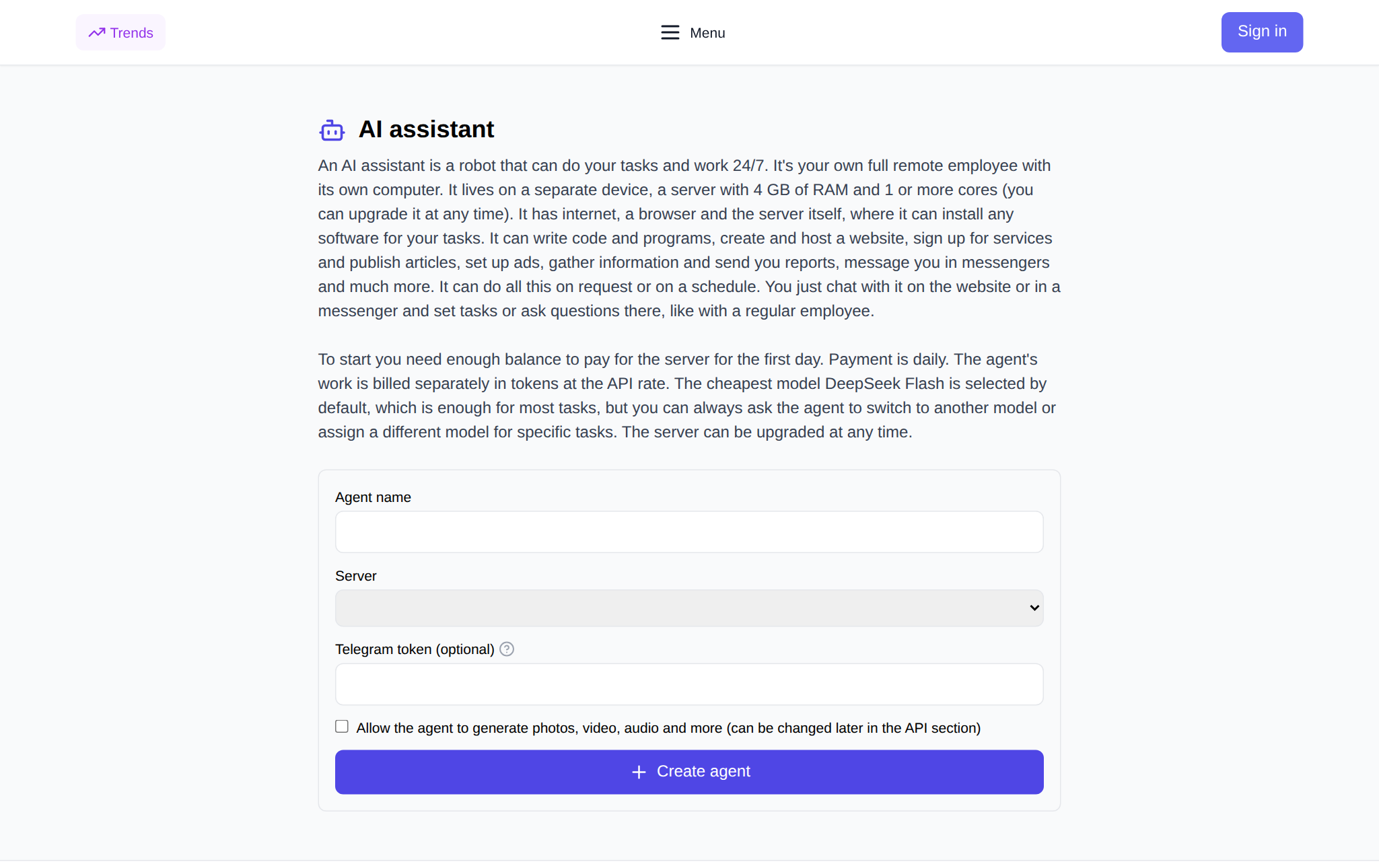
We take care of the manual part — buying the server, installing Hermes, wiring up the API. The order is simple:
- Open the AI agent page (in chat it opens from the "Add AI Agent" button under "New chat").
- Sign in and type the agent's name.
- Pick a server — from 4 GB (plans below).
- Optionally paste a Telegram bot token from @BotFather to talk to the agent in a messenger.
- Use the checkbox to allow the agent to generate photos, video and audio (you can change this later in the API section).
- Click "Create agent" — installation takes a couple of minutes.
After that the agent is available in a permanent chat at /ai-agent and in Telegram. At any time you can stop it, reboot it, change the server plan or delete it along with the server. Files you exchange with the agent pass through its own storage on the server and are not kept on our side.
Servers and price
The agent's server is an ordinary virtual machine with internet and a browser. The more resources, the heavier the tasks it can handle. Prices are in tokens per day (server catalog as of 4 October 2026):
- 2 vCPU / 4 GB / 40 GB — 23 tokens per day;
- 4 vCPU / 8 GB / 80 GB — 46;
- 6 vCPU / 24 GB / 120 GB — 96;
- 8 vCPU / 48 GB / 240 GB — 192;
- 12 vCPU / 64 GB / 300 GB — 270;
- 16 vCPU / 96 GB / 400 GB — 383.
Billing is daily: you need enough balance for the first day, then the price is charged for each day of operation, and you can upgrade the plan at any time. The agent's own work is billed separately — at the API rate for model tokens. By default we set the cheapest model, DeepSeek Flash: it is enough for most tasks, and if you need something stronger the agent switches to it on request.
If you allow generation, the agent can make images, video and voiceover at our rates. For scale: over the last 30 days the average cost of one image generation on the site was 9.49 tokens for nano-banana (2,413 generations) and 4.36 tokens for gpt-image-15 (1,674 generations) — per the generation_costs cost journal. The numbers depend on the model and size, and the exact price is shown before you run anything.
What you can hand to an agent
Typical first tasks: write and run code or a script; build and host a site; sign up for a service and configure it; write and publish an article; gather data and send a report; check or set up ads. Many of these are best put on a schedule — then the agent does them by itself and you just read the result in a messenger. For example: "every Monday, send me a price digest" or "back up this folder every evening".
FAQ
Is Hermes Agent free?
The agent itself is an open-source MIT project — you do not pay for its code. Two things remain paid: the server it lives on (daily, from 23 tokens per day) and the model's work at the API rate. On NeuralSpace both are visible in your balance.
Do I need to know how to code?
No. You set the task in plain words in chat or Telegram, and the agent runs the commands and installs the software itself.
Can I talk to the agent in Telegram?
Yes. Just paste a bot token from @BotFather when creating it or later — the agent connects to the messenger and replies where you write.
How is this different from ordinary AI chat?
Chat answers in text, while an agent acts: it runs commands on the server, works with files and sites, and returns a finished result. And it is not tied to an open tab — it runs around the clock.