Creating an AI Agent in a Minute
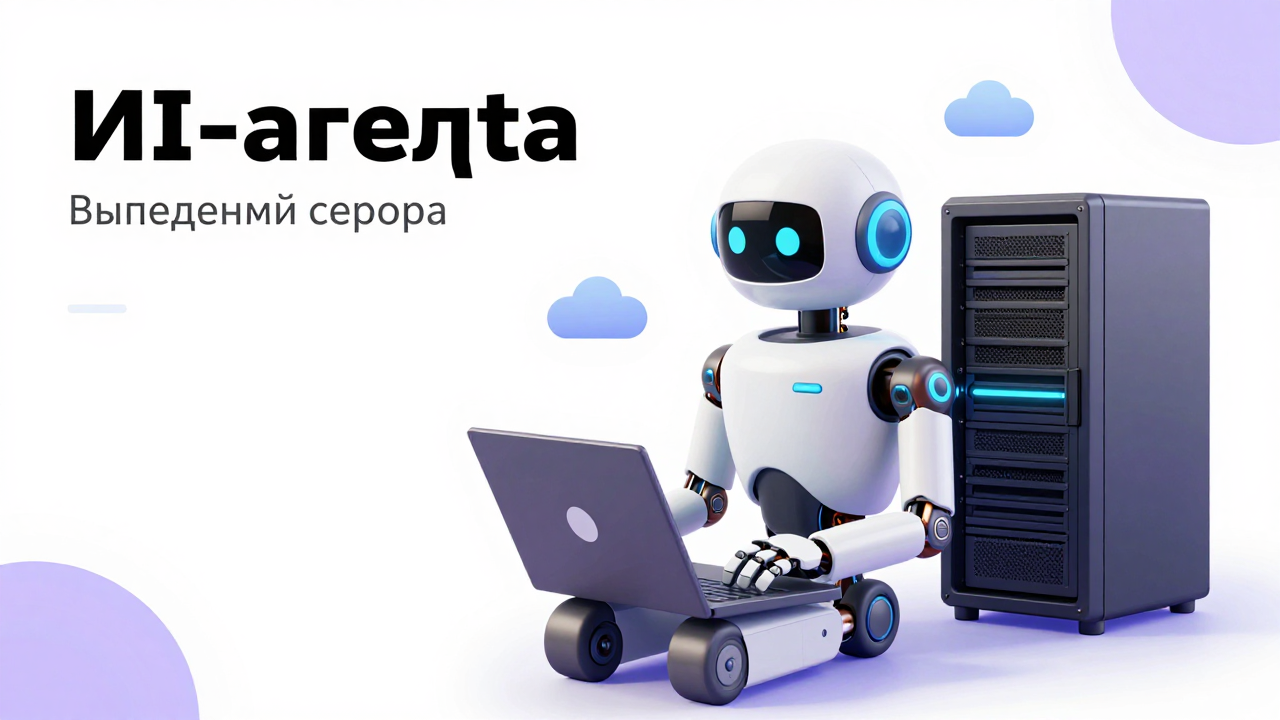
An AI agent on Harness deploys in a minute. You set a name, choose a server and press a button — a few seconds later you have a full remote employee running 24/7 on a dedicated server with 4 GB of RAM and 1 or more cores. The server is billed per day — from $0.27 per day — and the agent's work is billed separately in tokens at the API rate. In effect it is a one-click AI agent: you never set up the server or the software by hand.
What an AI agent can do
It is not a chatbot with canned answers, but a robot with its own computer, internet, browser and server. It can:
- write code and programs, create and host websites;
- sign up for services and publish articles;
- set up advertising and gather information;
- send you reports and messages to messengers;
- run tasks on demand or on a regular schedule.
On the server the agent installs any software it needs for your task. You just chat with it in the browser or a messenger and set tasks or ask questions — as you would with an employee.
API with no subscription
Our API is connected to the agent right away, giving access to a huge number of neural networks for generating images, video, audio and much more — with no subscription. The agent can create images, video and voice-overs for your tasks itself, and you only pay for the tokens actually used at the API rate.
How to create an agent in a minute
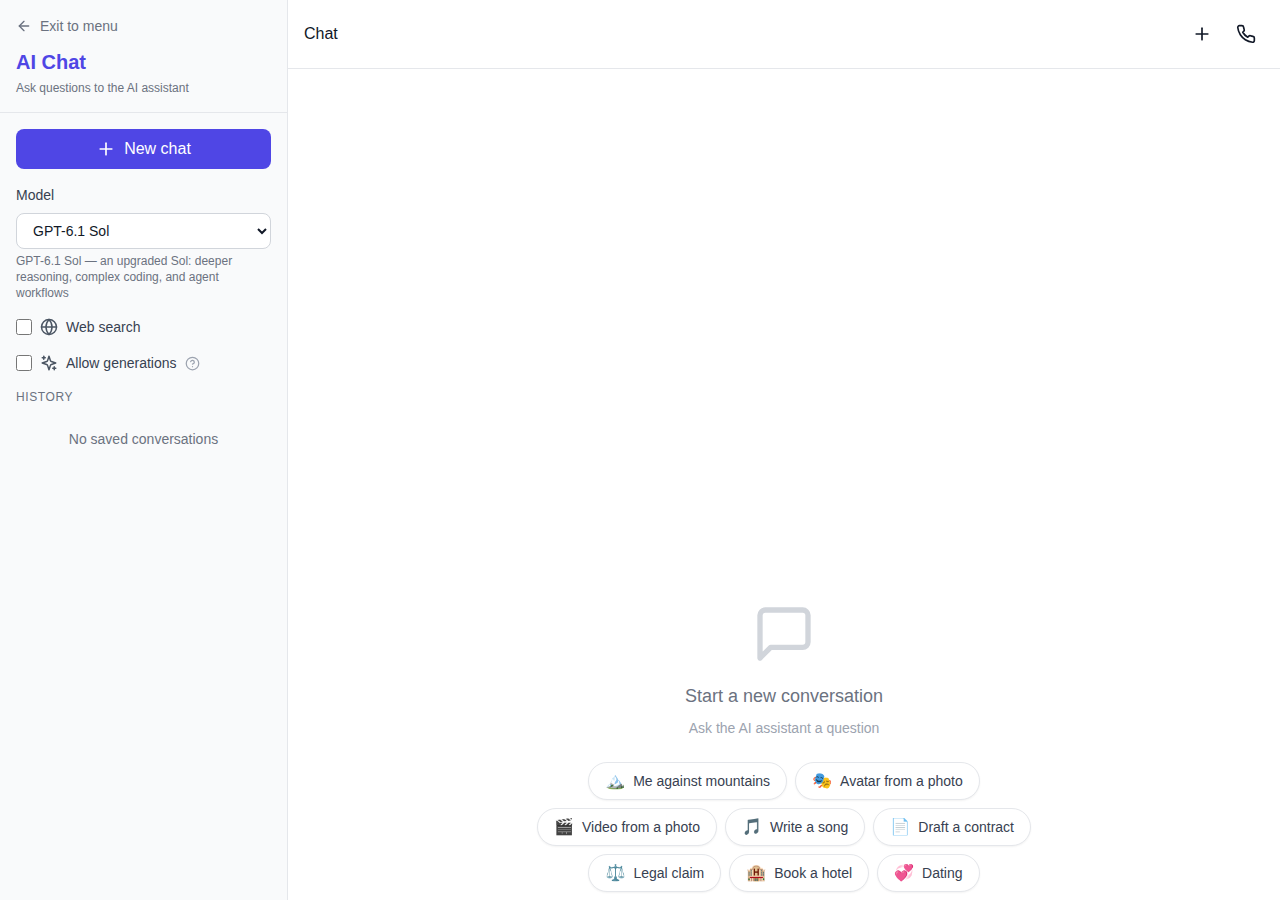
- Open chat and press the "Add AI Agent" button.
- Set the agent's name.
- Choose a server — starting from 4 GB of RAM, upgrade anytime.
- Optionally paste a Telegram bot token — the messenger is then set up by the Hermes agent itself.
- Tick "Allow the agent to generate photos, video, audio and more" if you need full access to the neural networks (you can change this later in the API section).
- Press "Create".
An API key is created automatically, a server is launched and the Hermes agent is installed on it on the latest DeepSeek Flash model. An "Agent — your_name" entry appears at the top of the chat model list, with a single persistent chat.
The agent's model
By default the cheapest model, DeepSeek Flash, is selected — enough for most tasks. You can always ask the agent to switch to another model or assign a specific model to particular tasks.
Server: stop, restart and delete
The agent's server can be stopped, restarted or deleted at any time. Billing is per day: no server — no charges. If 7 days or less of hosting remain, we send an email and a Telegram message, and one more if 2 days or less remain. Emails are not repeated.
Frequently asked questions
How much does an AI agent cost?
The server is billed per day — from $0.27 per day. The agent's work is billed separately in tokens at the API rate, with no subscription.
Do I need to know how to code?
No. You talk to the agent in plain text in the chat or a messenger and set tasks as you would to an employee.
Can I talk to the agent in Telegram?
Yes. The Hermes agent itself sets up the messenger — just ask it in the chat.
How does the agent get access to the neural networks?
An API key is created together with the agent right away — access to the neural networks is connected automatically and without a subscription. Image, video, audio and other generation is enabled with the checkbox when creating the agent or later in the API section. You pay only for the tokens used at the API rate.