GPT-6.1 Sol: the upgraded Sol is live on NeuralSpace

A new model has arrived on NeuralSpace — GPT-6.1 Sol. It is already available in the chat, the Code section and the public API: an upgraded version of Sol with deeper reasoning, complex coding and agent workflows. The model sits in the chat list right after GPT-6 Sol.
What GPT-6.1 Sol can do
- Deeper reasoning. An updated generation of the Sol line: the model thinks longer over a hard question and holds multi-step tasks more confidently.
- Complex coding and agent workflows. It reads existing code, plans changes and applies them step by step — in the Code section it works as an agent over a whole project.
- A context of over a million tokens. Attach a large document or keep a very long conversation going — the model keeps track of it.
- Web search. Like the neighbouring chat models: you can ask it to look up current information.
How to try it
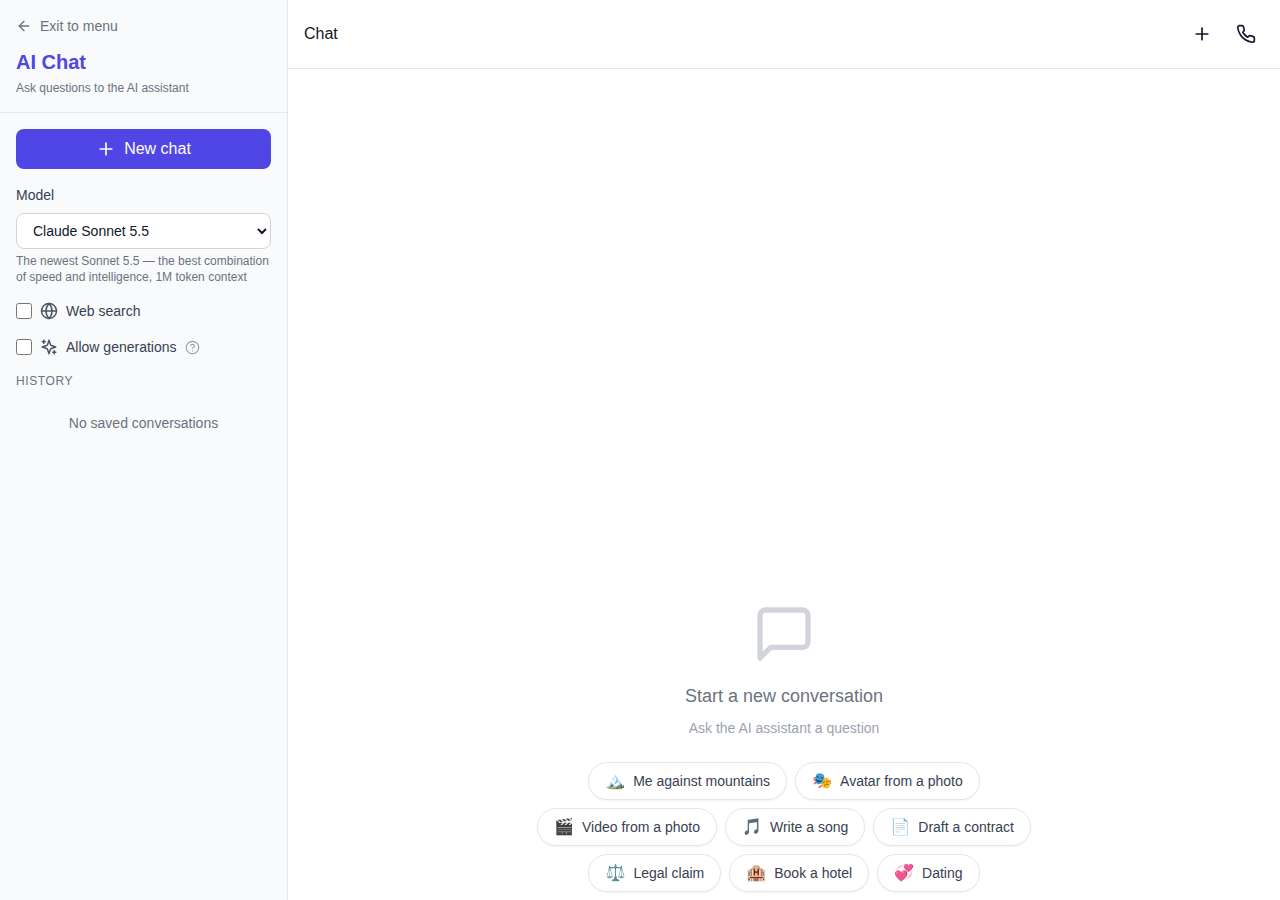
- Open the chat and pick GPT-6.1 Sol from the model list — the model page is also available at /chat/gpt-6-1-sol.
- Ask as usual: the model streams its answer and supports images, documents and web search.
- For bigger projects open the Code section, where the model creates a project, writes and edits files and runs long iterations.
Pricing is based on the tokens actually used and is charged after the answer — the minimum balance threshold is shown before you send, just like for the other models in the section.
When to choose GPT-6.1 Sol
For light everyday questions, fast models such as DeepSeek, GLM or GPT-6 Luna are enough. Pick GPT-6.1 Sol when the task is harder: multi-step reasoning, large codebases, agent workflows and long documents. When you need the maximum reasoning quality, the senior models of the line are also in the list.
Frequently asked questions
How is GPT-6.1 Sol different from GPT-6 Sol? It is an updated version of the line: deeper reasoning, harder coding and agent workflows, with a context of over a million tokens.
Where is it available? In the chat, the Code section, and through the public API with a key — see the model list and prices on the API page.
Does it have web search? Yes, like the neighbouring chat models: you can ask it to look up current information.
Does it understand images and documents? Yes, the model accepts images and documents in the chat.