Generate Images Free and Unlimited

Creating high-quality visual content with artificial intelligence no longer requires paid subscriptions, waiting in shared cloud queues, or uploading private images to third-party servers. NeuralSpace has introduced a dedicated in-browser generative solution: FLUX.2 Klein 4B. The model operates entirely inside your web browser, utilizes your local graphics processor via WebGPU, and costs zero tokens: generation is completely free and unlimited.
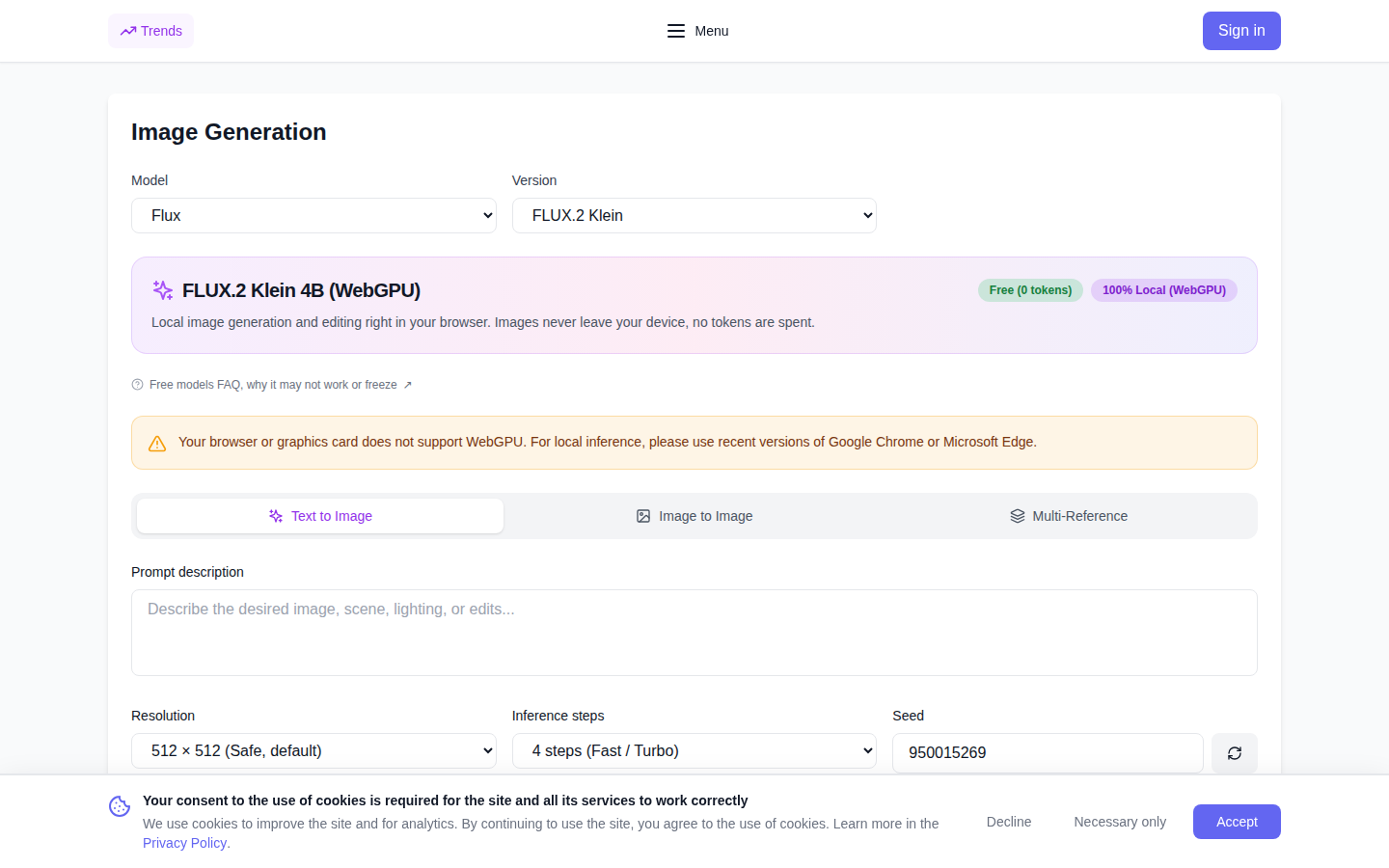
How Local WebGPU Image Generation Works
Traditional image generators send your text prompts and photographs to remote cloud clusters. FLUX.2 Klein 4B takes an entirely private, decentralized approach:
- Low-Bit INT4 Quantization: The FLUX.2 4-billion parameter transformer architecture has been optimized into an ultra-compact package while preserving anatomical precision, clean textures, and prompt alignment.
- Hardware Acceleration via WebGPU: The browser communicates directly with your device's GPU, executing diffusion passes at native speed without any remote server round-trips.
- Absolute Data Privacy: Neither your input photos, reference styles, nor generated outputs are ever sent to our backend servers. Everything remains on your local machine.
- Local Storage Caching: Weights are downloaded once and stored in the browser's Cache API, enabling instant launch on all subsequent visits.
Three Versatile Creative Modes
FLUX.2 Klein 4B provides a complete suite of image manipulation modes tailored for diverse workflows:
- Text-to-Image Synthesis: Enter a prompt, select generation steps, and create vivid original artwork from scratch in seconds.
- Image-to-Image Refinement: Upload an existing sketch or photo, specify text instructions, and adjust the transformation strength slider. Low values retain composition while updating textures, whereas high values completely transform the visual concept.
- Multi-Reference Composition: Provide up to four reference pictures simultaneously. The model extracts composition, characters, and color harmony from multiple sources to synthesize a unified scene.
Hardware Memory Detection and Safety
The engine queries your hardware limits via GPUAdapter.limits upon startup. A safe baseline of 512×512 pixels is selected by default. When sufficient dedicated VRAM is detected, higher resolutions of 768×768 and 1024×1024 become available. Should the GPU experience an out-of-memory condition during intense computation, the engine automatically catches the error, downgrades the resolution to a safe tier, and notifies you transparently.
Step-by-Step Guide: Generating Your First Image
- Navigate to the FLUX.2 Klein 4B interface.
- Choose your preferred creation mode: text prompt, single image edit, or multi-reference blend.
- Describe your scene with descriptive details regarding lighting, perspective, and subject matter.
- Adjust resolution and inference steps, then click "Generate".
- Monitor the local progress bar and download your full-resolution result with no watermarks.
Explore More Free In-Browser AI Tools
NeuralSpace offers an expanding ecosystem of private, client-side browser tools:
- Free Depth Map Generator for 3D modeling and spatial effects;
- Video Background Remover for quick subject isolation;
- Vocal Separator to isolate voice and instrumental tracks;
- Free Text-to-Speech in over 600 languages;
- Online Video Editor with multi-track timeline and AI assistance.
Experience local AI image generation today — no sign-up required, zero token expenditure, and unrestricted creativity.