ChatGPT Images 2.5 — Génération et édition d'images IA
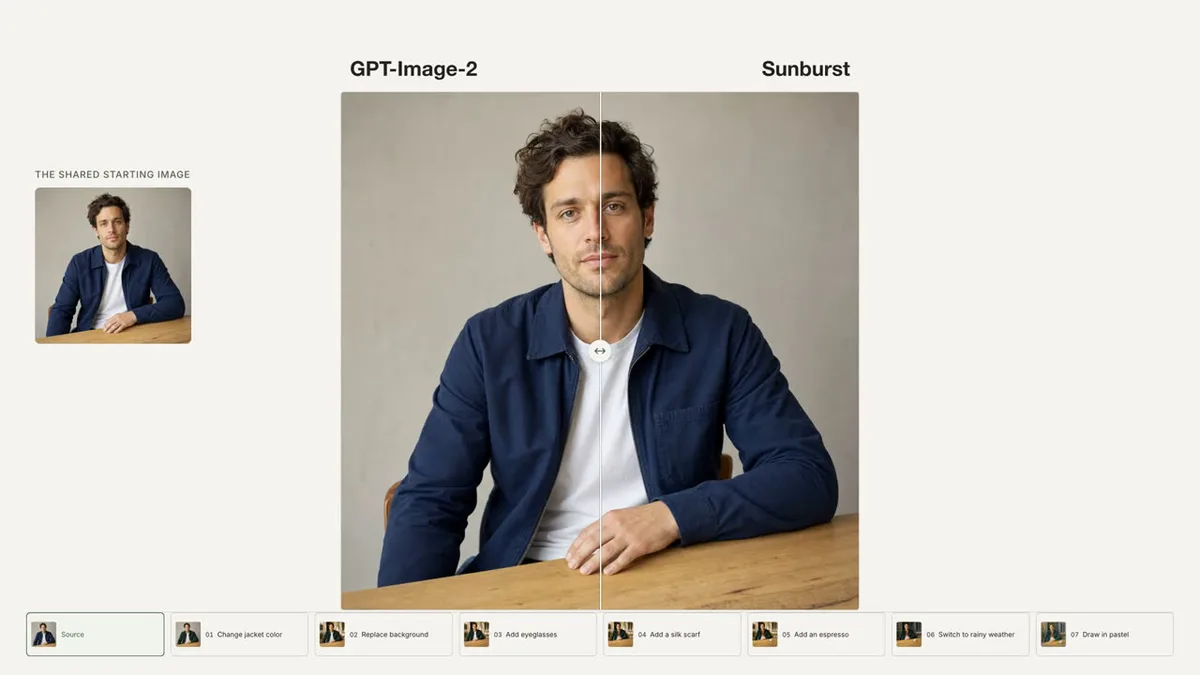
Bottom Line Up Front (BLUF): ChatGPT Images 2.5 est la nouvelle génération de la famille pour créer et éditer des images : des détails plus nets, plus de lumière naturelle et des séries d'édition qui tiennent ensemble. Les deux variantes sont sur le site – Sunburst précis et Flare rapide – avec génération de texte en image, édition basée sur des références et sortie 1K, 2K et 4K. Le tout dans le navigateur, le prix est affiché avant le run, et chaque génération reste dans votre historique.
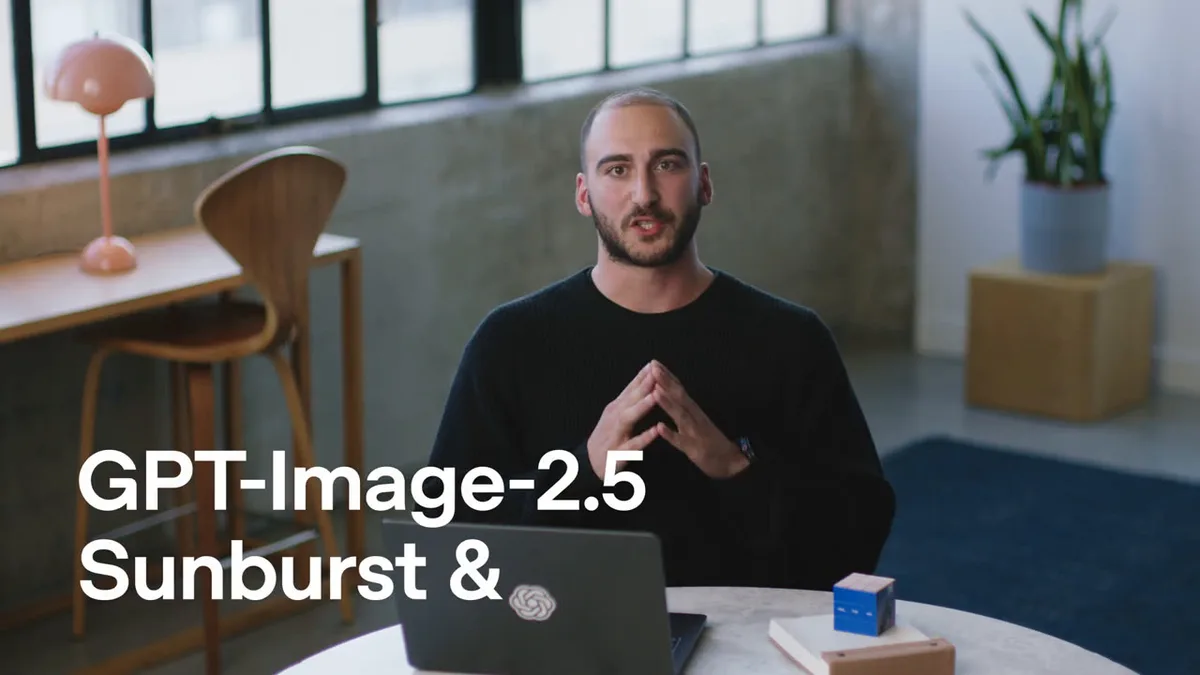
Deux variantes : Sunburst et Flare
Sunburst est la variante de qualité : des détails nets, un éclairage naturel et des séries de montage soignées où chaque étape ne change que ce qui a été demandé. Flare est la variante rapide pour tester des idées : un cadre fini sensiblement plus rapide. Le prix ne dépend pas de la variante, mais uniquement de la résolution.
La stratégie économique : itérer sur Flare 1K rapide, puis faire la finale sur Sunburst 2K ou 4K à partir de la meilleure invite. Vous pouvez changer de variante à tout moment.
Sortie 1K, 2K et 4K — la résolution fixe le prix
Au lieu d'une échelle de qualité, le modèle a trois résolutions. 1K est destiné aux brouillons et aux idées expérimentales, 2K est le milieu de travail pour les médias sociaux et les sites Web, 4K est la version finale pour l'impression et le grand format. Le prix est compté par image et affiché avant la course — il ne change jamais après confirmation.
Si la génération échoue, les tokens sont remboursés automatiquement. Aucune surprise d’équilibre.
Rapports d'aspect
Une douzaine de ratios parmi lesquels choisir : auto, 1:1, 3:2, 2:3, 16:9, 9:16, 4:3, 3:4 et 21:9 fonctionnent à toutes les résolutions. Quatre inhabituels — 27:16, 16:27, 9:8 et 8:9 — ne fonctionnent qu'à 1K : choisissez-les avec 2K ou 4K et le formulaire ne vous permettra pas de lancer, tandis que le serveur rejette la demande avant tout frais.
Prenez le carré pour les avatars et les cartes, le paysage pour les couvertures et les en-têtes, le portrait pour les histoires et les affiches.
Références et modifications précises
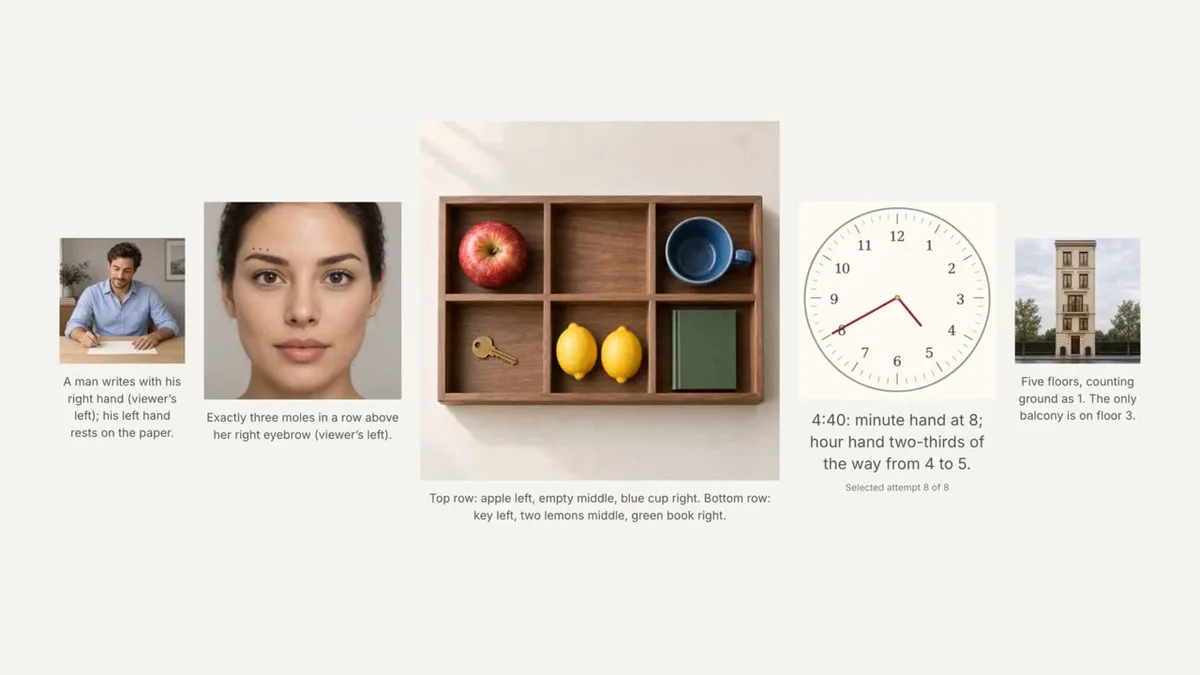
Vous pouvez joindre jusqu'à seize images de 30 MB maximum chacune. Un plan plus une instruction, c'est du montage : remplacer le fond, supprimer ce qui gêne, recolorer un objet. Plusieurs plans assemblent une nouvelle scène à partir de vos propres sources. Il n'y a pas de bouton d'édition séparé : dès que les références sont attachées, le modèle s'y déplace tout seul.
Cette génération est la plus forte ici : les modifications respectent les limites : ce que vous avez demandé de modifier change, le reste du cadre reste en place. Chaque étape est visible dans l’historique des générations.
Questions fréquentes
En quoi ChatGPT Images 2.5 est-il différent de GPT Image 2 Pro sur le site ?
C'est la nouvelle génération de la même famille : des détails plus nets, une lumière plus naturelle, des retouches plus précises. Les contrôles diffèrent : au lieu des niveaux de qualité et des tailles de toile, il existe une variante (Sunburst/Flare) et une résolution (1K/2K/4K). Pro suffit pour les tâches rapides ; pour la qualité finale et les modifications complexes, choisissez 2.5.
Combien coûte une production et qu’est-ce qui détermine le prix ?
Seule la résolution : 1K est la moins chère, 4K coûte plus cher. La variante, le rapport hauteur/largeur et le nombre de références n'affectent pas le prix. Le montant exact est indiqué sur la page avant le run et ne change jamais après confirmation ; si la génération échoue, les tokens sont remboursés automatiquement.
Qu'est-ce que le modèle ne propose pas sur le site ?
Honnêtement : pas d'échelle de qualité, pas de choix de format de fichier et pas d'exécutions multi-images : une exécution produit une image. En revanche, le fond se choisit : transparent, opaque ou automatique — la sortie est toujours en PNG, la transparence est donc conservée telle quelle. Si vous avez besoin d'un lot de variantes, regardez les modèles voisins dans la liste.