Wan 2.2 Animate: Motion Transfer From Video to Photo
Bottom Line Up Front (BLUF): Wan 2.2 Animate is an AI motion transfer tool: give it a photo of a character and a video of someone moving, and the character performs that exact movement. Unlike generic photo animation, where the model improvises, here you direct the choreography yourself — whatever the person does in the reference clip, your character repeats on screen.
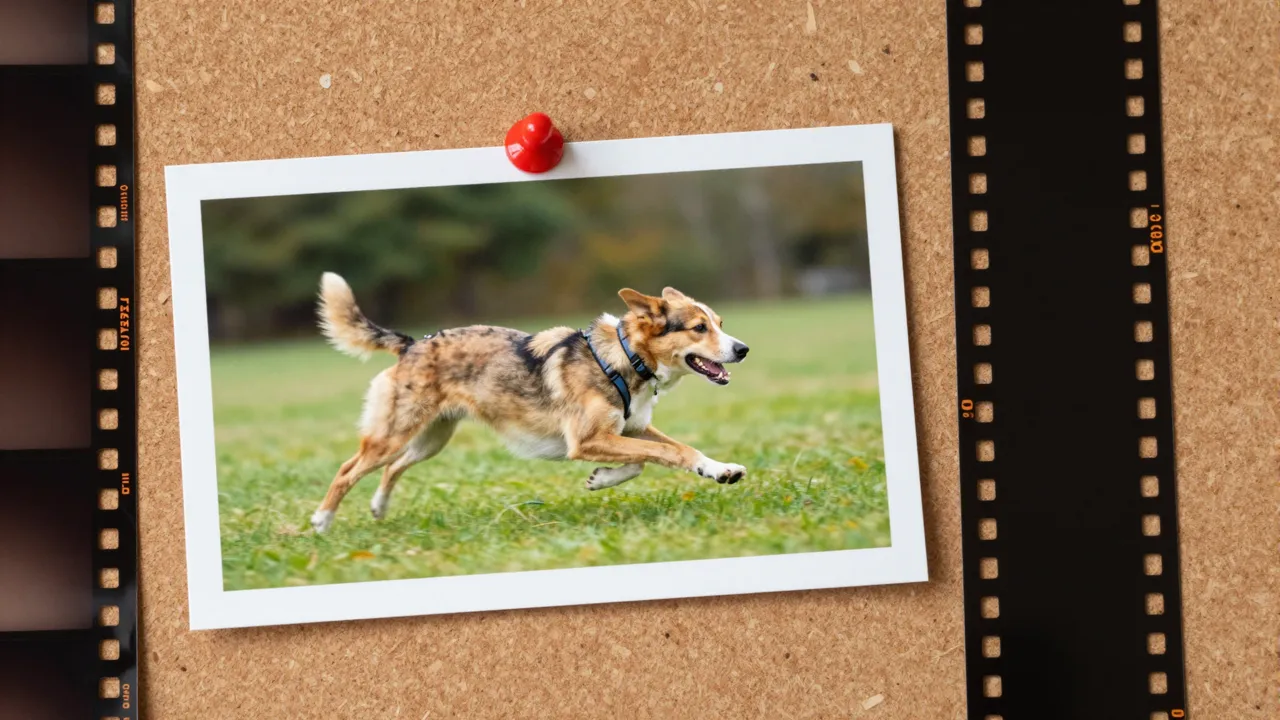
How motion moves from clip to character
The model strips the reference video down to pure mechanics — poses, gestures, head turns, body travel through the frame — and applies that skeleton to the figure in your photo. Appearance comes from the still image, behavior comes from the footage, and you control both sources completely.
This is the key difference from one-click photo animation, which adds gentle breathing and random micro-movement of its own invention. Here you get direction instead of improvisation. Want an illustrated hero to perform a specific dance? Film that dance on your phone and hand both files to the model.
Move mode: put your character in motion
The first of two operating modes drops your character into a fresh scene where it acts out the reference performance. Studios and creators use it to animate illustrations, avatars, and brand mascots: an artist draws the hero once, and afterwards anyone can shoot new roles for it with an ordinary camera.
The reference can be as humble as a selfie video — wave, shrug, point, spin, and the character mirrors you. What used to require weeks of an animator's time collapses into a film-upload-generate loop that a person with zero motion design skills can run.
Replace mode: swap the person in footage
The second mode works in reverse. Instead of extracting motion into a new scene, it keeps your original video intact — background, lighting, camera work — and substitutes the on-screen person with the character from your photo. Everything about the shot survives except who is performing in it.
That enables playful production tricks: a cartoon mascot hosting your real filmed segment, the same character appearing across footage from different locations, a whole social series fronted by one recognizable hero. It is the fastest route to consistent character-led content without hiring an actor twice.
Preparing inputs and picking resolution
Input quality decides half the outcome. The photo should show the character in full, unobstructed, ideally against a calm background so the model can read the body structure. Shoot the reference with a single person in frame, even lighting, and a reasonably steady camera.
Output resolution comes in three steps: 480p, 580p, or 720p. Run drafts at the lowest setting to check how the motion lands, then produce the final version at the top one. Cost tracks the reference length and chosen resolution, and finished clips wait in your generation history.
Ideas worth trying with motion transfer
Dance trends are the obvious win: your brand character nails a viral move without a film crew. Beyond that — tutorials hosted by a drawn presenter, mascot birthday greetings, children's book illustrations coming alive, a game character showcased in believable human motion before a single rig exists.
There is also a quieter niche: family archives. A vintage photo can be made to repeat a gesture filmed today — a wave, a turn, a smile at the camera. These clips land emotionally precisely because the movement is genuinely human; it was captured from a real person.
Frequently asked questions
What is the difference between Move and Replace?
Move places your photo character into a new scene performing the reference motion. Replace keeps the original footage — set, light, camera — and only swaps the person in it for your character.
What kind of photo works best?
A full-body shot with nothing covering the figure and a simple background. Real people, illustrated heroes, and mascots all work — the model just needs to see the body structure clearly to map motion onto it.
What should the reference video look like?
One person in frame, even lighting, no chaotic camera shake. A plain phone recording is enough; the more clearly the movement reads, the more faithfully your character reproduces it.