HappyHorse Reference-to-Video: build AI video scenes from up to 9 images
Bottom Line Up Front (BLUF): HappyHorse Reference-to-Video is an AI video generator that works from a whole set of pictures instead of a single one. Upload up to nine reference images and describe in text how they combine: a character from one photo, an outfit from another, a location from a third — the model merges them into one coherent clip.
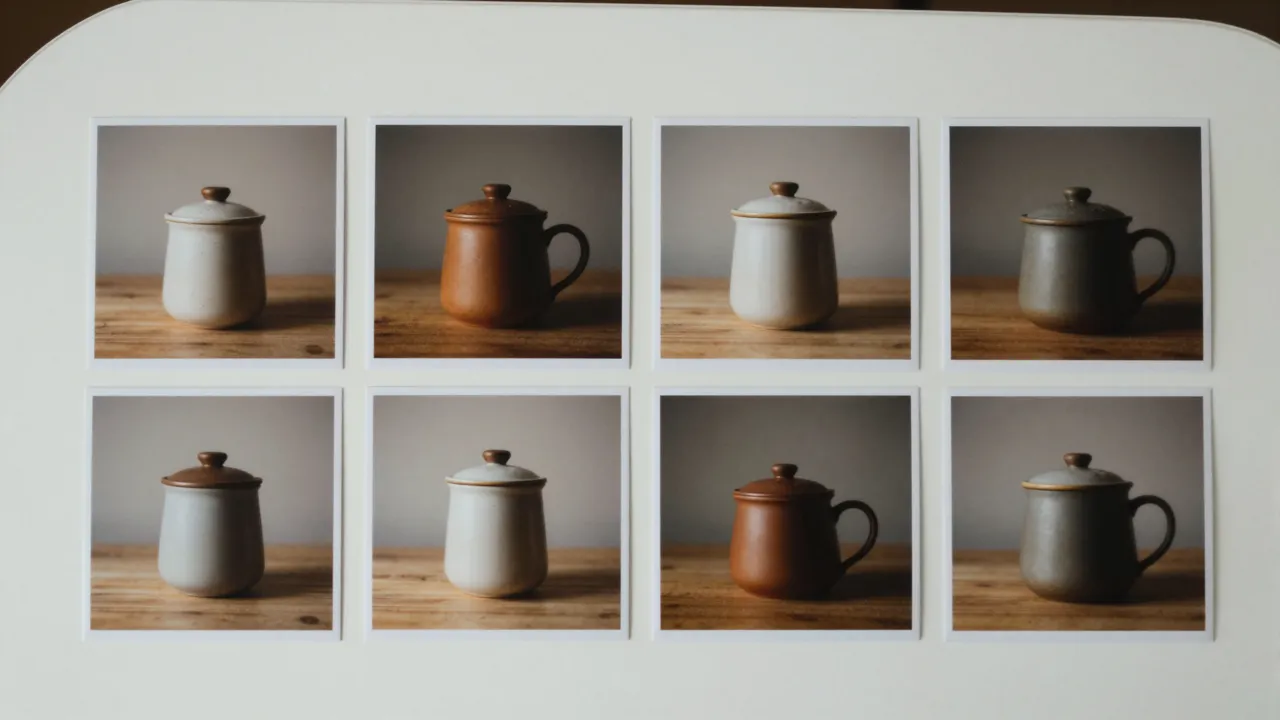
Composing a scene from multiple pictures
The defining feature of this mode is up to nine references per generation. Each image plays a role in the future clip: the hero, a second character, a prop, a location, a style sample. Your prompt explains who is who and what happens: "the man from the first photo sits in the cafe from the third photo, holding the mug from the second".
This solves a problem plain image-to-video cannot touch: putting things into one frame that were never photographed together. A product and a model from different shoots, a character against a painted background, two heroes from separate sessions — they all end up in the same scene without any manual compositing.
How the model reads your references
The network does not paste your pictures into the frame. It studies them — the character's look, the object's shape, the location's palette — and redraws everything in motion. That is why the hero can turn, walk and pick things up while staying recognizable. The cleaner the reference and the less clutter around the subject, the more faithful the transfer.
Help it with words: assign roles explicitly and describe the relationships. "The woman from image 1, wearing the jacket from image 2, walks down the street from image 3" works far better than a vague "make a nice video from these pictures". You define the casting; the model only has to bring the scene to life.
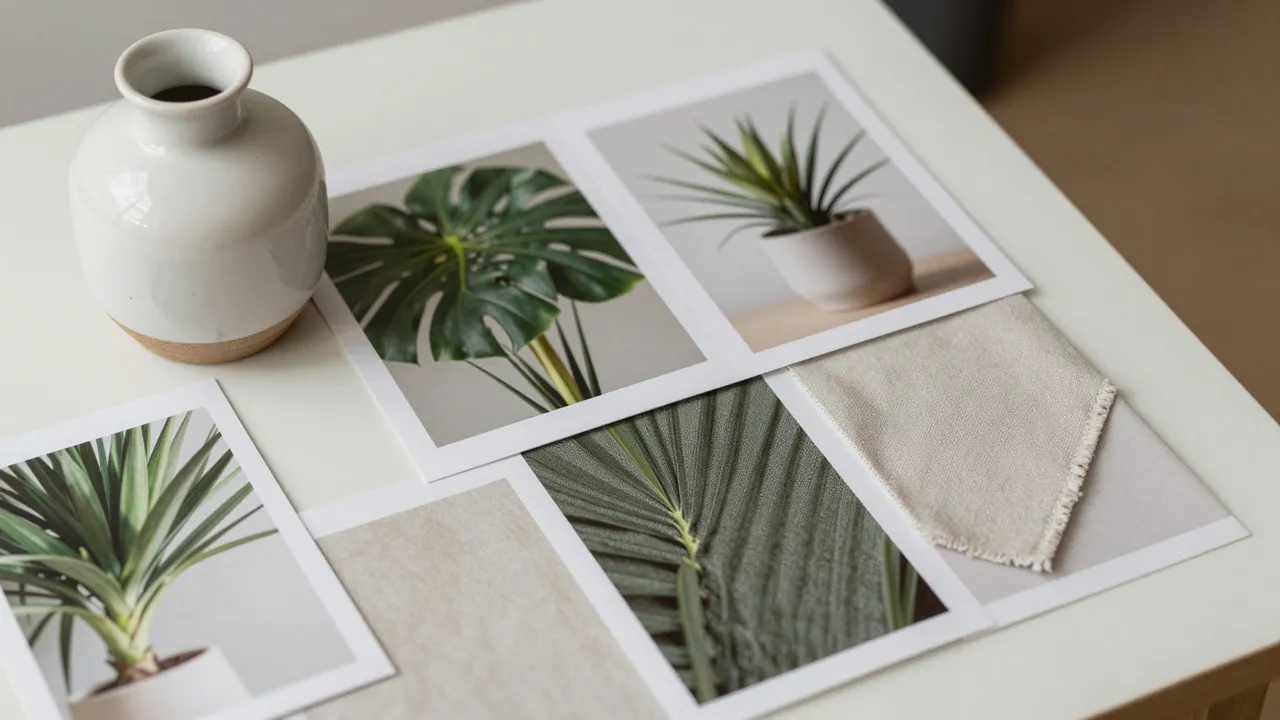
Frame formats from stories to widescreen
Unlike the single-photo mode, aspect ratio here is your choice: widescreen 16:9, vertical 9:16 and 3:4, square 1:1 and classic 4:3. The same reference set can become a vertical story clip and a wide banner video for a website — just switch the format and rerun.
Duration ranges from 3 to 15 seconds, with 720p or 1080p output. Cheap short drafts at 720p are perfect for exploring ideas; save the longer 1080p render for the final version. The seed field lets you lock a composition you like and vary only the wording.
Use cases: ads, recurring characters, catalogs
The most rewarding scenario is video series with a persistent character: a brand mascot, a comic hero, a virtual presenter. Feed the same character images into every generation and you get a run of clips where the hero stays the same. For shops, it is a way to show a product "in real life" by pairing its photo with an interior shot.
It shines in creative work too: build a fairy-tale scene from a child's drawing plus their photo, drop a pet into an illustrated world, combine a costume sketch with a real model. Everything that used to require collages and manual retouching happens in a single generation.
Picking a reference set that works
Do not rush to fill all nine slots. The more images you add, the harder it is for the model to decide what matters. Start with two or three key references — hero, object, background — and add more only when the clip is clearly missing a specific detail. Every extra image dilutes the network's attention.
Watch for compatibility: a character shot in daylight against a neon night street forces the model to improvise, and the seams start to show. References with similar lighting and a close color range produce a unified picture that looks believable from the first frame.
Frequently asked questions
How many reference images can I upload?
From one to nine per generation. Two or three key references — hero, prop, background — is the best starting point. Add more only when you know exactly which detail of the scene each new image is responsible for.
Will the person from my reference stay recognizable?
The model works hard to preserve identity and usually the likeness is good, but this is a fresh generation, not a copy of the photo. A sharp close-up portrait with no other people in frame, plus an explicit instruction to keep the appearance, improves the match.
How is this different from regular image-to-video?
Regular image-to-video animates one picture and keeps its composition. Here you bring several source images and the model builds a brand-new scene from your description. Choose this mode when the exact shot you need simply does not exist.