Sora 2 Pro Storyboard: Build a Video Scene by Scene
Bottom Line Up Front (BLUF): Sora 2 Pro Storyboard is a storyboard-driven AI video mode: instead of one long prompt you compose a clip from a chain of short scenes. Each scene gets its own description and its own duration in seconds, and the model renders the whole sequence as a single continuous video — a controlled mini-story with real shot changes.
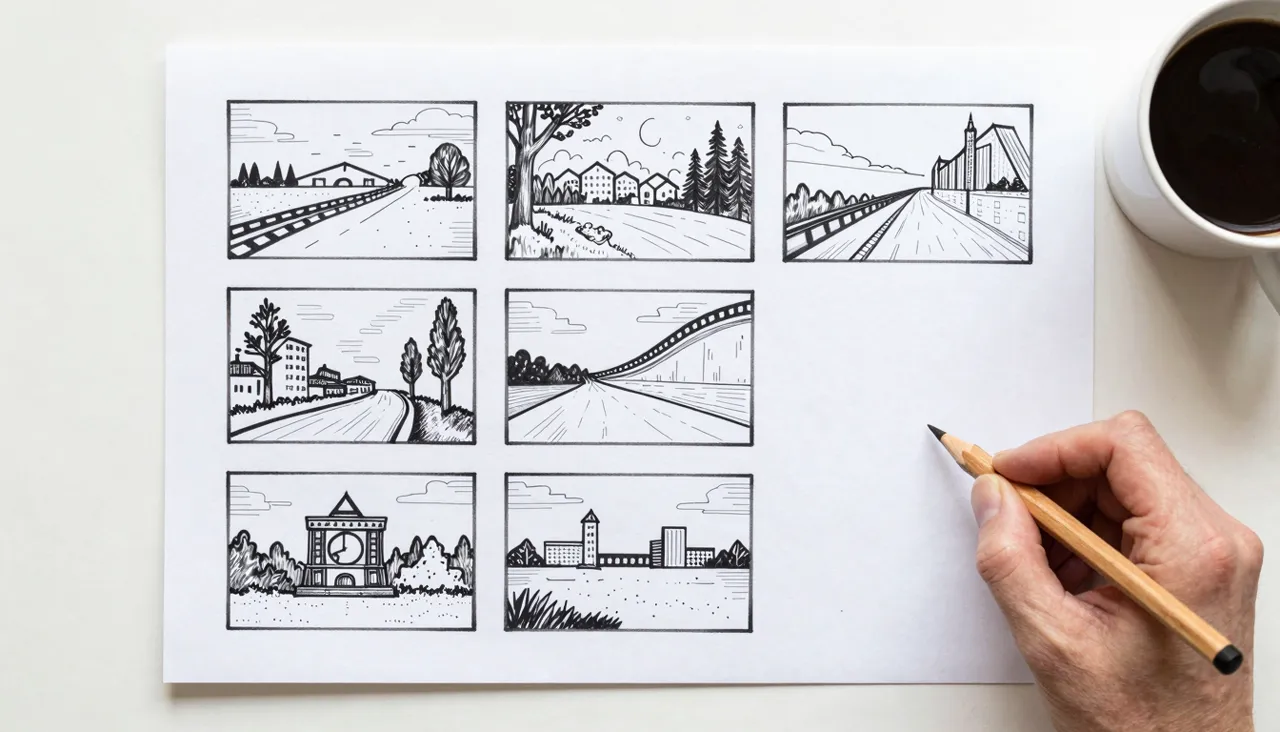
How the Storyboard Mode Works
On the generation page you add scenes one by one. Every scene has two inputs: a text description of the action and a length in seconds. Say, scene one — a hand sets a coffee cup on a table, three seconds; scene two — steam rising in close-up, four seconds; scene three — a wide shot of the cafe by the window for the remaining time.
The model reads the entire chain at once and produces one unified video where the scenes play in order. That is the crucial difference from stitching separate generations in an editor: lighting, style, and mood stay consistent across the whole clip because a single pass creates it.
Planning the Timing
First you pick the total runtime — 10, 15, or 25 seconds. Then you split that budget between scenes, and the form keeps a running count of seconds used versus available. The combined length of all scenes must fit inside the chosen cap, or the job will not start.
In practice, several three-to-five-second beats feel livelier than two long ones. Twenty-five seconds is enough for a full ad structure: a hook, the product moment, a closing beat. Give each scene exactly one clear action; a scene asked to do three things usually delivers none of them well.
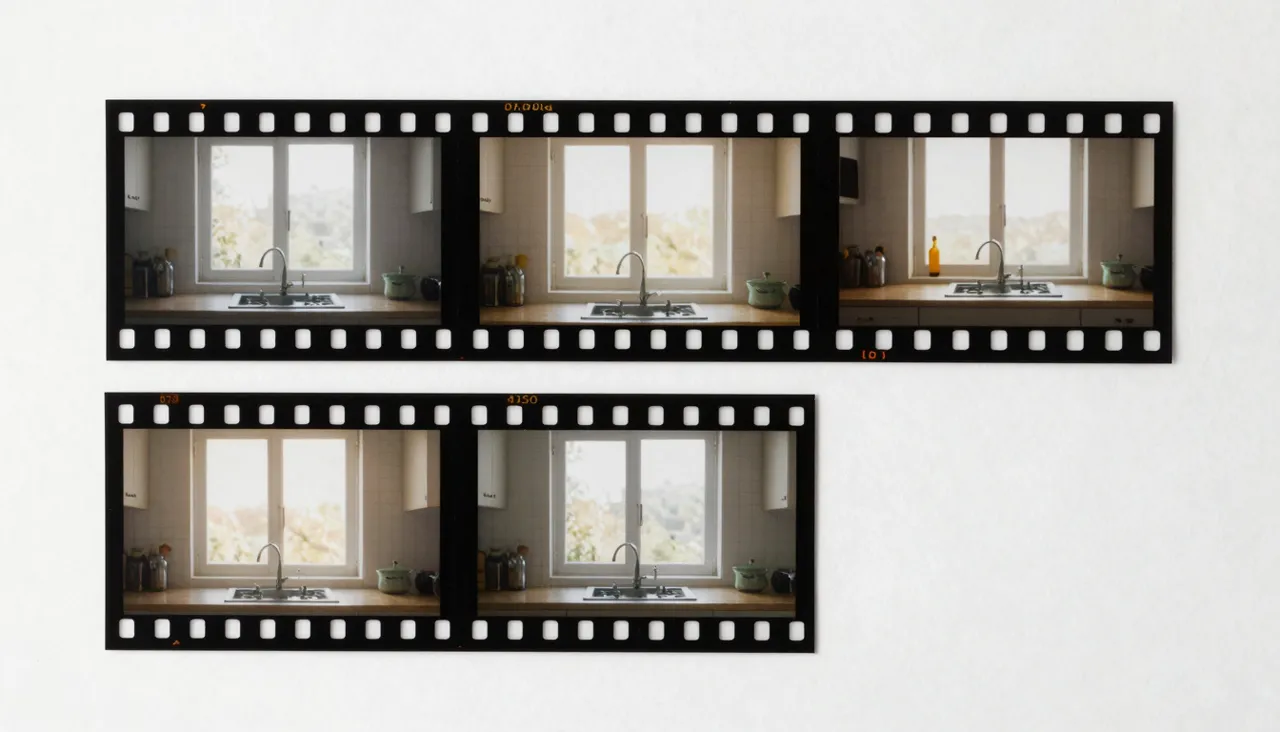
The Optional Reference Image
You can attach one reference image to the storyboard. It is optional, but it anchors the look of a key object or the overall style — upload a packaging mockup or an interior render and the model will carry that object through the scenes.
The Sora-wide restriction applies here: images of realistic people are not allowed. Characters should be written into the scene descriptions instead — appearance, clothing, the way they move. Repeat a character's defining traits in every scene they appear in so the model keeps them recognizable.
Why Not Just One Big Prompt
A single-prompt generation handles one scene beautifully but gets unruly when the text hides several shot changes — the model decides on its own what deserves screen time. The storyboard hands that control back to you: you dictate the order of events and how long each beat lasts.
That matters for anything with actual structure: a teaser hopping between locations, a step-by-step unboxing, a three-move recipe, a story arc for vertical social formats. Work that used to mean generating fragments and editing them together now comes down to writing a tight scene list.
Running the Job and Iterating
Before launching, make sure every scene has a description — the form blocks empty ones. Pick the frame orientation, 16:9 landscape or 9:16 portrait, and start. Rendering happens in the background; the finished video shows up in your history for download or extension.
If one beat misfires, do not rewrite everything — adjust just that scene's description and rerun. Tokens are never charged for a video that was not produced, and the standard filters apply throughout: no adult content and nothing that violates copyright.
Frequently asked questions
How long can a storyboard video be?
You choose the total runtime from three options: 10, 15, or 25 seconds. The durations of all scenes together must fit within that limit, and the form shows a live seconds counter while you plan.
Is the reference image required?
No, it is optional. Use it when a specific product look or visual style must stay consistent. Note that realistic images of people cannot be uploaded — describe characters in the scene text instead.
How do I keep the same character across scenes?
Repeat their defining details in every scene description — jacket color, hairstyle, one signature trait. Because the whole clip renders in a single pass, consistent wording goes a long way toward a consistent character.