SeeDance V1 — a Simple, Fast AI Video Generator for Beginners
Bottom Line Up Front (BLUF): SeeDance V1 is a straightforward AI video generator: type a description or upload a picture and receive a short clip. No reference stacks, no modes, no maze of settings — the fewest possible decisions between an idea and a result. That makes it the natural first stop for anyone new to AI video, and a quick testing ground before bigger projects.
Why start with V1
Newcomers to video generation face two obstacles: confusing options and the fear of wasting their balance. Both are solved here. The form is tiny — a text field, an image slot and a couple of basics. And the model's modest cost invites experimentation: a dozen tries here costs less than a couple of runs on flagship models.
That said, V1 is not a toy. Its clips are perfectly usable in a blog post, a presentation or a social feed. It just skips the extras: one scene, clear action, standard formats. For most everyday needs that is exactly enough, and the tokens you save stay available for genuinely demanding work.
Making a video from a text prompt
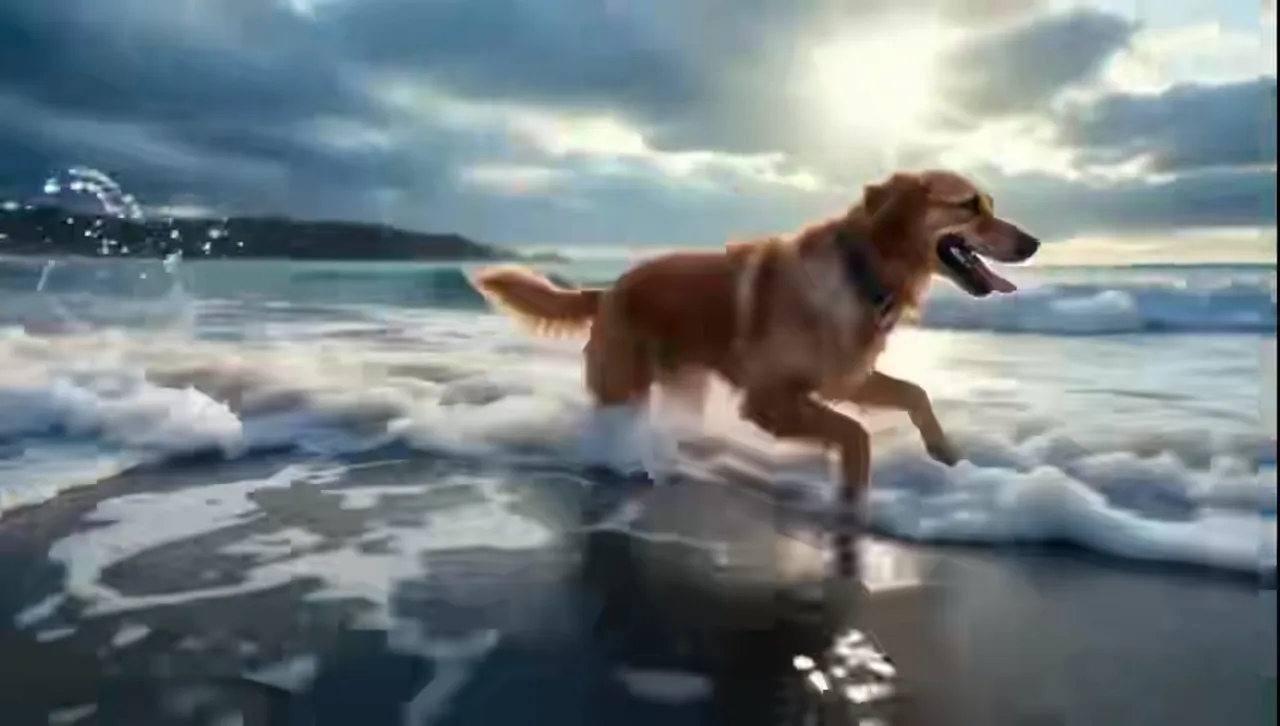
Describe one scene in plain words: 'a puppy runs through an autumn park, leaves flying', 'coffee pours into a cup in close-up, steam rising'. The model chooses the angle, lighting and motion on its own. Specificity wins: swap the vague 'beautiful landscape' for 'a mountain lake at sunrise with mist over the water'.
Resist packing location changes or a chain of events into one request — a short clip cannot hold a plot, and the model will start mashing scenes together. Generate three separate shots and join them instead: each comes out cleaner, and together they tell a coherent story.
Bringing a picture to life
The second mode animates an uploaded image. A landscape gains drifting clouds and swaying grass, a portrait picks up subtle expressions, a child's drawing gets a little life of its own. A short text hint steers the animation — say what should move and how.
It is a practical trick for social media: static posts become motion in a couple of minutes. An article cover breathes gently, a food photo steams, a listing item turns slightly — movement grabs attention in a feed far better than a still, at almost zero effort.
V1 versus the newer versions
Stay on V1 when the scene is single and simple, the input is text or one picture, and you want the clip fast and cheap. Drafts, idea tests and steady feed content are its home turf, where speed and low generation cost beat everything else.
Move up to V1.5 Pro when you need precise control through references and a locked camera, and to the 2.0 generation when a scene has several interacting elements, motion examples or sound. A sensible workflow: rehearse the idea here, render the final on a bigger model. Your generation history keeps every prompt within reach throughout.
Frequently asked questions
Where do I start if I've never generated video?
Type one simple scene of seven to ten words into the prompt field and hit generate without touching anything else. Review the clip, refine the wording, repeat. Two or three rounds are usually enough to get the feel of it.
Why are the clips so short?
This model works in short scenes lasting seconds. Longer stories are built from several runs: extend a finished clip, or take its last frame as the start of the next piece, then join the parts in any editor.
Is it really cheaper than the advanced models?
Yes — generation here is noticeably more economical, since price depends on duration and quality and the base version keeps both modest. That is what makes it ideal for testing and for high-volume simple content.