Kling O3 Pro Video Edit: Change Footage with a Prompt
Bottom Line Up Front (BLUF): Kling O3 Pro Video-Edit is an AI video editor driven by plain text. Upload existing footage, describe the change, swap an object, repaint the background, restyle the whole scene, and get a new version of the clip. It is the top model of the edit line, meant for work where every detail of the frame has to hold up.
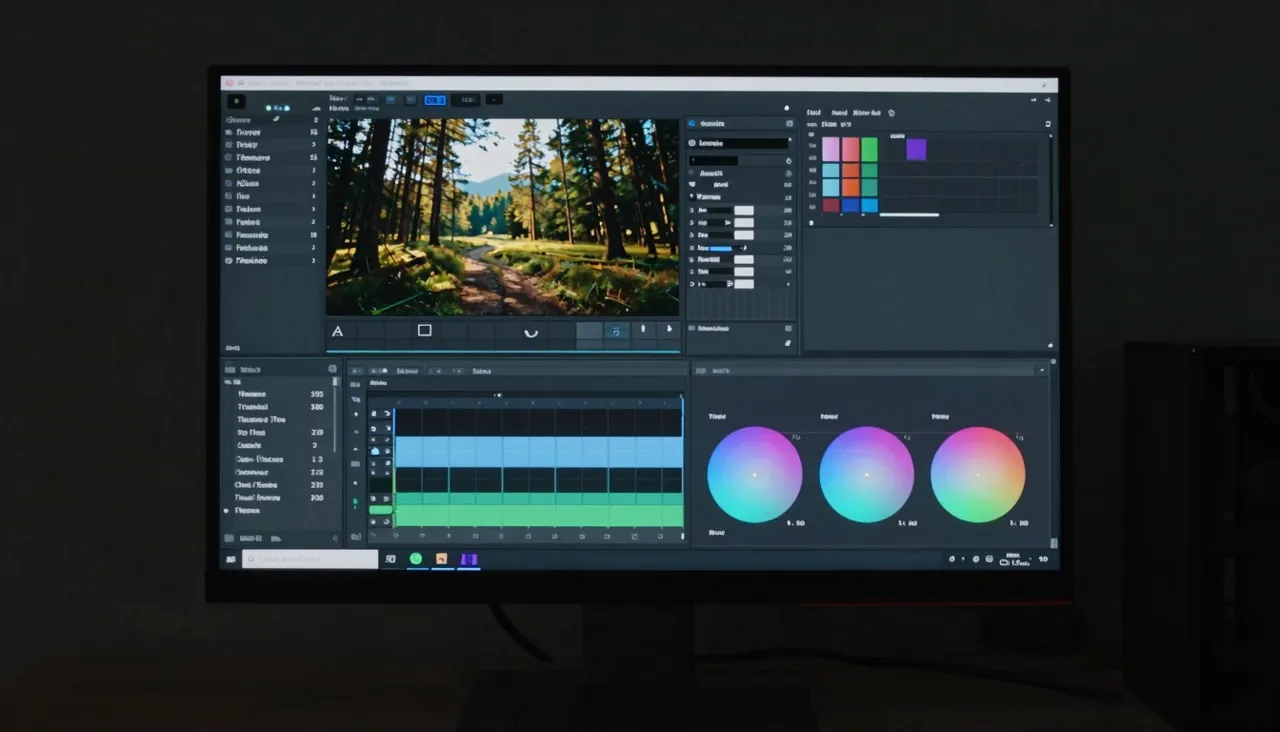
How text-based video editing works
Traditional editing cuts and joins footage but never touches what is inside a frame. This model works on the content itself: it analyzes your uploaded video, understands the scene, and redraws the frames to match your instruction while preserving motion, camera angles, and continuity.
Instructions are ordinary sentences: replace the red car with a blue one, make it night instead of day, cover the street in snow. No masks, no keyframes, no editing software skills, just the source clip and a clear statement of what should be different.
What you can change in a clip
Edits range from surgical to sweeping. On the small end: remove a stray object, swap one item for another, change what a person is wearing, recolor a wall. On the large end: shift the time of day, the weather, or the season, or push the entire clip into a different visual style, cinematic, animated, anything you can describe.
Real-world examples: give a product review a clean neutral backdrop, strip personal items out of a real-estate walkthrough, or turn summer footage into a holiday version for seasonal ads. One piece of source footage can spawn several campaign variants.
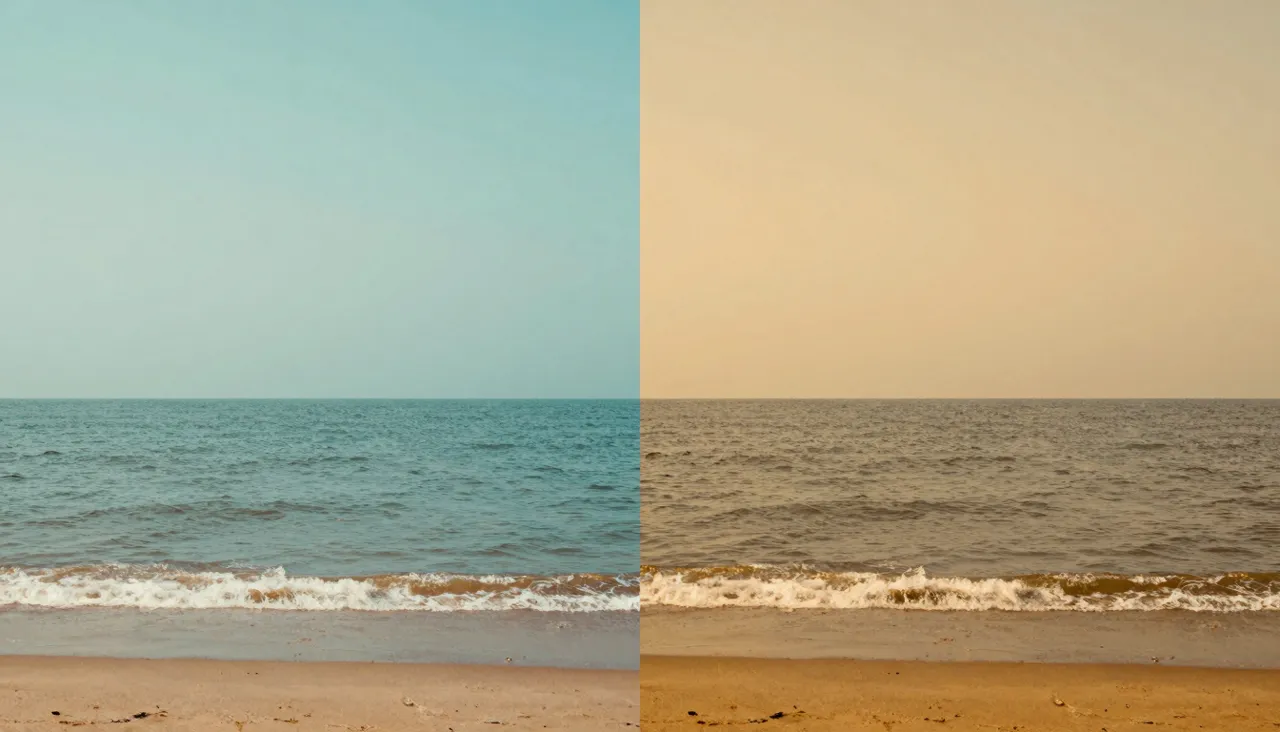
Elements: put your own object into the shot
Beyond text commands, O3 Pro accepts reference elements. Upload an image of a specific product or character, and the model inserts that exact thing rather than improvising a lookalike. For brands this is the killer feature: the frame shows your bottle, not a generic one the AI dreamed up.
The same applies to characters, a company mascot or an illustrated hero can take the place of a person or object in the footage. The cleaner and more distinct your reference image, the more faithfully its shape, colors, and signature details survive the transfer.
Step-by-step workflow
Upload your video to the form. For longer footage, select the exact segment to process right on the page; there is no point paying to re-render parts you are not changing. Write the instruction, attach reference elements if needed, and decide whether to keep the original soundtrack, a dedicated toggle controls that.
The aspect ratio is detected automatically from your source by default, though you can override it. The finished edit appears in your generation history as a separate file, and the original stays untouched, so you can experiment freely without risking the footage.
When the Pro tier is worth it
Reach for Pro when flaws are not an option: ad spots, close-ups of faces and hands, product macro shots, complex camera moves. It treats fine detail and texture with more care, so the edit reads as part of the original shoot instead of an effect pasted on top.
For drafts and simple swaps, the Standard tier is the cheaper testing ground; refine your instruction there, then rerun the winning prompt in Pro for the final render. Cost scales with the length of the segment you process.
Frequently asked questions
Will my original video be damaged?
No. The source file is never modified. The model produces a new version that lands in your generation history on its own, so you can run as many edit variants as you like from one upload.
Does the edited clip keep my audio?
That is your call. A toggle in the form preserves the original soundtrack, useful when you are only changing visuals. Switch it off to get a silent clip ready for fresh voiceover or music.
What is the difference between O3 Pro and O3 Standard?
The feature set is identical: object, style, and scene edits by text, with element references. Pro costs more but is sharper on detail, faces, textures, small objects. Standard covers drafts and straightforward swaps well.