Jimeng 4.5 — an AI Image Generator That Keeps Things Simple
Bottom Line Up Front (BLUF): Jimeng 4.5 is an AI image generator that turns a plain-text description into finished pictures in a short wait. There is no wall of sliders and switches, which makes it a friendly starting point if you have never generated images before. You can also attach a photo of your own and let the model rework it. Everything runs in the browser on one shared token balance.
What this model can do
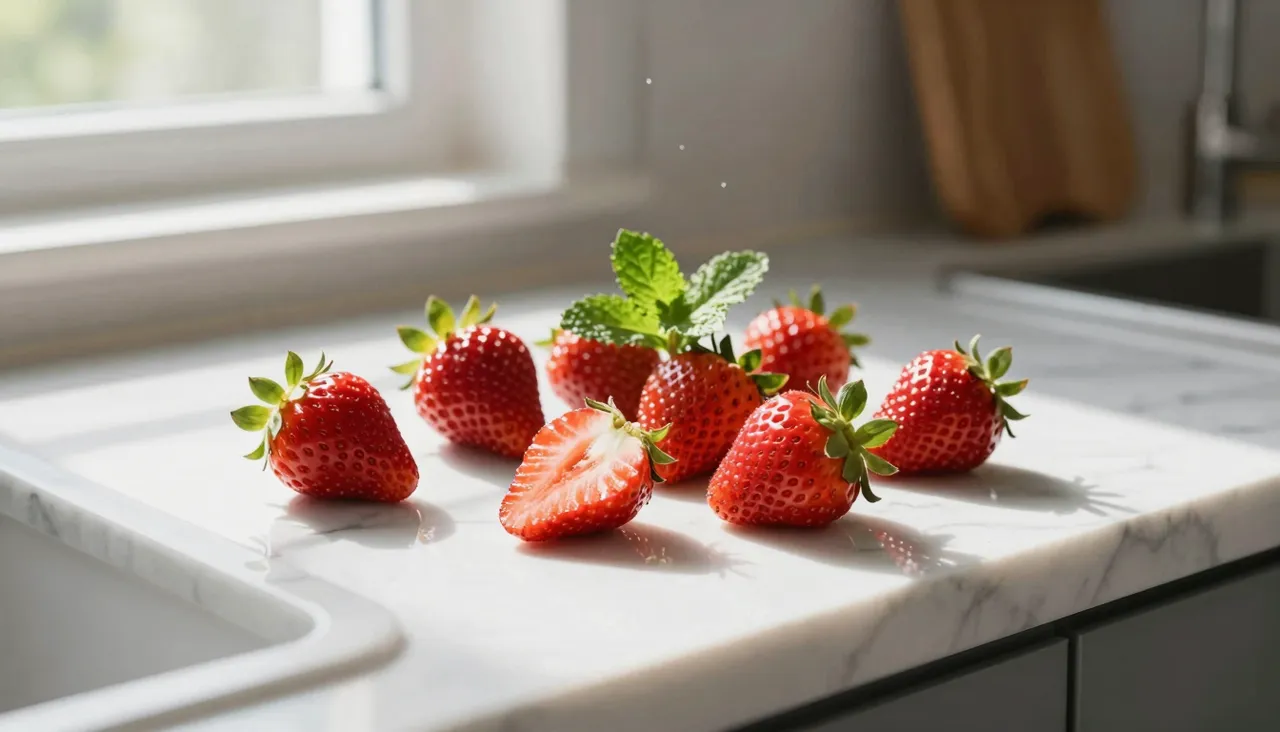
The core mode is text to image. Describe a scene in everyday words — a cozy kitchen in morning light, a cat wearing a spacesuit, a mountain sunset banner — and the model handles composition, lighting and detail on its own. You do not need prompt-engineering jargon; a clear sentence about what belongs in the frame is usually enough.
The second mode works from your photo. Attach one image to the request and the generation will build on it: swap the background, change the art style, redress the subject, move it to a different setting. That is handy when you need a controlled variation of a specific shot rather than a random new picture.
Several variants from one request
Instead of a single image, Jimeng 4.5 can return a whole set of takes on your prompt. They appear as a grid in your history, and each one opens full-size separately. Comparing interpretations side by side beats rerolling blindly: you pick the strongest one and download it right away.
If none of the variants lands, rerun the prompt with one small change — a repeat button restores your previous text so you can tweak a color, add a detail or exclude an object with words. Two or three rounds like this usually get you much closer than the first attempt did.
How to turn your photo into art
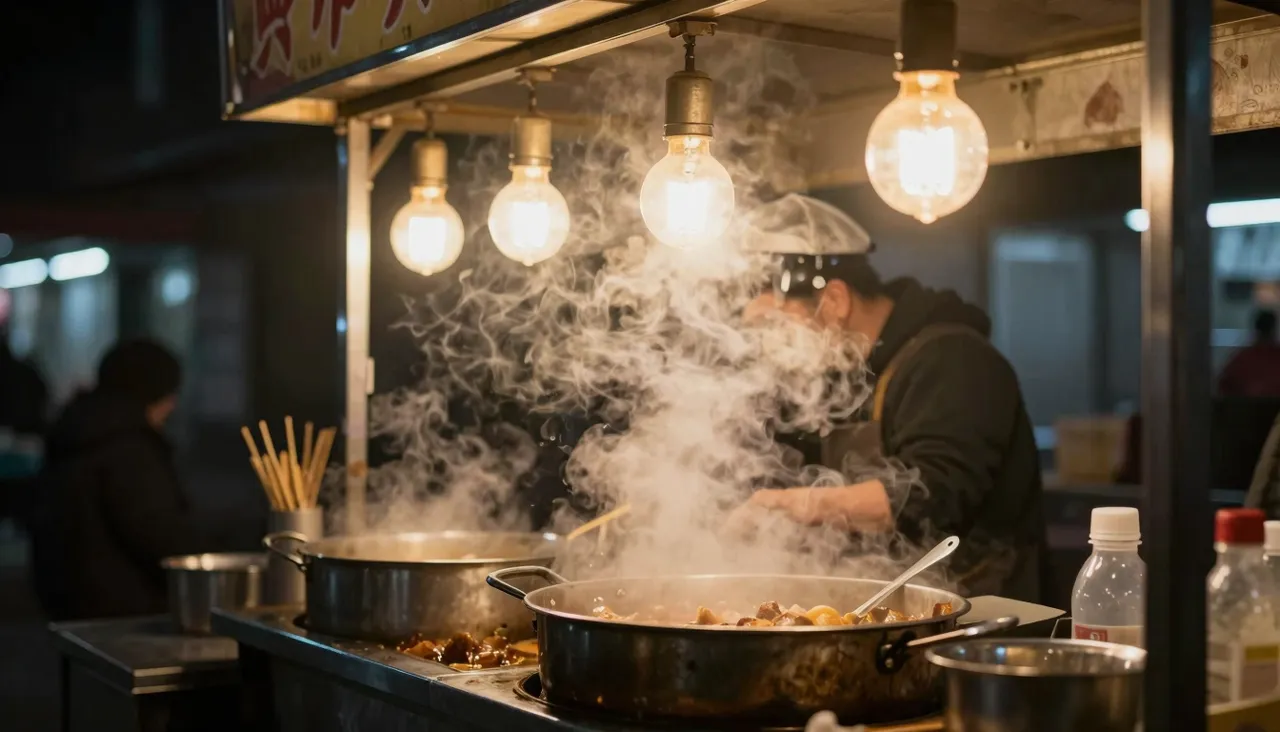
Click the reference field and upload a picture — JPG, PNG or WebP up to 10 MB. Then write what should change: make it a watercolor illustration, replace the background with a night city, turn this snapshot into a movie poster. The model keeps the subject recognizable and reworks the rest according to your words.
This version accepts a single reference, so avoid trying to merge several photos in one request — other models on the site handle collage-style jobs. With one photo, though, behavior is predictable: what you asked to change gets changed, and everything else stays close to the original.
Where it fits best
Typical jobs: illustrations for blog posts and social media, covers, avatars, quick concept sketches to show a client, presentation backgrounds. When you need a decent visual today and there is no designer around, a short form with one text box is exactly the right amount of interface.
For staged scenes that demand precise control — several characters, strict framing, fine-tuned detail density — the newer Jimeng 5.0 with its extended settings is a better pick. For everyday visuals, the fourth generation has more range than most people ever use.
Common beginner mistakes
The most frequent one is a two-word prompt. The model will comply, but the output will be generic. Add context: where the scene takes place, time of day, mood, and style — photorealistic, illustration, 3D render. A couple of specifics improve results more than any so-called magic keywords.
The second mistake is expecting a perfect match on try one. Generation is iterative: look at the variants, refine the wording, run again. Everything you make stays in your history, so no attempt is wasted and you can always return to a version you liked.
Frequently asked questions
Do I need prompt-writing skills?
No. Describe the scene as if you were briefing an artist. Concrete details about place, light, style and mood matter far more than special syntax. After a few generations you will get a feel for which words steer the result.
Can I upload my own photo?
Yes — one image up to 10 MB per request. The model uses it as the base and applies the changes you describe: a new background, a different art style, another setting, while keeping the subject recognizable.
What if I don't like the result?
Rerun it with a sharper description; the repeat button brings your previous prompt back. Naming a style explicitly and removing ambiguous wording helps most. Every run produces fresh variants, and earlier ones remain saved in history.