Z-Image: fast image generation and what it is good for
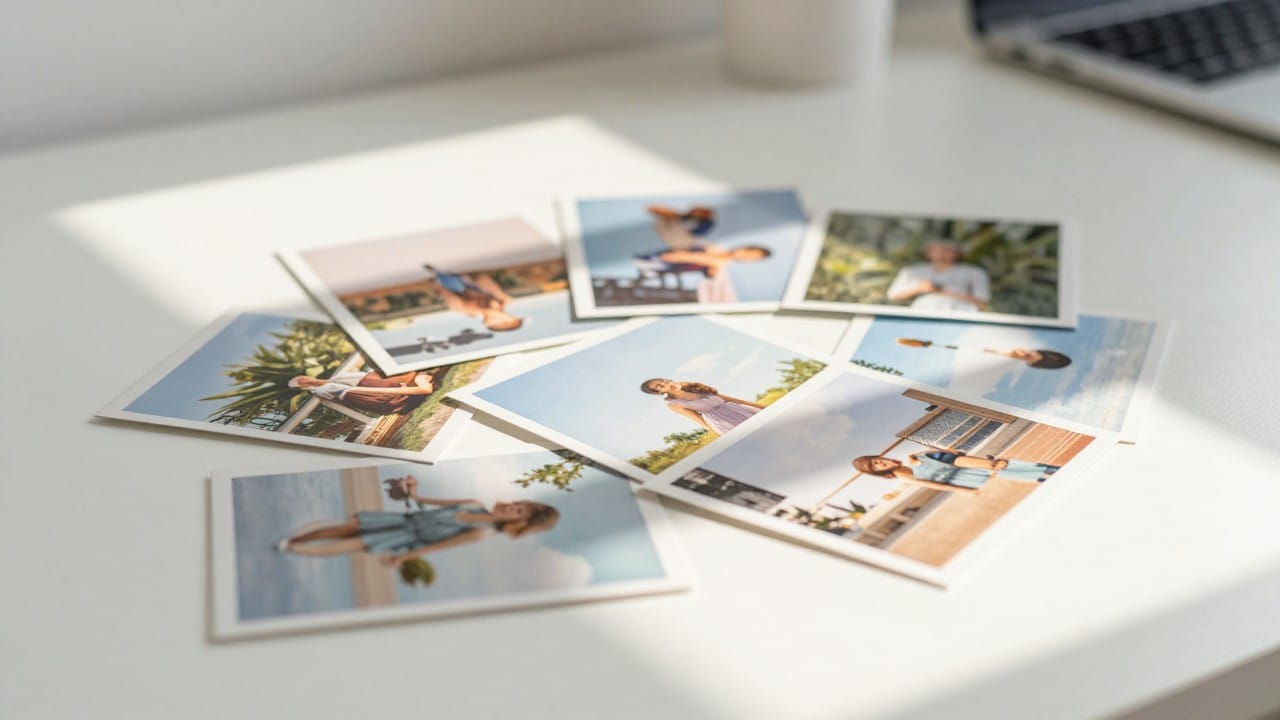
Z-Image is the lightest way to make an image on NeuralSpace: one frame costs 0.7 tokens, and everything you control comes down to a description, a frame shape and a file format. Its home turf is believable everyday scenes — a kitchen in the morning, a courtyard, a café, a person at work. This article covers what Z-Image is good for, when to reach for another model, and how to run it on the site in a couple of minutes.
Why Z-Image is the fast and cheap option
Across tracked generations (the generation_costs table, 263 frames) the average price of Z-Image is 0.71 tokens. For comparison, heavier models on the site average several times more — roughly 3.4 to 7 tokens per frame. On speed: among 72 successful generations in the last 30 days (image_generations), the median time from launch to a finished frame is about 19 seconds, and the quickest ones landed within 6 seconds. At peak hours a request can wait in the queue longer.
Simplicity is part of the speed here, too: Z-Image has no reference panel and no dozens of toggles. You pick one of five aspect ratios (1:1, 4:3, 16:9, 3:4, 9:16) and a file format (JPEG or PNG), type a description, and that is it. The model takes no uploaded images — it is pure text-to-image.
What it is good for
Z-Image reliably covers anything that should read as a real photograph rather than an illustration:
- illustrations for articles, posts and emails — lived-in frames without advertising gloss;
- covers for a blog, podcast or video — landscape 16:9 and 4:3;
- vertical frames for stories and mobile feeds — 9:16 and 3:4;
- backgrounds for presentations and banners that need a believable setting;
- fast idea passes: make a few versions of a frame, pick the keeper, and only then move on to a heavier model if you need to.
Another good fit is volume: when you need many pictures cheaply. The price does not depend on the format or the aspect ratio, so you can iterate freely — for the cost of one frame on an expensive model, Z-Image returns several.
Where Z-Image is not enough
The model is honestly limited, and that is a profile rather than a flaw:
- Text in the picture. Signage, labels, logos and posters with big type are not its job — letters will smear. For that use Ideogram, which lives in the same section.
- Working from your own photo. Z-Image takes no references, so it can neither rework a shot nor preserve a specific face. If you need edits based on an uploaded image, choose Seedream 5 Pro or Flux.
- Fantasy, anime, poster graphics. The further a scene drifts from real photography, the weaker the result — other models in the list handle stylization better.
How to run Z-Image on NeuralSpace
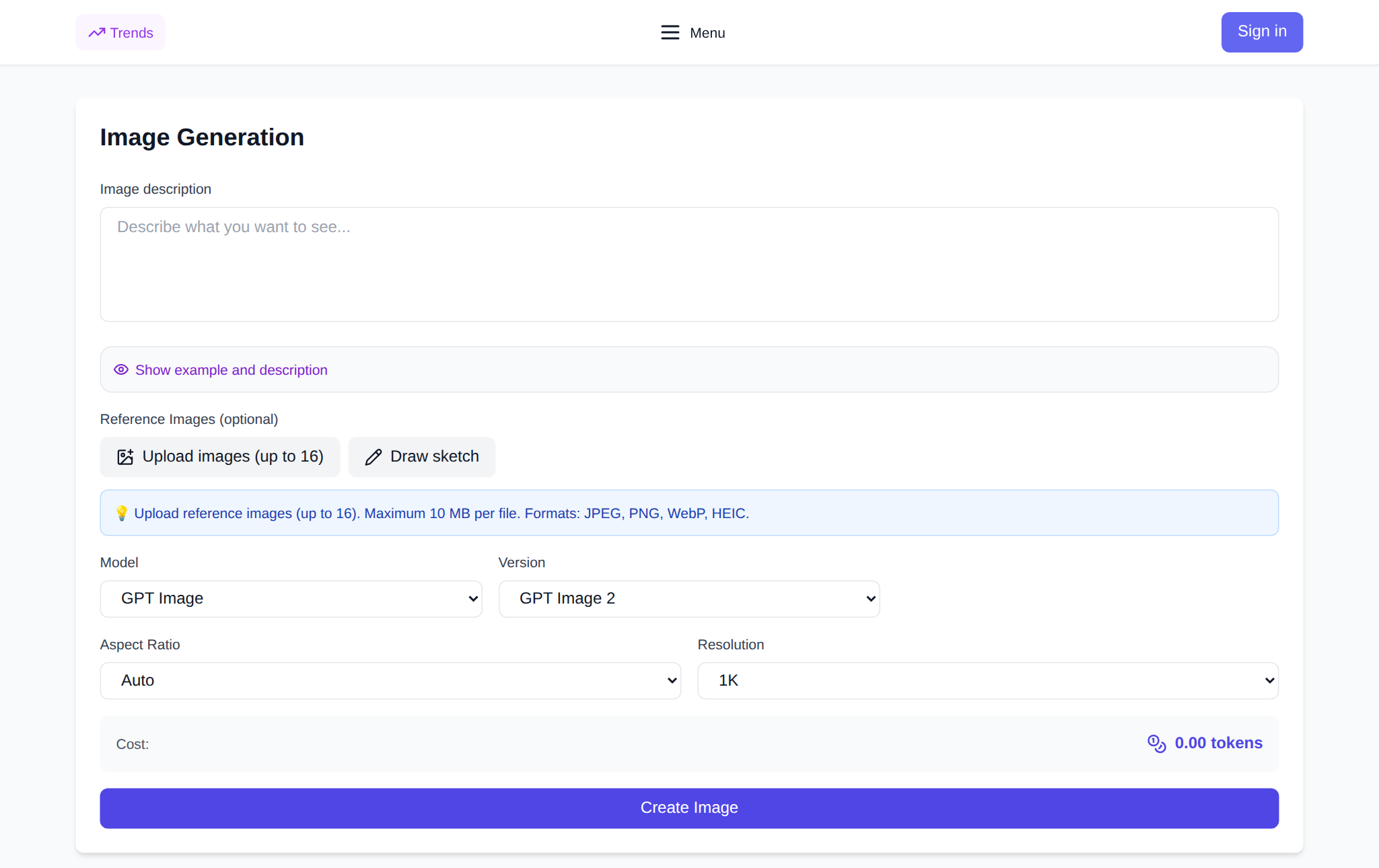
The flow is simple. Sign up and open the Images section — the image generation page. Pick Z-Image in the model list. Write the scene description, choose an aspect ratio and a format (JPEG is lighter and handy for social media; PNG if you plan to edit the frame later). The 0.7-token price is shown before you run, the charge comes out of your shared token balance with no subscription, and new users get starter tokens credited. The finished frame lands in your generation history, where you can download it and reuse the prompt. More on the model on the Z-Image page.
How to prompt so it works the first time
Describe a scene you glimpsed rather than a staged set: time of day, light source, camera position, the state of the objects. Camera-flavored phrases help — "shot on a phone", "natural light", "slightly blurred background" — along with imperfections: creases, scuffs, stray objects on the table. One important limit: nearly all Z-Image failures over six months were from an over-long prompt (10 of 13 failures in image_generations). Keep the description short and to the point — extra paragraphs of text simply will not go through.
FAQ
Is Z-Image free?
Like other models on the site, Z-Image runs on tokens: a generation costs 0.7 tokens and there is no subscription. New users get starter tokens, and you top up the balance as needed.
Can I upload my own photo as a base?
No. Z-Image works from a text description only, with no references. For edits based on an uploaded image, pick a model that supports references, such as Seedream 5 Pro or Flux.
How fast is Z-Image?
The median is about 19 seconds from launch to a finished frame across successful generations in the last month, with the fastest within 6 seconds. At peak hours there may be a queue.
Which aspect ratio should I choose?
For article and video covers use 16:9 or 4:3, for square posts 1:1, for stories and mobile feeds 9:16 or 3:4.