AI image generation: photorealism, art, and text on an image
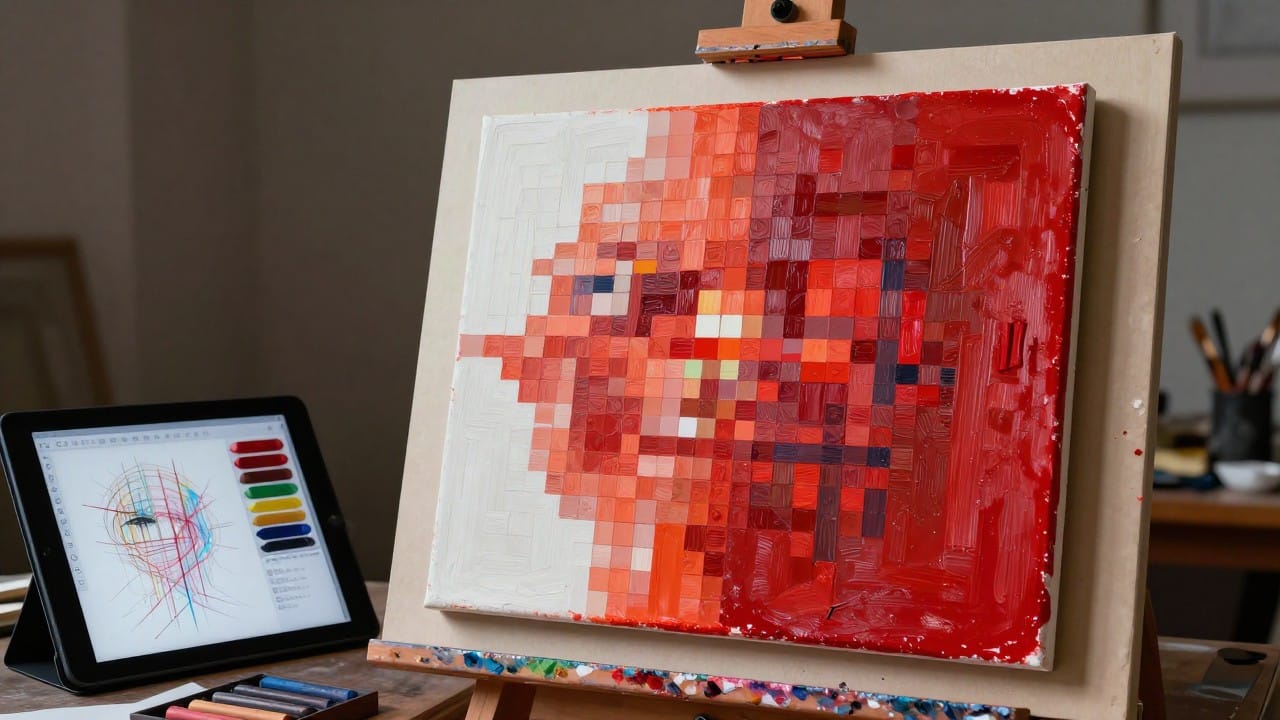
An AI image generator is a model that draws a picture from a text description and can also rework a picture you upload: swap the background, add details, copy someone else's style. On NeuralSpace the Images section (genimages) gathers more than a dozen such models, and each has its own character: one is stronger at photorealism, another at artistic style, a third is best at putting text right on the picture. Below we look at what a modern image neural network can actually do, how to get photorealism, art or lettering, and what to watch so you do not burn your starter tokens for nothing.
What an image generator can do
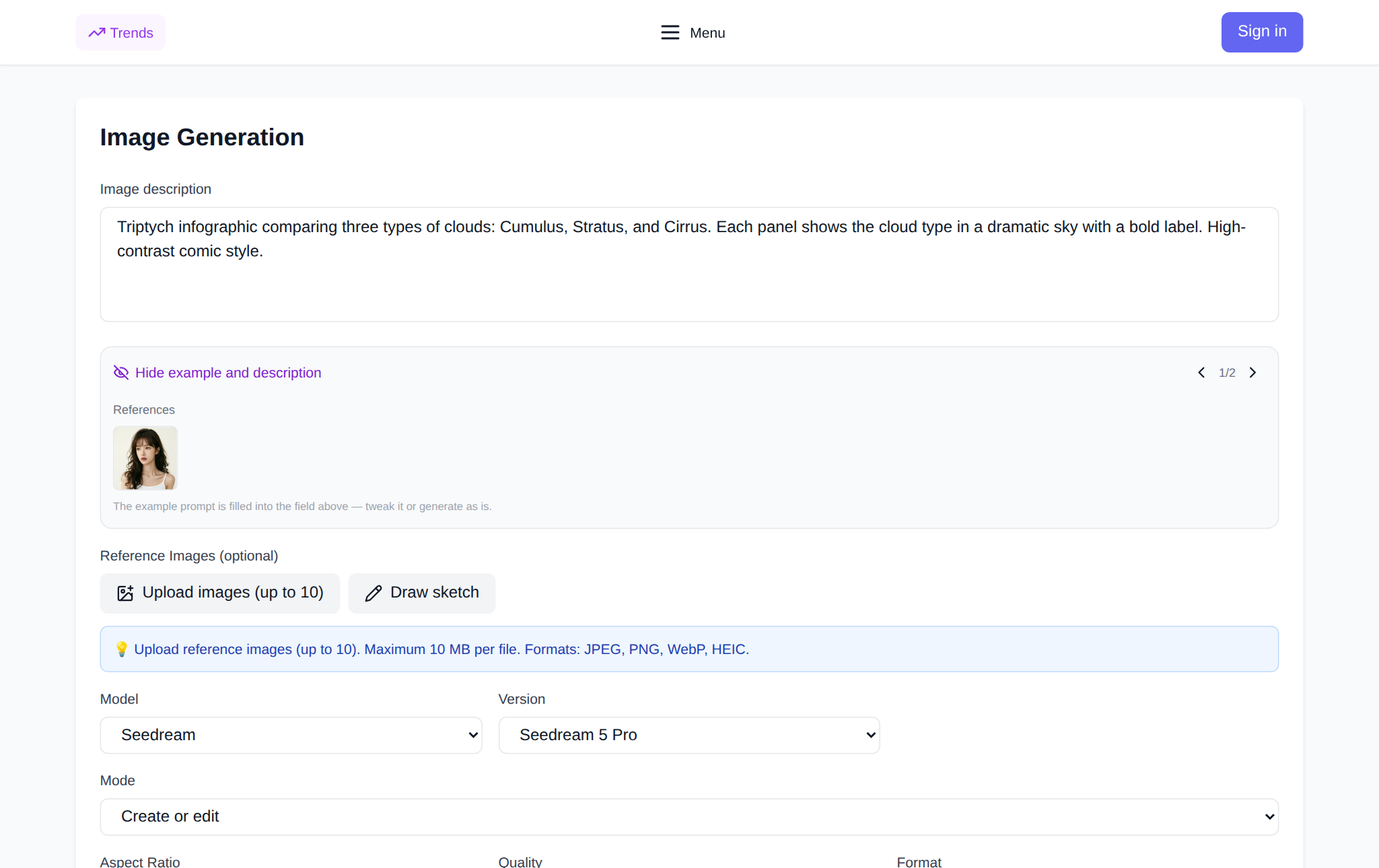
Any of these models has two modes. The first is generation from scratch: you describe what should be in the frame, choose a model, aspect ratio and resolution, and get a finished picture. The second is reference work: you upload your own photo or someone else's image and ask to change it — replace the background, remove clutter, repeat a style, change the lighting. In the Images section both modes live in one form: a description field and a reference upload button. From there everything depends on what you need: a believable photo, a stylised illustration or text on an image. These are three different jobs, and models handle them differently.
Photorealism: what drives the result
Photorealism is when a picture is hard to tell apart from a photo. Three things matter. First, the model: for believable frames pick SeeDream 5 Pro, GPT Image 2 or Nano Banana Pro. Second, resolution: 2K gives more detail in skin, fabric and metal, while 1K is faster and cheaper for a draft. Third, the description: realism comes from specifics, not from words like "beautiful" and "perfect". State the light (soft morning, backlit), the optics (wide angle, macro, slight background blur), the material (worn wood, matte metal) and one or two imperfect details — fine grain, a crease in fabric, a highlight. Prompts without details give you a glossy, sterile image.
Art and stylisation: where taste kicks in
For art the rules are different: precise detail gives way to a coherent look. The artistic style is set right in the description — watercolour, oil painting, comic, anime, 3D render, pixel art. Nano Banana 2, Grok 2, Z-Image and Flux 2 Pro work well here. If the style must stay consistent from image to image, upload a reference: the model takes the palette and manner from it and the subject from your text. Do not mix three or four styles in one request — the result turns to mush; run a few passes and pick.
Text on an image: the fussiest job
A neural network paints letters as a picture rather than setting them in a font, so long captions easily drift and lose characters. The best at text are GPT Image 2, ChatGPT Images 2.5 and Nano Banana Pro. Simple rules: keep the phrase to one or three words, put it in quotes right in the description, hint at the place (a sign, a poster, a mug) and expect non-Latin alphabets to be harder than plain Latin. Always check the wording letter by letter and make two or three variants — one of them will come out clean.
What the site data shows
Anonymised statistics of the Images section over 30 days: 10,991 generations in total, of which 840 (about 7.6%) failed. More than half of the failures are not breakdowns but content moderation — safety filters and sensitive-content checks. Next come unsupported aspect ratio and an over-long description, while genuine service faults account for a noticeably smaller share. Users most often picked Nano Banana 2, the GPT Image family and SeeDream 5 Pro. In our measurements of 7 September 2026, SeeDream 5 Pro returns a result in about 8.5 seconds at a 99.2% success rate, and GPT Image 2 in about 12.1 seconds at 98.7%. The takeaway: most "errors" are fixable settings, not model problems.
How to make your first run
Open the Images section, pick a model in the dropdown, type a description and attach a reference if you need one. Below that set the aspect ratio and resolution, check the price shown before the run and press the generate button. The result appears in your history: you can open it, download it and repeat it with a tweaked description. New users get starter tokens, then you pay by tokens with no subscription.
How not to waste starter tokens
Do your draft on a fast, inexpensive model — Z-Image or Nano Banana 2 Lite: they are handy for nailing composition and light. Once the frame works, repeat the same prompt on a strong model at the resolution you need. Keep the description short and non-contradictory, do not ask for the incompatible (say, "realistic photo" and "cartoon" at once), and keep forbidden topics out of the prompt — they are the most common reason an image fails moderation. And upload a finished photo as a reference where you need to keep a specific face or object: it is cheaper than describing them from scratch.
FAQ
Which AI is best for realistic photos?
For believable frames use SeeDream 5 Pro, GPT Image 2 or Nano Banana Pro at 2K. The more precisely you describe light, optics and material, the more realistic the result.
Do I need drawing skills?
No. You describe in words what you want to see and choose a model. The more precise the description, the closer the picture to your idea — but you do not draw by hand.
Can I edit an existing photo?
Yes. Upload the shot as a reference and ask to change the background, lighting or style. It is a separate mode and does not require describing everything from scratch.
How much does a generation cost?
The price depends on the model and resolution and is shown before the run. New users get starter tokens; after that you pay by tokens with no subscription.