Photo to 3D: TRELLIS-2 Turns a Photo into a 3D Model
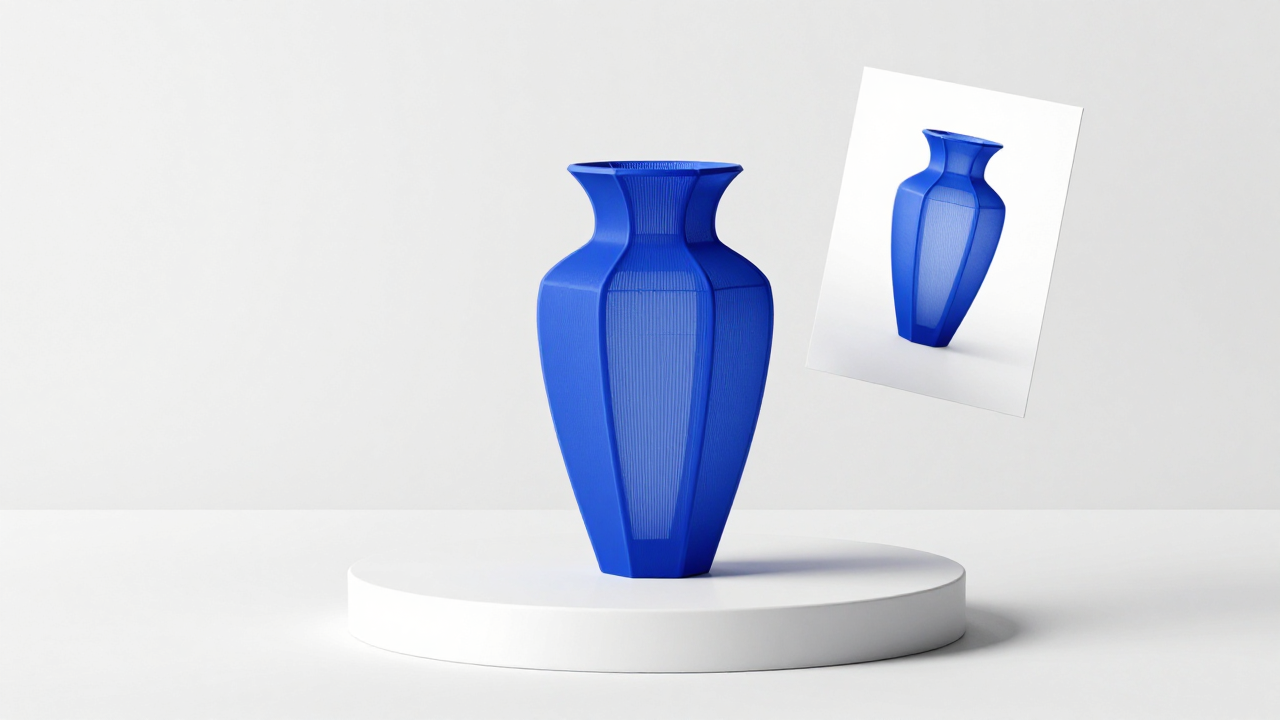
Getting a 3D model used to mean either spending months on modelling software or paying a 3D artist. NeuralSpace now has a 3D section where volume is built from an ordinary photo: you upload a shot of an object, wait a couple of minutes, spin the finished model with your mouse and download it as one file. The tool runs on Microsoft's TRELLIS-2 model, and the generation page lives at neuralspace.pro/en/3d/trellis-2.
Where is this useful? Quick prototypes and concepts, product showcases, study scenes, starting points for games and visualisations. Not a final cinematic asset, but a solid base you can clean up by hand afterwards.
How it works
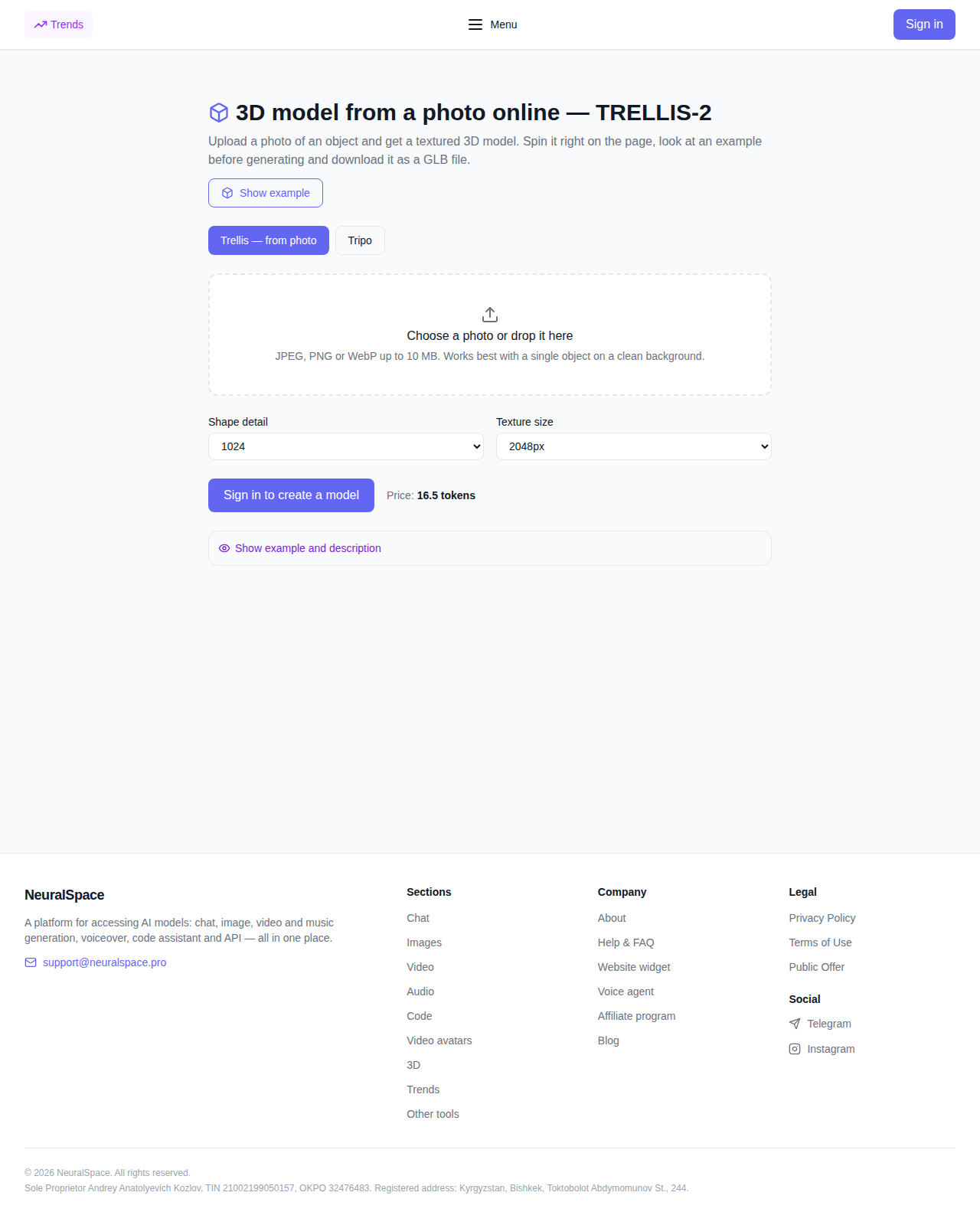
The flow is simple. Open the tool page and upload a photo of an object — JPEG, PNG or WEBP, up to 10 MB. Then you pick two numbers: geometry detail (512, 1024 or 1536) and texture size (from 1024 up to 4096). Bigger numbers cost more tokens, so the defaults are fine for a first try.
The heavy lifting happens on the server side — you install nothing on your computer. Finished models land in your account history, where they can be re-downloaded at any time.
Preview right on the page
You don't have to download the file to judge the result. The output comes with an interactive viewer: the object rotates with your mouse, textures are visible up close, and a download button sits right below. GLB is a standard exchange format, so it opens in Blender, Unity, Unreal Engine and almost any other 3D tool without conversions.
Pricing
Generation is billed in tokens; the exact amount is shown before you start and doesn't change once you hit the button. The base 512×1024 combination currently costs 13 tokens, the heaviest 1536×4096 runs 45.5. Tokens are charged when the task is submitted — if the generation falls apart server-side, they're refunded to your balance automatically.
Honest downsides
The source photo decides everything. Shoot the whole object in even light against a plain background and the model comes out clean. A dark, cropped or cluttered shot will give torn geometry and melting edges. People and animals are also a poor fit: the model is tuned for objects and artifacts, and it simply invents faces and fur. Fine details like thin ornaments get simplified — usually fine for prototypes and presentations, but don't expect a high-poly sculpture. And yes, generation isn't instant: a couple of minutes on average.
What else is in the 3D section
TRELLIS-2 works from photos. If you need volume from a text description, the section also has a text-to-3D tool, plus a whole shelf of post-processing utilities: model splitting, retopology, smart UV unwrapping, skeleton checks, animations and free converters — all on neighbouring tabs at neuralspace.pro/en/3d.
How to try it
- Open the TRELLIS-2 page and upload a full photo of the object on a plain background.
- Keep the default settings, or raise the detail level if you need cleaner geometry.
- After a couple of minutes, spin the model in the viewer and download the GLB. Didn't like the result? Reshoot the object from a different angle and try again.