AI music generation online: how to create a track from text
The short version (BLUF)
Describe a track in plain words — genre, mood, vocals or instrumental — and the neural network returns finished music in a couple of minutes. What you can get, how generation works, and tips from real use.
A week ago I needed a jingle for a podcast. In the old days I'd have gone to a freelance marketplace, explained the brief, waited three days and asked for revisions. This time I just described the mood and the genre — and a minute later I was listening to four versions with vocals and arrangement. AI music generation is wild, but it works. You can try it right now in the "Music" module of NeuralSpace.
What you can get
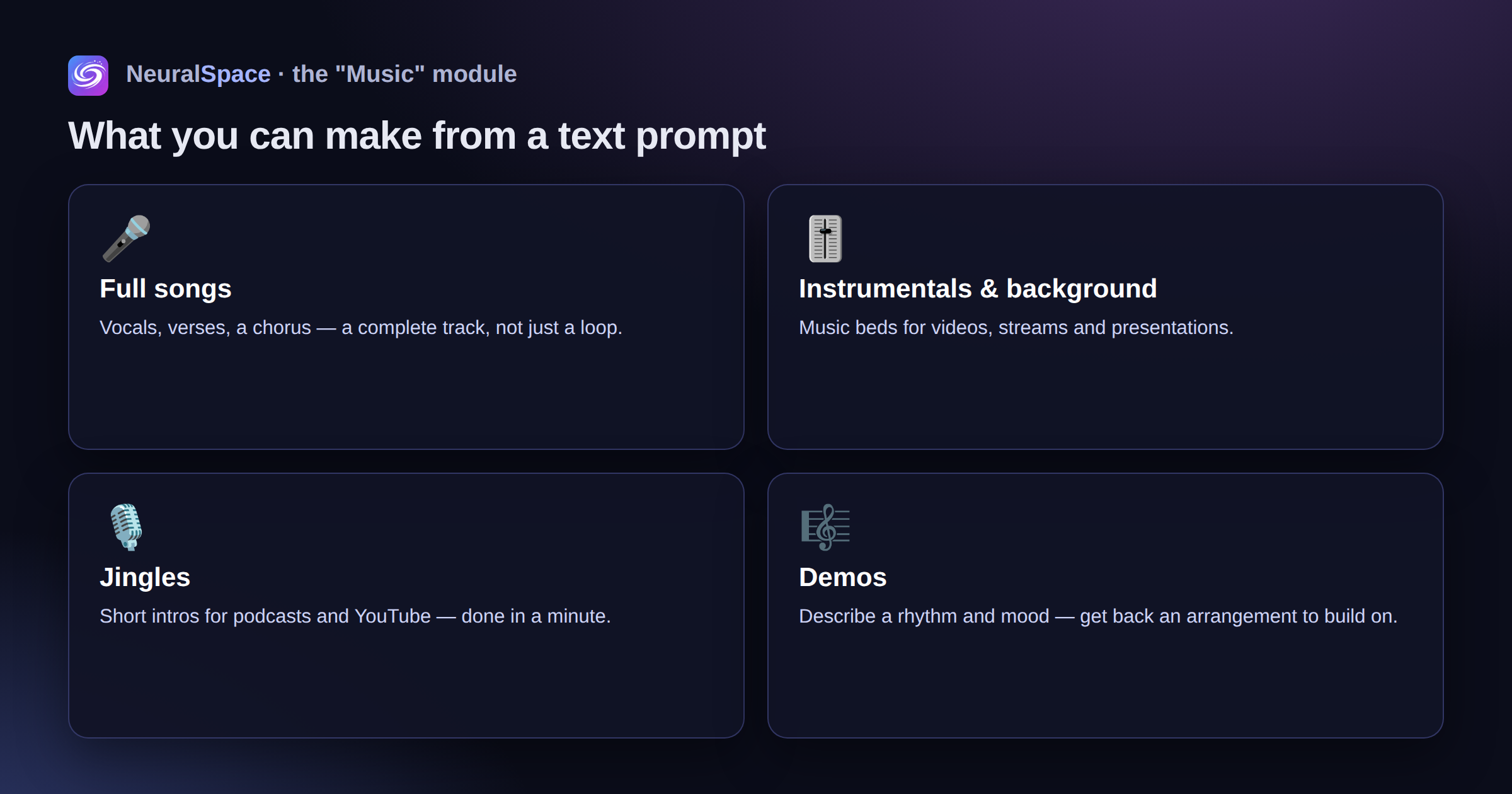
- Full songs — with vocals, verses and a chorus
- Instrumentals and background music for video
- Jingles for podcasts and YouTube
- Demos: you "hum" a melody as text and get an arrangement back. Well, not literally hum — but you describe the rhythm and the mood
How it works
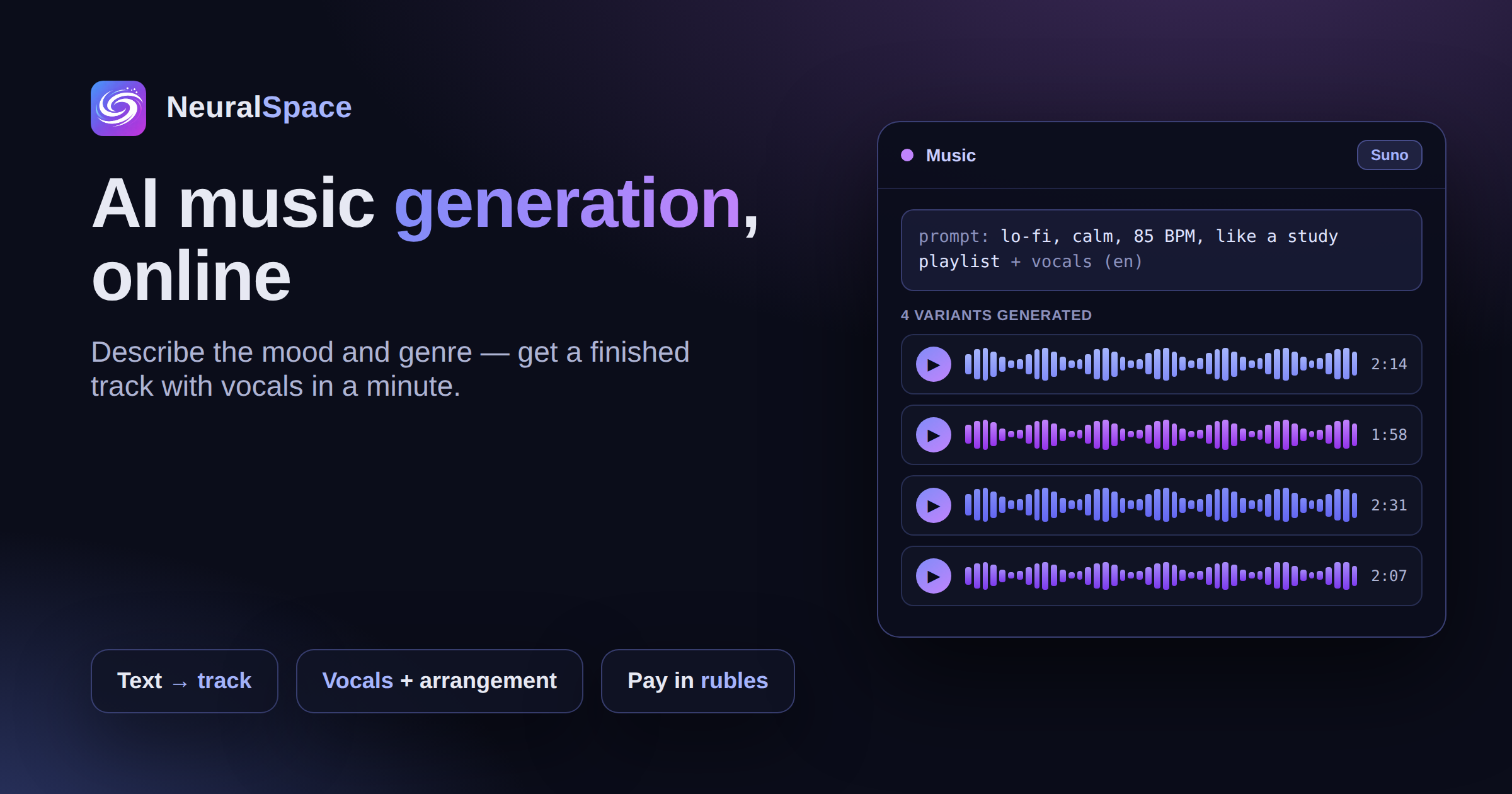
You describe the track: genre, tempo, mood, a reference. "Lo-fi, calm, 85 BPM, like a study playlist" — and the model gets it. You can add the lyrics separately, in Russian or English. The output is 2–4 versions, up to several minutes long each.
Pairs with the other tools
Drop the track straight onto a clip as its soundtrack. Draw the cover art in the image generator. Write the release description in the GPT chat. It's all inside one subscription, with payment in rubles.
Tips from real use
- Specify BPM and mood — without them the result is unpredictable
- 1–2 references max. "Like Radiohead + 90s Russian rock + lo-fi" will just confuse the model
- Keep lyrics in short lines — the model lands the rhythm more accurately
- Generate 3–4 versions and take the best. The first one is almost never perfect
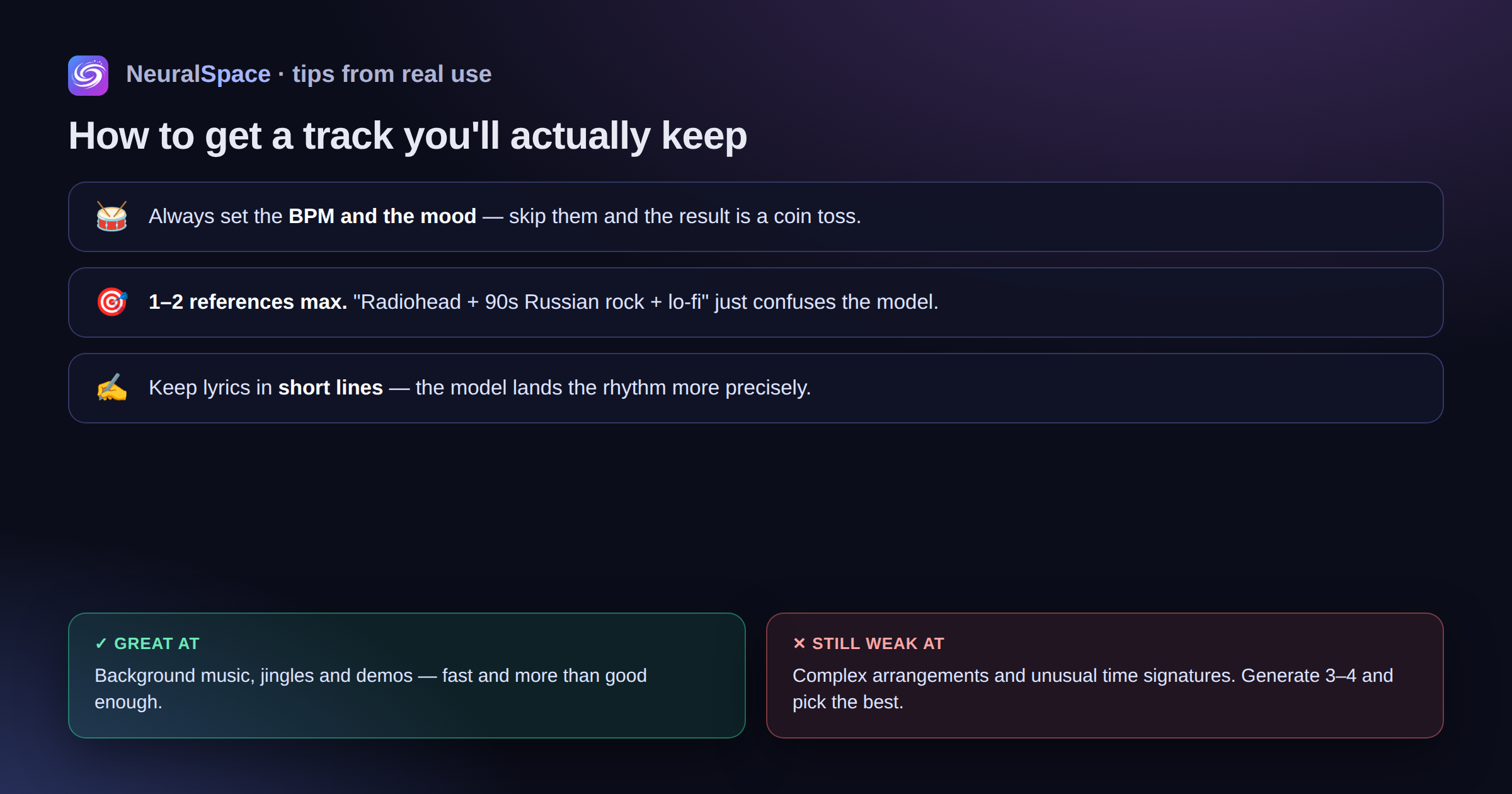
Honest downside: the model is still weak at complex arrangements and unusual time signatures. But for background music, jingles and demos — more than enough.
Sign up — your first tracks run on the welcome tokens.
Frequently Asked Questions (FAQ)
Q: How do I get the best result from the AI?
A: Use detailed prompts (descriptions) in English; specify style and scene details.
Q: Can I use this content commercially?
A: Yes, all generated content belongs entirely to you.