Z-Image: fotorealistische Alltagsszenen aus einer Textaufforderung
Bottom Line Up Front (BLUF): Z-Image ist ein KI-Bildgenerator, der eines vor Augen hat: Fotorealismus ohne Glanz. Sein Heimatgebiet ist das gewöhnliche Leben – eine Küche beim Frühstück, ein Innenhof in der Abenddämmerung, ein Schreibtisch mit einer halb leeren Tasse Tee. Die Ausgaben werden als Kameraaufnahmen gelesen, nicht als Renderings. Die Steuerelemente bleiben minimal: eine Beschreibung, eine Rahmenform und ein Dateiformat.
Realismus, der auf Werbepolitur verzichtet
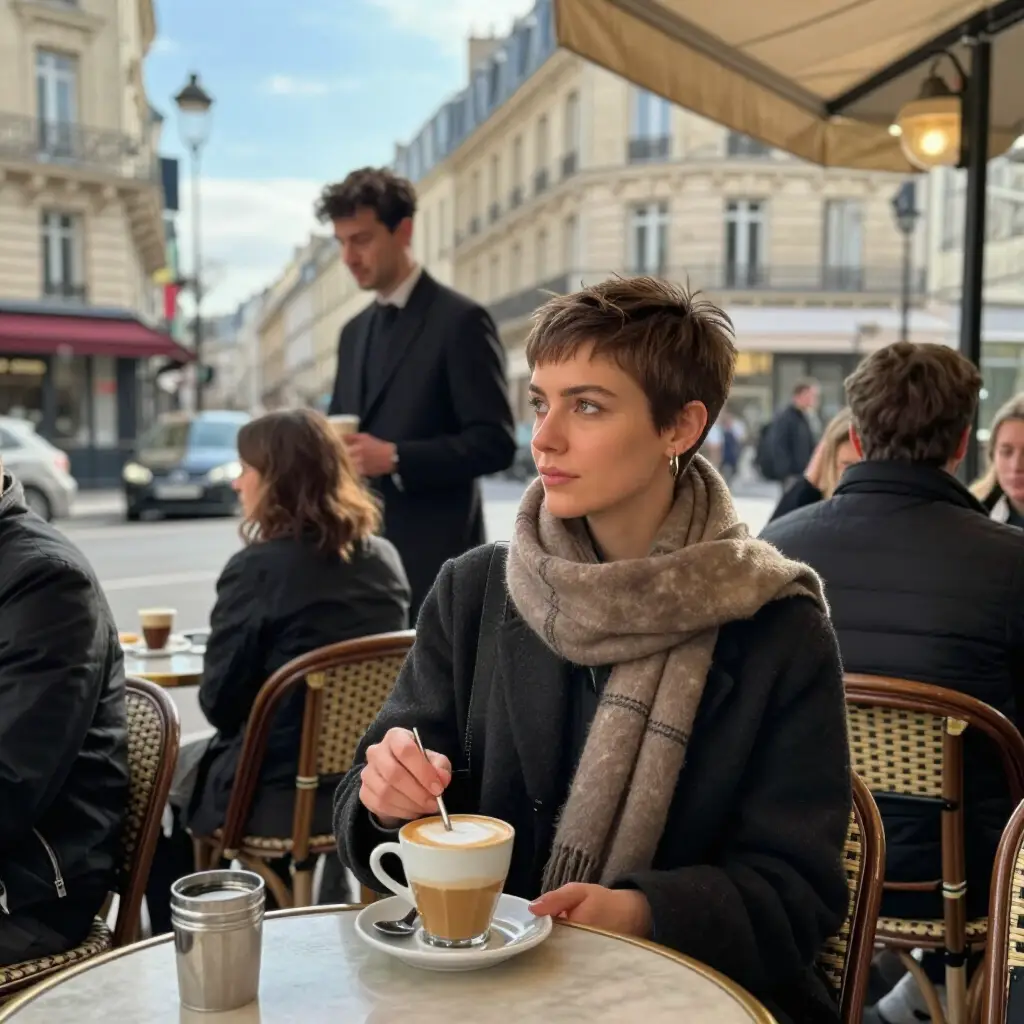
Die meisten Engines verschönern standardmäßig – makellose Haut, Studiobeleuchtung, Stock-Foto-Posen. Dieser geht den umgekehrten Weg und reproduziert das Alltägliche. Ein zerknittertes T-Shirt, ehrliche Fensterschatten, leichte Unordnung auf einer Theke: Genau die Details, die einen Rahmen als echtes Foto und nicht als Illustration wahrnehmen lassen.
Diese Stimme ist überall dort wichtig, wo Slicks nach hinten losgehen. Feeds werden durch Airbrush-Lächeln erschöpft, und ein gelebtes Bild schafft mehr Vertrauen. Ein Artikel über den Alltag, ein Blog über das Familienleben, ein Podcast-Cover über normale Menschen – überall dort, wo Authentizität den Prunk übertrifft, landet dieses Modell auf dem Spielfeld.
Themen, mit denen es am besten umgeht
Sein Sweet Spot sind Innenräume und Menschen in uninszenierten Momenten: Frühstück am Fenster, ein Kind und ein Hund in einem Flur, ein Handwerker an seiner Werkbank, eine Schlange an einem Kiosk. Auch lässige Objektaufnahmen glänzen – Essen ohne Styling, Regale, wie sie sind, ein Arbeitsplatz in seinem natürlichen Zustand, alles mit einer ehrlichen Aufnahme vom Telefon.
Es wird schwächer, je weiter man sich von der Fotografie entfernt: Fantasiewelten, Anime, Plakatgrafiken mit großer Schrift. Die Modellliste auf dieser Seite bietet dafür bessere Werkzeuge. Eine einfache Faustregel: Wenn das Ergebnis als Momentaufnahme des wirklichen Lebens gelten sollte, bleiben Sie hier; Wenn es gezeichnet oder gestaltet aussehen soll, wechseln Sie.
Einstellungen: Rahmenform und Dateiformat
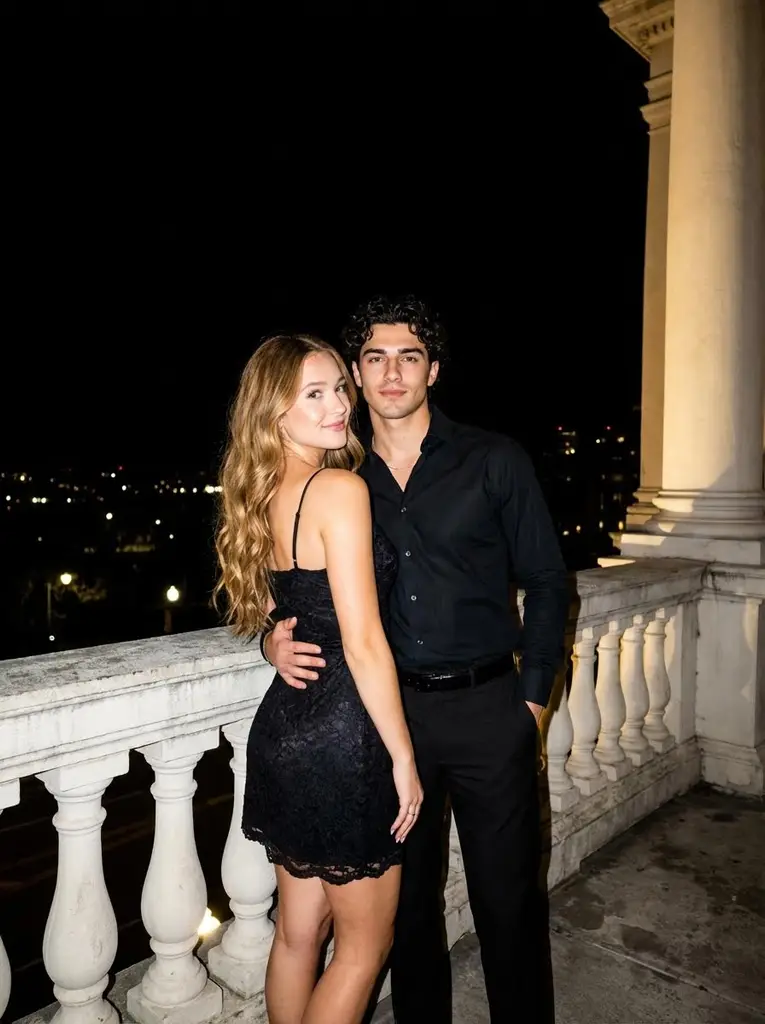
Das Seitenverhältnis bietet fünf Optionen: Quadrat 1:1, Querformat 4:3 und 16:9, Hochformat 3:4 und 9:16. Die vertikalen Formen passen zu Storys und mobilen Feeds, die breiten Formen passen zu Artikelüberschriften und Video-Thumbnails. Die Ausgabedatei kann als JPEG oder PNG gespeichert werden, je nachdem, was Ihr Workflow bevorzugt.
Es gibt keinen Referenz-Upload – es handelt sich um eine reine Text-zu-Bild-Erstellung, die vollständig auf der Grundlage Ihrer Beschreibung erstellt wird. Die gesamte Steuerung liegt in der Eingabeaufforderung. Benennen Sie also die Tageszeit, die Lichtquelle, die Kameraposition und den Zustand der Objekte. Morgenküche, tiefstehende Sonne von links, Toastkrümel auf dem Tisch sind jedes Mal besser als eine kahle Küche.
Schreibaufforderungen für glaubwürdige Fotos
Beschreiben Sie eine Szene so, als ob Sie sie gesehen und nicht inszeniert hätten. Unvollkommenheiten sind Ihre Verbündeten: Kratzer, Falten, vereinzelte Gegenstände im Hintergrund – sie überzeugen das Auge. Auch von der Kamera inspirierte Sätze helfen: Aufgenommen mit einem Telefon, natürliches Licht, leicht verschwommener Hintergrund.
Dann iterieren Sie auf die übliche Weise: Generieren, schauen, den Wortlaut verfeinern, erneut ausführen. Jedes Ergebnis wird in Ihrem Generierungsverlauf gespeichert, sodass Sie es später herunterladen oder die Eingabeaufforderung wiederverwenden können. Die Gebühren werden von demselben Token-Guthaben abgezogen, das allen Tools auf der Website gemeinsam ist, und die Auswahl von PNG anstelle von JPEG ändert nichts am Preis.
Häufige Fragen
Kann ich mein eigenes Foto als Ausgangspunkt hochladen?
Nein – dieses Modell besteht nur aus Text und bietet keine Referenzunterstützung. Um eine vorhandene Aufnahme zu überarbeiten, wählen Sie ein Modell aus der Liste aus, das Bild-Uploads akzeptiert, beispielsweise eines der Familien Seedream oder Flux, und beschreiben Sie dort Ihre Änderungen.
Wird es echte Menschen oder Berühmtheiten hervorbringen?
Es generiert fiktive Personen aus Ihrer Beschreibung – Alter, Aussehen, Kleidung, Umgebung. Eine Ähnlichkeit mit einer bestimmten Person ist weder garantiert noch angestrebt. Verwenden Sie für Szenen, die um ein echtes Gesicht herum aufgebaut sind, ein Modell, das Referenzfotos unterstützt.
JPEG oder PNG – was soll ich wählen?
JPEG ist leichter und ideal zum Posten in sozialen Feeds und Messengern. PNG speichert das Bild ohne Komprimierungsverlust, was für die spätere Bearbeitung oder den Druck besser ist. Die Auswahl betrifft nur die Datei, niemals den Inhalt der Aufnahme.