Sora 2 Pro — High-Fidelity AI Video Generation

Sora 2 Pro is the quality-focused tier of the Sora AI video generator. It works from the same plain-language prompts as the base model, but renders noticeably richer frames: cleaner textures, better light, finer small detail. Reach for it when the clip is headed into an ad, a client deliverable, or anywhere people will actually study the picture.

Close-up render of condensation on glass showing fine texture detail

How Pro Differs From Regular Sora 2

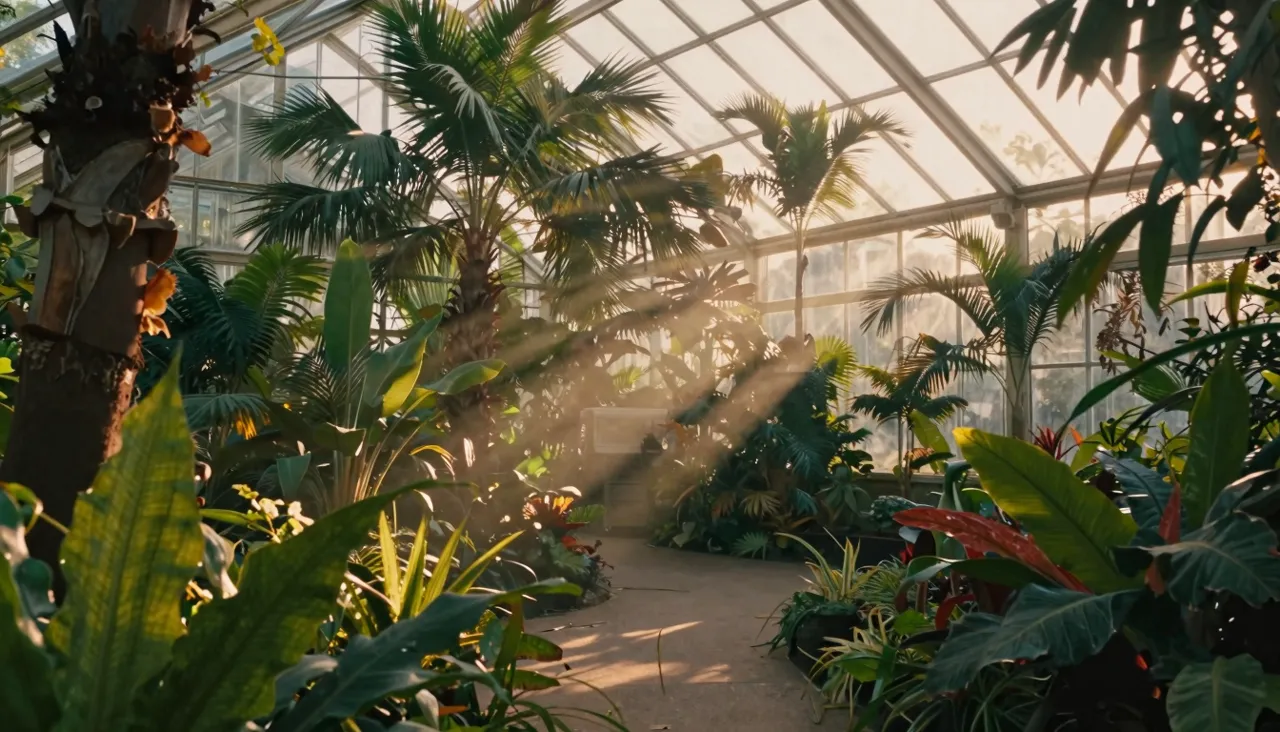
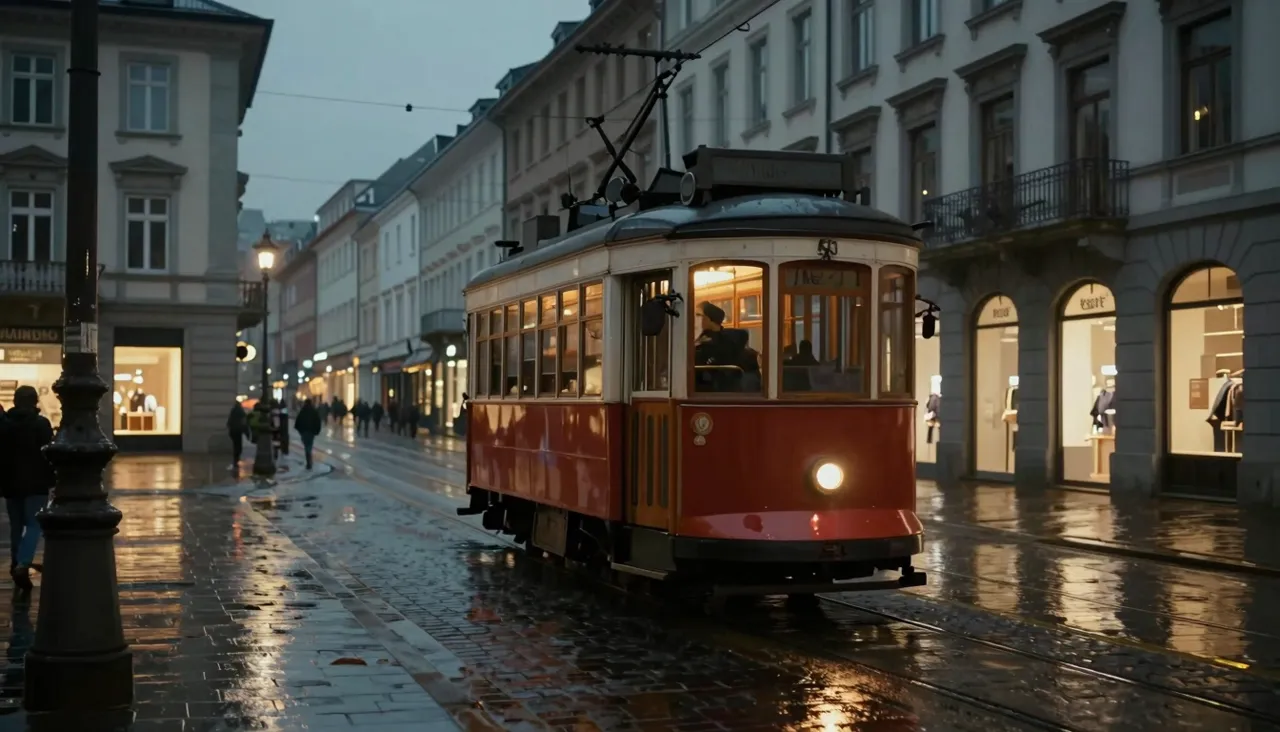
The base model is quick and perfectly good for drafts and social feeds. Pro squeezes a denser, cleaner image out of the same description. The gap shows on hard surfaces: fabric weave, moving water, glass, skin, reflections. Where the standard version paints an approximation, Pro resolves the detail, and the result reads closer to footage than to animation.

Pro also adds a quality switch with two levels, Standard and High. That gives you control over the trade-off: Standard renders faster and costs less, High pushes maximum fidelity. Since the price depends on quality level and clip length, a sensible habit is drafting on Standard and reserving High for the final take.

When Image Quality Is the Point

Pro earns its keep wherever video gets watched closely or on a big screen: product ads, clips for e-commerce listings, presentation backdrops, exhibition displays, stock-style footage for editing. For designers it produces material clean enough to drop straight into client work without a reshoot.

Another frequent use is visualizing things that do not exist yet — packaging concepts, the interior of a future cafe, a device prototype in someone's hands. Write the description, get a convincing clip, and pitch the idea to an investor or customer before spending anything on production.

Quality selector with Standard and High options in the video settings

Settings: Format, Length, Quality

The generation form offers two aspect ratios, 16:9 landscape and 9:16 portrait, and two durations, 10 or 15 seconds, on top of the Standard/High quality choice. You can start from pure text or from an image used as the opening frame, with one caveat carried over from the whole Sora line: photos of people are not accepted.

Finished clips live in your generation history, where you can download them, extend them, pull the last frame to seed the next scene, or rerun a prompt with tweaks. Payment draws from a single token balance shared by every tool on the site.

Getting the Most Out of the Model

High fidelity needs something to be faithful to, so feed the prompt materials and lighting: matte ceramic, condensation beading on a bottle, soft window light from the side, shallow depth of field. Cues like these become exactly the fine detail you are paying Pro to render.

Work in two passes. First, a few cheap Standard runs to lock composition and camera movement. Then one High run with the polished description. You avoid paying top rate while the idea is still taking shape, and the final render lands on a prompt you already trust.

Content Rules and Refusals

Pro enforces the same filters as the rest of the Sora family: no adult content, nothing that infringes copyright — cartoon characters, brand logos, celebrity likenesses all get blocked. Uploading photographs of people is off the table too. A violating request simply returns an error explaining why.

A refusal costs you nothing: tokens are only spent on videos that actually get made. Rewrite the prompt in neutral terms — describe an athlete in a red suit instead of naming a famous superhero — and submit again.

What does High mode add over Standard?

High is the maximum-fidelity setting: sharper textures, tidier fine detail, cleaner rendering of tricky surfaces. Standard is faster and cheaper and covers drafts and social posts. The clip price reflects the level you pick and the duration.

Should I use Pro instead of regular Sora 2?

Use Pro when the clip goes to a client, into paid media, or onto a large screen — the detail gap is visible. For quick sketches and everyday social content the base Sora 2 is usually enough and more economical.

Do I lose tokens if the model refuses?

No. If no video is produced, whether from a content filter or an error, your balance stays untouched. Strip brands and recognizable characters from the prompt and try the generation again.