核心要点 (BLUF): Gemini Omni 1.1 Flash is the second version of the multimodal video model. The mixed input stays the same — text, images, video, voices and saved characters in a single request. Two controls are new: a fast 360p draft mode and a starting frame that decides where the motion begins. Both versions sit in the same model list, so you can switch at any time.

There are exactly two differences, and both are about directing the shot. The first is 360p: version 1 does not offer it at all, its lowest step is 720p. The second is the starting frame — an uploaded picture can be declared the first frame of the clip, so the motion starts from it instead of from whatever the model invents.
Everything else matches: 4, 6, 8 or 10 seconds, landscape 16:9 and portrait 9:16, resolutions of 720p, 1080p and 4K, a seed field for repeatable results, and the shared libraries of voices and characters. The price is identical for both versions too.
Draft mode costs exactly what 720p and 1080p cost: the tariff follows the clip length, not the frame size. The point of 360p is different — a small frame comes back noticeably faster, so in the same time you can try more wordings, angles and actions.
A practical route looks like this: three or four attempts in 360p until the scene works, then the same prompt with the same seed re-run in 1080p or 4K. With a fixed seed the final clip usually repeats the draft in composition and differs only in detail.

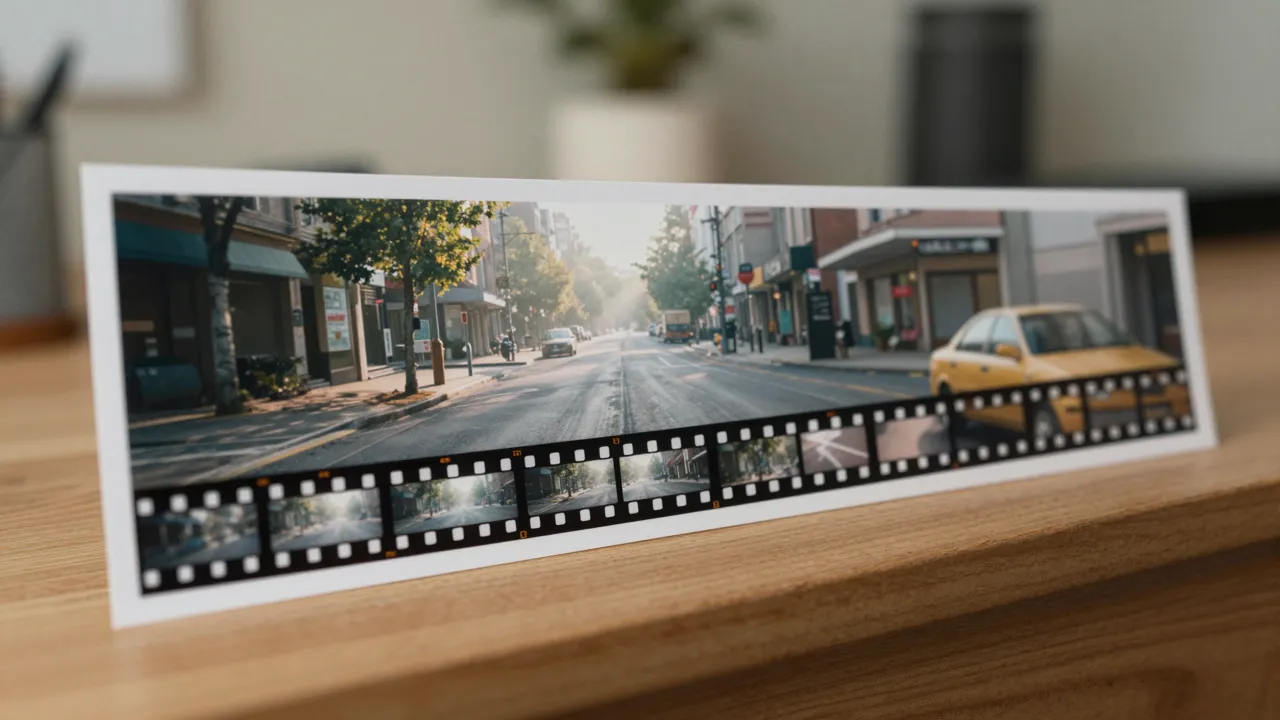
The «use the first uploaded image as the starting frame» checkbox turns a reference into the literal opening frame. That helps when the beginning is fixed: a finished poster, a frame from a previous clip, a room you shot on a phone. The text then only describes the motion — who walks in, what the character does, where the camera goes.
The mode has a cost in capability, and it is better known in advance: with a starting frame the other attachments are not sent. No extra images, no video reference, no characters and no voices — the model works with the opening picture and the text alone. If you need mixed input, clear the checkbox and everything attached travels as usual.
Without a starting frame the familiar arithmetic applies: seven slots in total. Each image takes one slot, a saved character takes one as well, and a video reference takes two at once. So you can bring seven pictures, or a video plus five pictures, or three characters and a video plus two pictures.
A video reference is cut to a ten-second window, and the fragment is picked in the browser with a slider before sending. Voices come from your personal library: up to three tracks per clip, with the lines written into the scene description itself.
Take 1.1 Flash when you need a fast sweep through ideas or a strictly defined opening. Version 1 remains a reasonable choice where neither is required and the settings are already dialled in — the results are close and the form is the same.
Switching breaks nothing: the generation history is shared, and so are the voice and character libraries. The same hero can star in clips made by either version, and the feed shows which one produced each result.
In two ways: the 360p draft resolution, which version 1 does not have, and the starting frame — the option to make an uploaded picture the first frame of the clip. Duration, aspect ratios, 4K, seed, voices and characters are the same in both.
No. The price depends on the clip length and on whether a video reference is supplied; 360p, 720p and 1080p cost the same, and only 4K costs more. Draft mode wins on waiting time, not on price.
That is how the model itself works: the starting frame is incompatible with the other attachments and is sent without them. If the scene needs a character, a voice or a video reference, clear the starting-frame checkbox and the full mixed input goes through.
Yes. Fix the seed while drafting and re-run the same request with only the resolution changed. A frame-for-frame match is not guaranteed, but composition and action are usually preserved.