Seedream 5 Pro: 복잡한 장면을 위해 제작된 AI 이미지 생성기
Bottom Line Up Front (BLUF): Seedream 5 Pro는 이 사이트의 Seedream 제품군 중 주력 제품으로, 한 번에 많은 양의 사진을 담아야 할 때 선택하는 AI 이미지 생성기입니다. 붐비는 거리, 어수선한 내부, 판독 가능한 라벨이 붙은 제품: 이 모델은 작은 것들을 흐리게 하는 대신 구성을 하나로 유지합니다. 텍스트 프롬프트, 참조 사진 또는 둘 다에서 작동합니다.
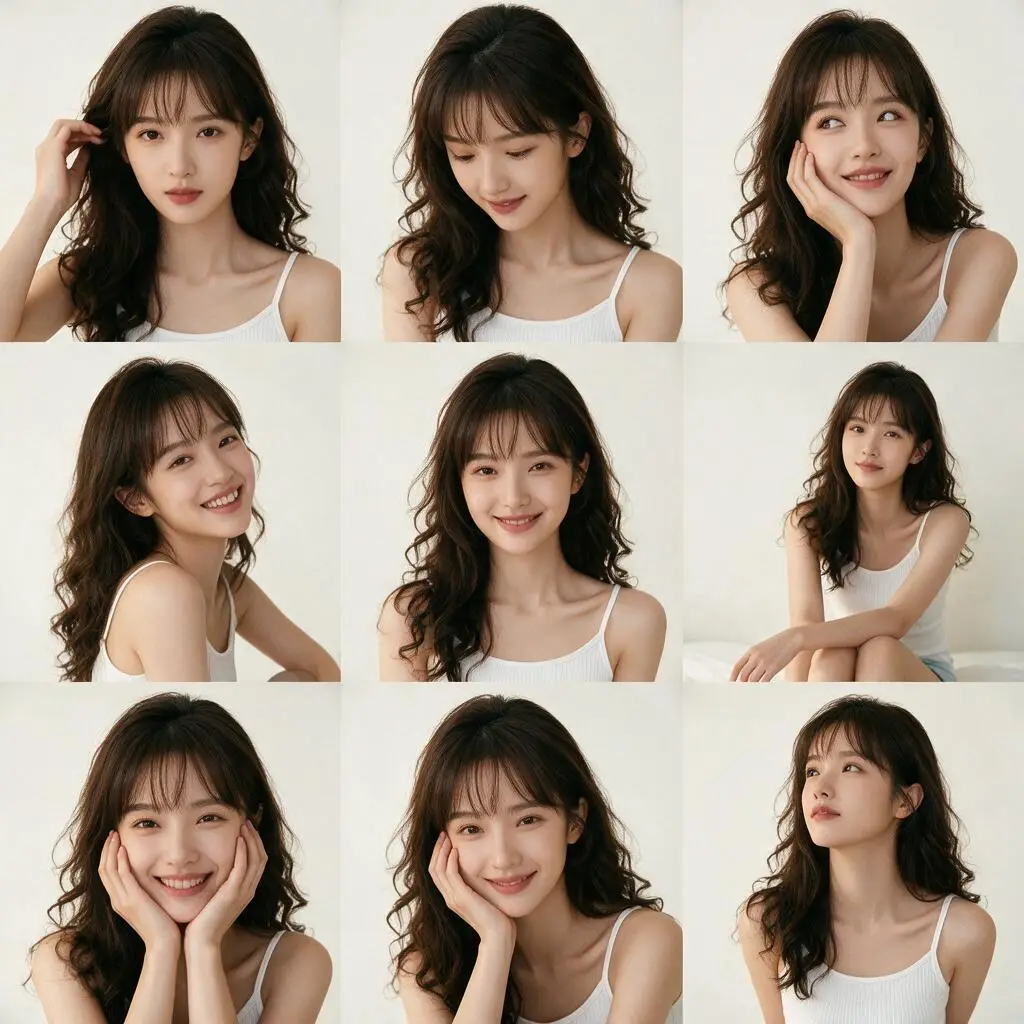
Pro 버전이 그 이름을 얻은 곳
세 가지 Seedream 버전이 동일한 선택기에 있으며 Pro가 맨 위에 있습니다. 그 격차는 계층화된 장면에서 나타난다. 해가 뜰 때 테이블 위에 아침 식사가 있고, 밖에 비가 내리고, 냉장고에 자석이 있는 주방을 요청하세요. 가벼운 모델은 조용히 목록의 절반을 차지합니다. Pro는 언급한 모든 개체를 렌더링하려고 시도하며 중간 거리의 면과 미세한 질감(천, 나뭇결, 브러시 처리된 금속)을 동일한 주의로 처리합니다.
또한 형제보다 긴 프롬프트를 더 잘 처리합니다. 캐릭터의 의상, 시간, 분위기, 카메라 각도 등 전체 단락을 작성할 수 있습니다. 모델은 훑어보지 않습니다. 각 요구 사항을 하나의 일관된 프레임으로 접습니다. 이는 행운의 무작위 결과를 얻기보다는 간단한 내용을 일치시킬 때 적합한 도구입니다.
종횡비, 품질 및 파일 형식
이 양식에는 세 가지 컨트롤이 표시됩니다. 종횡비는 정사각형 1:1, 가로 4:3, 3:2 및 16:9, 세로 3:4, 2:3 및 9:16, 표지 및 영웅 배너에 적합한 울트라와이드 21:9 등 8가지 옵션을 제공합니다. 생성하기 전에 모양을 결정하십시오. 나중에 동일한 아이디어를 재구성한다는 것은 새로운 작업을 실행하는 것을 의미합니다.
품질은 기본 1K와 고화질 2K 출력 간에 전환됩니다. 1K에서는 제도와 아이디어 찾기가 더 빨라집니다. 인쇄하거나 날려버리려는 최종 렌더링을 위해 2K로 전환하세요. 파일 형식은 JPEG 또는 PNG입니다. 웹에서는 JPEG가 더 가볍고, 이미지를 추가로 편집할 경우 PNG가 더 안전한 선택입니다.
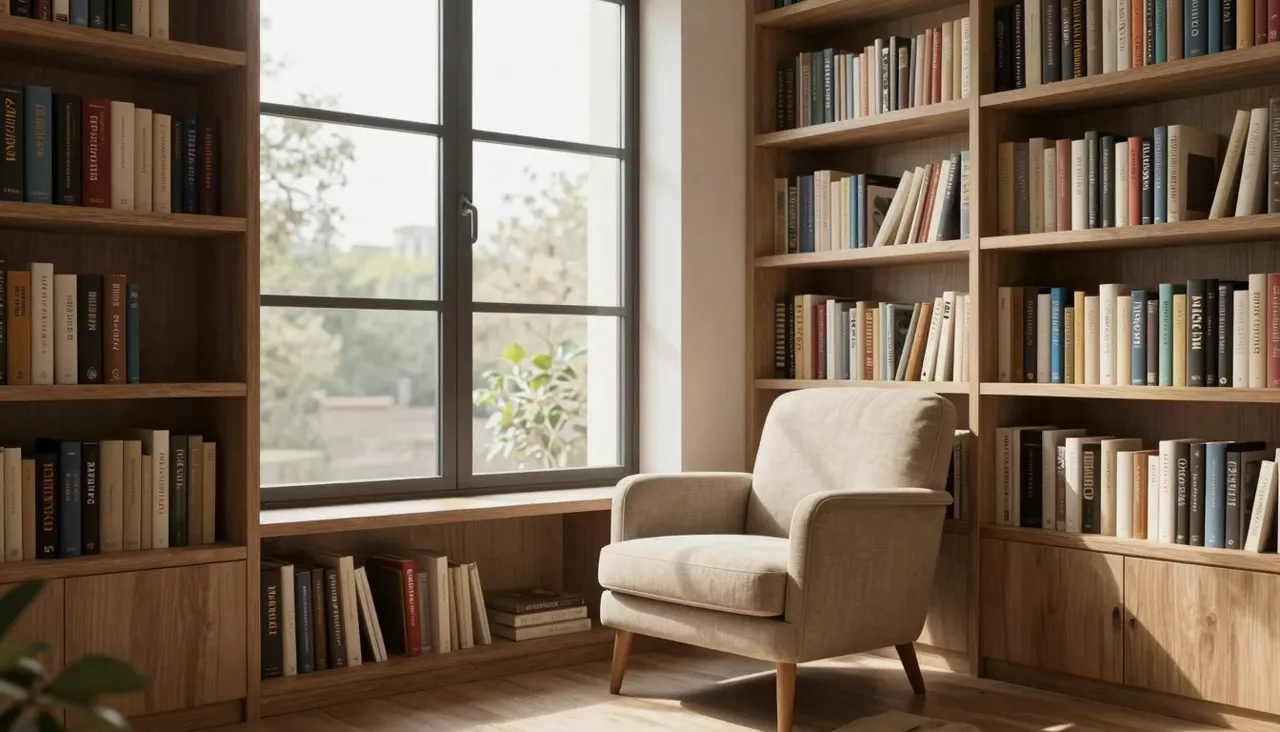
자신의 사진을 참고 자료로 사용
단일 요청에 최대 10개의 이미지를 첨부할 수 있습니다. 이것이 일반적인 장면에서 특정 장면으로 이동하는 방법입니다. 즉, 새로운 환경의 제품, 다른 포즈의 캐릭터, 새로운 주제에 적용된 일러스트레이션 스타일입니다. 모델은 업로드된 내용을 읽고 해당 개체, 색상 및 방식을 출력에 전달합니다.
실용적인 비결은 참조 유형을 혼합하는 것입니다. 하나는 물체용 사진, 다른 하나는 원하는 조명용 사진, 세 번째는 구성용 사진입니다. 그런 다음 프롬프트에서 매핑을 설명합니다. 첫 번째 이미지의 병은 두 번째 이미지처럼 빛납니다. 지시사항이 명확할수록 돌아오는 놀라움이 줄어듭니다.
완성된 이미지를 레이어로 분할하는 방법
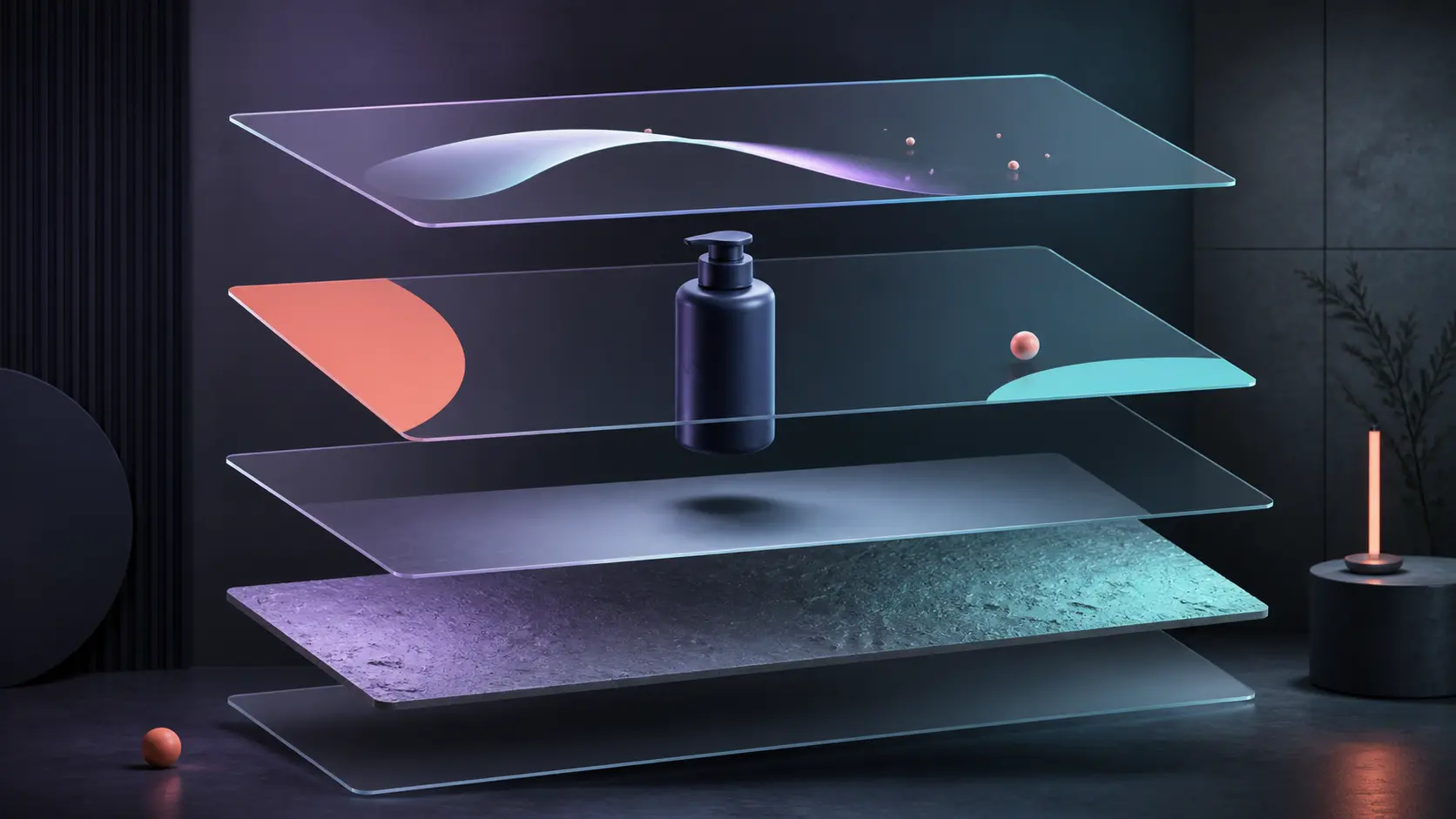
이미지를 레이어로 분할 모드에서 Seedream 5 Pro는 하나의 완성된 이미지를 가져와서 기본 이미지와 함께 분리된 개체, 배경, 그림자 및 기타 장면 요소를 반환합니다. 간단한 애니메이션을 위해 원본 PSD가 없어져 제품을 이동하거나, 배경을 교체하거나, 별도의 평면을 준비해야 할 때 유용합니다.
모드를 선택하고 JPEG 또는 PNG 중 하나를 업로드한 다음 자동, 1K, 1.5K 또는 2K를 선택합니다. 반품된 모든 부품은 하나의 내역 카드에 보관되며 별도로 다운로드할 수 있습니다. 이것은 완벽하게 라벨이 붙은 PSD가 아닙니다. 머리카락이 얇고 반투명한 가장자리는 여전히 정리가 필요할 수 있지만 모델은 시간이 많이 걸리는 첫 번째 분리를 자동으로 처리합니다.
이 모델이 가장 잘하는 직업
일반적인 성공: 평평한 흰색 배경 대신 실제 환경을 담은 제품 카드, 여러 캐릭터가 포함된 이벤트 포스터, 한 프레임에 다단계 프로세스를 보여주는 편집 일러스트레이션, 클라이언트가 실제로 논의할 수 있는 상세한 인테리어 컨셉. 시청자가 몸을 기울여 이미지를 살펴보는 곳이면 어디든 플래그십이 좋은 결과를 얻습니다.
빠른 작업(아바타, 밈, 평범한 배경)의 경우 같은 페이지의 더 가벼운 모델이 좋습니다. 생성 비용은 선택한 설정에 따라 다릅니다. 하나의 토큰 잔액으로 사이트의 모든 도구를 사용할 수 있습니다. 완성된 이미지는 기록에 저장되며, 여기서 다운로드하거나 편집하여 프롬프트를 다시 실행할 수 있습니다.
자주 묻는 질문
1K 및 2K 옵션은 무엇을 변경합니까?
출력 해상도만. 2K 각 측면의 디테일이 대략 두 배로 늘어나 인쇄, 대형 배너 및 대형 화면에 중요합니다. 휴대폰과 소셜 피드의 경우 일반적으로 1K이면 충분합니다. 주제와 스타일은 어느 쪽이든 동일하게 유지됩니다.
내 실제 제품을 장면에 배치할 수 있나요?
예. 제품 사진을 참조용으로 업로드하고(요청당 최대 10개의 파일) 원하는 설정을 설명하세요. 완벽한 픽셀 사본보다는 매우 유사할 것으로 예상되므로 게시하기 전에 결과를 검토하십시오.
이미지에 요청한 내용이 누락되었습니다. 왜?
과부하되거나 모순되는 프롬프트가 일반적인 원인입니다. 필수 요소와 추가 요소를 분리하세요. 장면과 구성을 먼저 설명한 다음 세부 사항을 설명하세요. 프롬프트 시작 부분에 필수 객체를 넣고 다시 생성하세요.