GPT 画像 1.5: 複雑なプロンプトに従う AI 画像生成
Bottom Line Up Front (BLUF): GPT 画像 1.5 は、プロンプト全体を実際に読み取る AI 画像ジェネレーターです。誰が左に立っているか、マグカップが何を言っているか、窓から見える天気は何かなど、十数の条件を記載した長いブリーフを渡すと、それらすべてを尊重する単一のフレームが構成されます。ブラウザ上で実行され、すべての結果が履歴に保存されます。
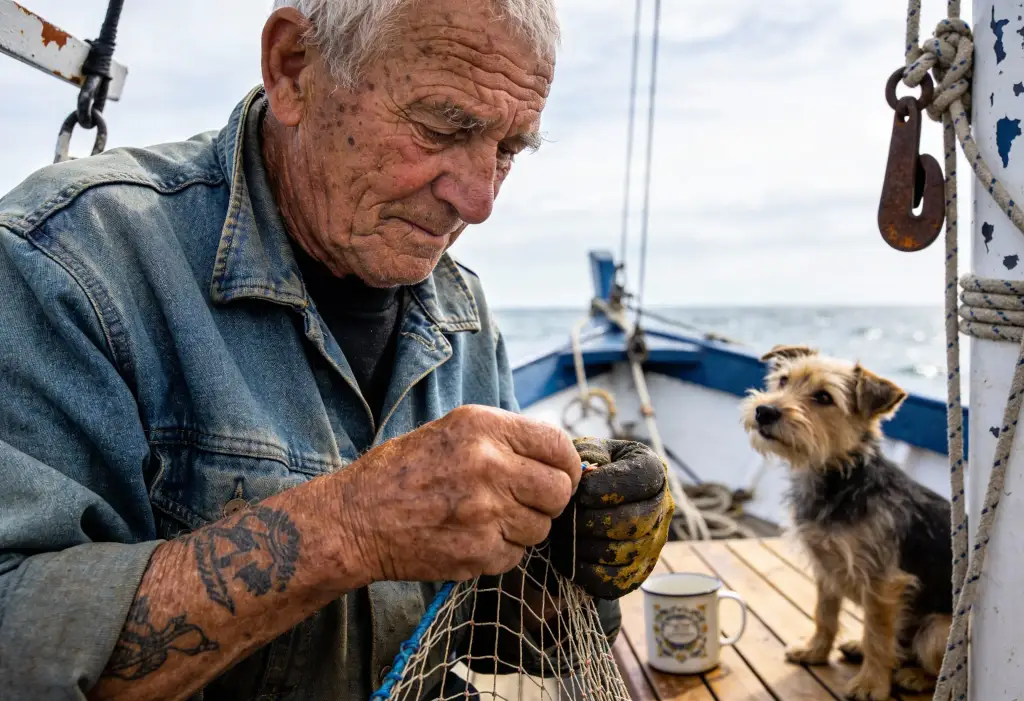
詳細な概要を理解できる理由
ほとんどのジェネレーターは 2 つまたは 3 つのキーワードを取得し、残りを即興で作成します。 GPT 画像 1.5 は言語モデルに基づいて構築されているため、オブジェクトの順序、数、空間的関係、さらにはシーンのロジックなど、テキスト全体を追跡します。窓辺に生姜猫がいて、ノートパソコンの横に緑のマグカップが置いてあり、外に雨が降っていることを要求すると、それが得られます。
この精度により、試行回数が節約されます。何度も再生成してサイコロを振るのではなく、徹底的な概要を 1 つ作成し、最初からやり直すのではなく、小さな部分を微調整します。違いは、複数の人物がいるシーン、特定の家具が配置されたインテリア、説明されているすべての要素が重要なエディトリアル イラストで最も顕著に見られます。
表示されるプロンプトを作成する方法
人間のイラストレーターに説明するかのように、何が起こるか、誰が関係するか、光はどこから来るか、雰囲気はどうかなどを平易な文章で書きます。ここでは長さが重要です。リクエストが具体的であればあるほど、モデルが独自に即興で作ることは少なくなります。
有用なパターンは一般的なものから具体的なものまであります。最初にシーンと構成、次にキャラクターの詳細、最後にスタイルと雰囲気です。結果がほぼ正しい場合は、最初からやり直すのではなく、履歴からプロンプトをコピーし、フレーズを 1 ~ 2 つ変更して再実行してください。通常、数回の反復により、ブリーフィングが正確にヒットするように調整されます。
実行ごとに最大 16 個の参照画像
モデルは、最大 16 個の画像を受け入れ、それぞれ最大 10 MB までです。これにより、合成ワークフローが可能になります。製品の写真、必要な背景の例、適切な色の雰囲気を持つ写真をドロップし、それらを組み合わせる方法をモデルに指示します。 1 つのオブジェクトのいくつかの角度は、形状を把握するのに役立ちます。
参照は編集にも威力を発揮します。ショットをアップロードし、変化を言葉で説明します。机を片付け、服装を交換し、壁を塗り直します。指示が明確であればあるほど、編集はより明確になります。結果は履歴に表示され、ダウンロードしたり、別の絞り込みラウンドに送信したりできるようになります。
アスペクト比と 2 つの品質レベル
正方形 1:1、ポートレート 2:3、ランドスケープ 3:2 の 3 つのフレーム形式が利用可能です。正方形はアバターやフィード投稿に適しており、ポートレートは人物や製品カードに適しており、風景は記事のカバーやスライドデッキに適しています。生成する前にフォームで形式を選択します。
品質は中と高の間で切り替わります。 Medium は高速で、下書き、構成の検索、素早いプレビューに適しています。 「高」では、より洗練された画像が生成されます。最終バージョン、クローズアップ、印刷用または目立つ配置に使用する場合は、高に切り替えてください。価格は選択した品質によって異なります。
このモデルが輝く場所
ストーリー固有の記事のイラスト、複数のキャラクターのシーン、インフォグラフィック スタイルのスケッチ、ストーリーボードのフレームなど、仕様の忠実な実行が重要な場合に最高のパフォーマンスを発揮します。デザイナーはこれを迅速なモックアップに使用します。画面、カバー、またはパッケージを説明し、議論可能なドラフトを 1 回のパスで取得します。
ショップにとって、これは商品を演出する方法です。写真をアップロードして、それを窓際の大理石のテーブルに置くか、モデルの手に置くように依頼します。ブロガーにとって、これは投稿のトピックにほぼ一致するのではなく、正確に一致するカバーの工場です。シンプルに始めて、上限が見つかるまで条件を追加し続けます。
Frequently asked questions
参考画像は何枚まで添付できますか?
世代ごとに最大 16 個、それぞれ最大 10 MB まで。ある写真から製品、別の写真から背景、3 番目の写真からパレットなど、役割を組み合わせることができます。プロンプトで各画像の用途を説明すると、モデルはそれに応じてそれらを組み合わせます。
中品質と高品質の違いは何ですか?
高くすると、より詳細なレンダリングが行われ、コストが高くなります。中程度の方が早くて安いです。実践的なルーチン: Medium でコンポジションを探索し、最終バージョン用に High で履歴から優勝プロンプトを再生成します。
長いプロンプトは本当に役に立ちますか?
このモデルでは、そうです。特に、一度に多くの条件を保持することに優れているため、配置、照明、雰囲気に関する追加の詳細は、混乱ではなく制御につながります。曖昧な一文はその主な利点を無駄にしてしまいます。