SeeDance 2.0 Relaxed: AI Video Generation with Fewer Content Restrictions
This edition of SeeDance 2.0 is an AI video generator built for creators who keep hitting moderation walls. Fight choreography, horror gore, edgy fashion, dark storylines — standard models often reject such prompts outright, while here the filters are noticeably lighter. You still get the full second-generation toolkit: text plus references in the form of images, video and audio.
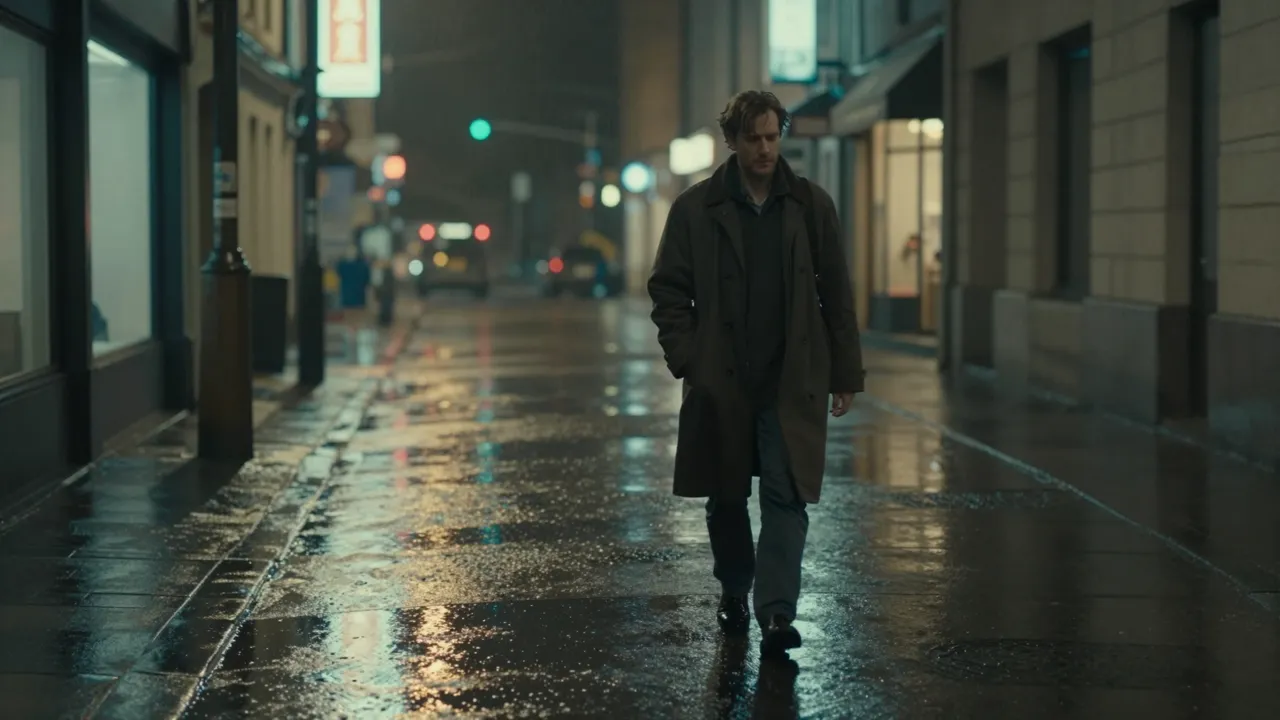
What relaxed filtering really means
Mainstream video models play it safe: a prompt mentioning a fight, a weapon, horror imagery or even a beach outfit can bounce back with a vague refusal. This version sets the trigger threshold lower — artistic violence, grim atmospheres and bold aesthetics pass where a regular model would return a moderation error.
Know the boundaries, though: this is a tool for filmmakers and content creators, not a loophole. Anything illegal stays blocked. What changes is that action scenes for a trailer, a gothic music video, a noir short or daring cosplay footage stop being a gamble — your generations go into the craft instead of endless rewording of the same idea.
Face references and a persistent character
Beyond ordinary image references, there is a dedicated upload slot for face photos. The model carries a specific person's appearance into the shot, so your hero stays the same from clip to clip. That unlocks serial formats: one character living through different scenes while the audience keeps recognizing them.
Motion comes from video examples — attach a snippet of a dance, a fight combo or a camera move, and the generated scene inherits that exact physicality. The result is a construction kit: a face from here, movement from there, setting from the text. Each file controls its own layer, which makes the outcome easy to steer.
Start frame and end frame mode
A separate mode generates the clip between two anchor images. You upload the frame the video must open on and the frame it must close on, and the network builds a smooth transition connecting them. It is the strictest way to lock composition: the opening and the ending are exactly yours, the model only invents the journey between.
This shines for dramatic transformations — day turning to night in the same location, a sketch growing into a finished product, a person morphing into a monster for a horror teaser. It also stitches long stories together: the closing frame of one scene becomes the opening frame of the next, and the seam disappears.
Sound, speed and render settings
Clips can be generated with sound straight away — audio is a simple toggle in the form. Alternatively, attach your own track as a reference so the action lands on your music. Aspect ratio, duration and resolution are set before launch, and a speed selector separates quick drafts from final renders.
Finished videos live in your generation history, where you can download them, extend them, grab the closing frame or rerun a prompt with adjustments. Pricing scales with length and quality and comes off the same token balance you use everywhere else on the site.
Who should pick this edition
Choose it when your material fights the filters: action trailers, horror shorts, brooding music videos, sharp satire, provocative fashion films. It is also the right pick when a project depends on one recognizable hero — the dedicated face pipeline here is the strongest of the family.
If your subjects are neutral — product demos, family greetings, corporate intros — the standard SeeDance 2.0 serves just as well; image quality across the two editions is comparable, so there is no point paying for freedom you never use. This one is a specialist tool, and within its niche nothing else compares.
Frequently asked questions
Can I really generate anything here?
No. The filters are gentler than on standard models, so artistic violence and bold aesthetics pass more freely, but illegal content is still blocked. Think of it as creative freedom, not a way around the law.
How do I get a specific person into the video?
Upload their photos into the dedicated face slot — the model transfers the likeness into the generated scene. Clear shots without sunglasses or bystanders give the closest resemblance.
Why would I set a first and last frame?
It pins down exactly how the clip opens and closes, leaving only the transition to the AI. Perfect for transformation effects, for chaining episodes of a longer story, and whenever composition matters more than surprise.