Vibe coding courses: learn by building your own project

Vibe coding courses work best when they teach a repeatable practice: turn an idea into clear requirements, test the result, and improve it in small iterations. You can also learn the same workflow without a formal course by building one small project in the browser on NeuralSpace and recording what worked after every run.
What useful training actually teaches
A practical course is more than a collection of impressive demos. It teaches decomposition: instead of asking for a whole marketplace, define one user task, its screens, its data and its rules. It also teaches testing: try the main buttons, empty fields and invalid input. Finally, it teaches precise revisions: name the screen, the element and the expected behaviour rather than rewriting the entire request.
Choose a learning format
Short introductory courses offer a sequence of lessons and prepared assignments. Mentoring can speed up feedback on mistakes, while self-directed learning creates a portfolio immediately: every exercise becomes part of your own site, calculator or internal tool. A practical combination is to borrow a lesson structure but use your own problem and constraints.
A four-session practice plan
First, make a one-page service site with a heading, benefits and a contact form. Next, add one action such as a two-input cost calculator. Then improve the mobile layout and button clarity. In the fourth session, define three tests for empty fields, long text and repeated clicks. This develops the core skill: writing conditions that can be checked.
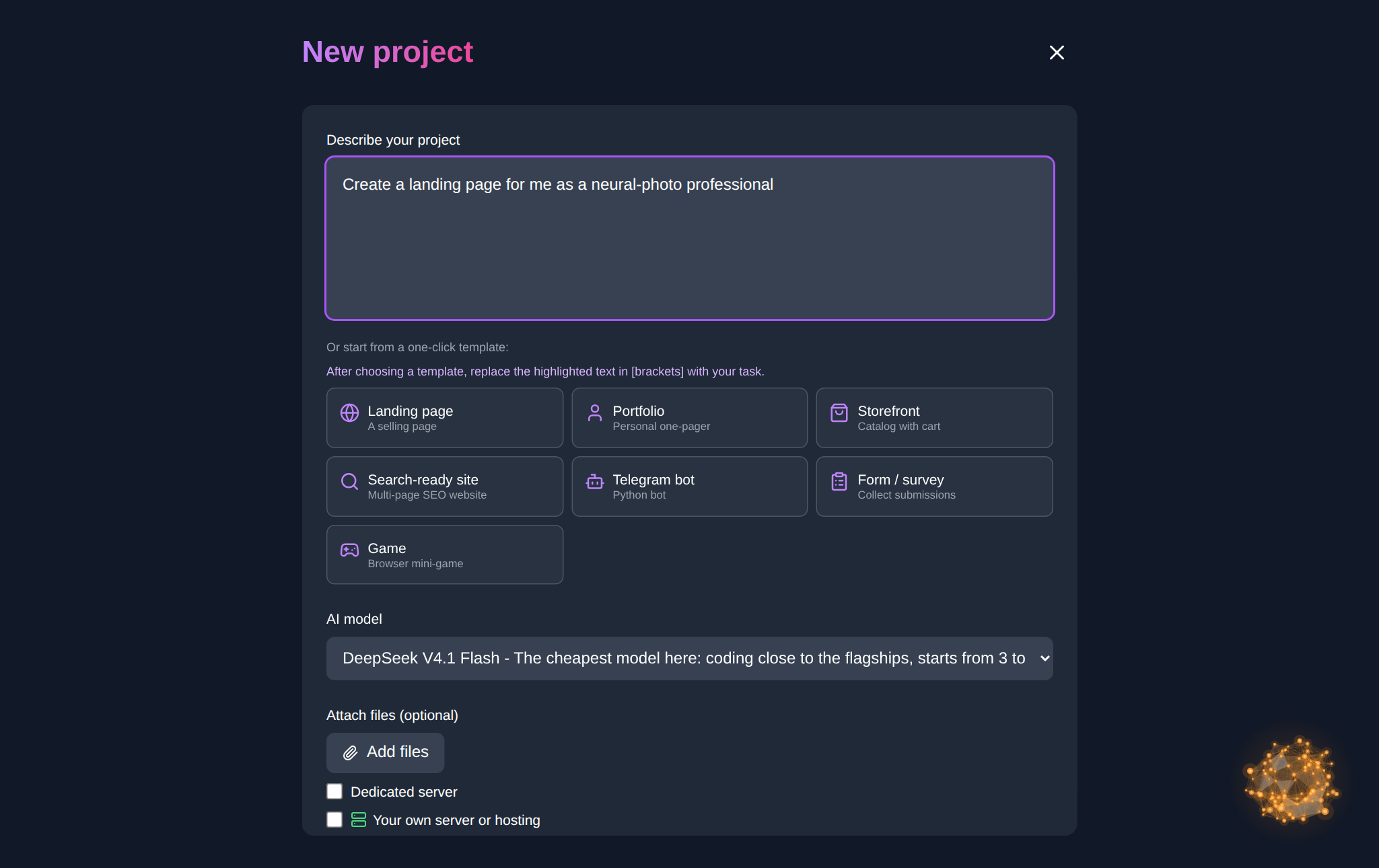
Practise on NeuralSpace
Open the NeuralSpace vibe coding section and start with one paragraph: “Build a consultation booking page with name, phone, date selection, required-field validation and a confirmation message.” Run the project, test it, then make the next request. Choose DeepSeek for a first draft and routine edits; try Claude or ChatGPT when the logic is more complex or you need a careful error review. You can first outline requirements in Chat and transfer the agreed description to the project.
A prompt template for practice
Use: “Goal — …; the user can …; first screen shows …; fields/data — …; on error — …; style — …; finally test …”. Specific acceptance criteria make a generated project much easier to assess.
FAQ
Do I need programming experience?
No. Clear descriptions and careful testing are enough for a first project; basic web concepts will make later requests more precise.
What should my first project be?
Pick one simple flow: a booking form, calculator, event page or task list. Avoid a large service with payments, roles and many screens at first.
How do I avoid wasting tokens?
Write a short requirement list, change one part per request and test before the next step. New users receive starter tokens; further work is paid for in tokens with no subscription.
Where can I keep practising?
Create a project in NeuralSpace vibe coding and use Chat to refine ideas and requirements.